Visitor takeaway
57/100
Fair AI-discovery coverage across description, prompts, keywords, visuals, tool metadata, health, and freshness.
by Spheric Admin Ltd(Community)
Visitor takeaway
57/100
Fair AI-discovery coverage across description, prompts, keywords, visuals, tool metadata, health, and freshness.
Routing category
Entertainment
This app has a primary category, so visitors can browse and compare it in the right directory context.
Connector evidence
Reachable
Tedix can reach this MCP endpoint and can show live capability evidence when tools are discovered.
Directory freshness
22h ago
Catalog metadata was refreshed 22h ago (June 23, 2026).
Practice chess with ChatGPT! Take turns to move, and ask for suggestions or feedback e.g. - \"Let's play chess\" - \"Setup chess with fool's mate, I'm black\" - \"Render the critical turning point from the Immortal Game in the chess widget\"

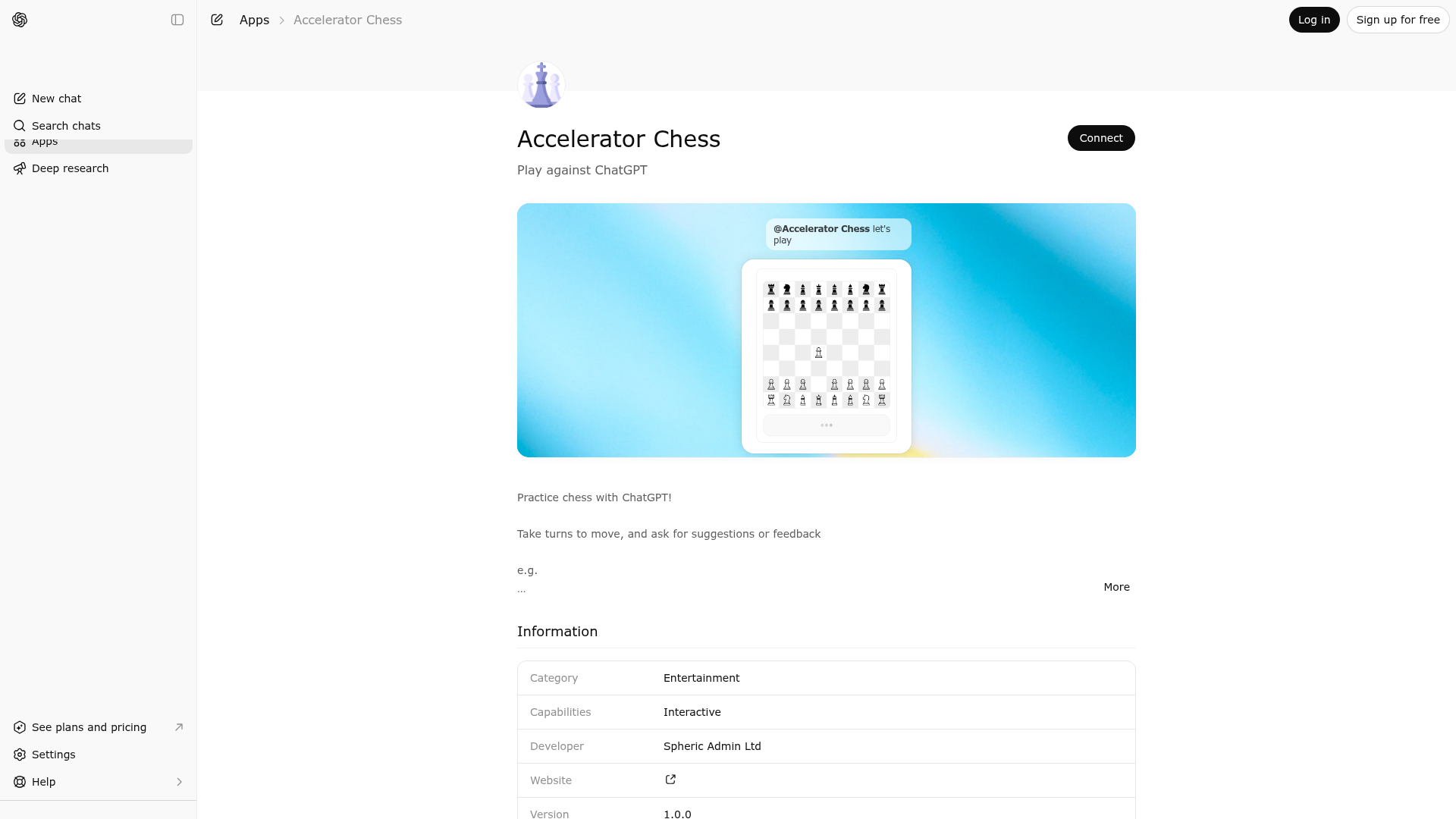
Accelerator Chess is indexed by Tedix as a structured entertainment listing for AI assistants, search crawlers, and users comparing agent-ready apps.
Use this page to understand whether Accelerator Chess is relevant for entertainment workflows in AI assistants.
For MCP discovery, this listing helps crawlers connect Accelerator Chess to tool, resource, prompt, and server-health signals instead of treating it as a generic directory entry.
The canonical Tedix directory URL is https://tedix.dev/apps/accelerator-chess/.
Tedix identifies Accelerator Chess from Upstream Mcp tool source; Store sources: ChatGPT app store; Distribution: Ecosystem Directory; Tenant install: A platform catalog operator must create or reconcile the base app before tenants can install this entry.. Availability is reported for FR, US, GB, ES, KR, IN.
Authentication: Open Access. Accelerator Chess is flagged for Works in Conversation. Current MCP inventory reports 2 tools, 1 resources, and 0 prompts.
Use to continue an ongoing playable chess game in conversation widgets. This tool is for standard legal chess positions only. Call it when the widget or the user provides the current board state and asks you to make your legal reply move. This is the follow-up move tool for an already-started game. The tool requires: - the current canonical `fen` - the existing `userColor` - your legal `modelMove` for that position The move is validated and applied to the supplied position before the updated board is returned. Use this tool after the user has already moved in the widget, or when the user explicitly gives you the current ongoing position and asks for your next move. Do not use this tool to open a fresh game with no move yet, or to load an initial board position without applying your move. For those cases, use `start-chess`. Do not call this tool for: - puzzles - commentary-only analysis - non-standard chess variants Do not invent board states, castling rights, or illegal moves. Let the tool validate the position and move sequence.
Use to start a playable chess game in a conversation widget. This tool is for standard legal chess positions only. Call it when the user asks to begin a new game, load a specific FEN position into the widget, or open a playable board for the first chess tool call in the conversation. The tool accepts: - an optional canonical FEN string. If this is not specified, a fresh board is used - an optional user color. Defaults to 'w' - an optional assistant move as `modelMove` If the starting position is a fresh board, `modelMove` is required if and only if the user is Black. That means: - when the user is White, you are Black, so do not provide `modelMove` - when the user is Black, you are White, so provide your legal opening move as `modelMove` If the starting position is not a fresh board, `modelMove` should be supplied if and only if it is your. When supplied, that move is validated and applied before the updated board is returned. Use this tool to keep the conversation synchronized with the real board state rather than describing hypothetical moves in plain text. After the user makes a move inside the widget, the widget will persist the updated position and send a follow-up asking you to move. Respond to that follow-up with `continue-chess`, not this tool. Do not call this tool for: - puzzles - commentary-only analysis - non-standard chess variants Do not invent board states, castling rights, or illegal moves. Let the tool validate the position and move sequence.
Comparable apps in Entertainment include 123 Piano, 789 Sudoku, A-Z Dictionary, ABC Crossword.
Public trust signals for visitors and practical recommendations for publishers. Use this section to understand what Tedix can verify today and what would make the app easier for AI agents to find.
Visitor takeaway
57/100
Fair AI-discovery coverage across description, prompts, keywords, visuals, tool metadata, health, and freshness.
Routing category
Entertainment
This app has a primary category, so visitors can browse and compare it in the right directory context.
Connector evidence
Reachable
Tedix can reach this MCP endpoint and can show live capability evidence when tools are discovered.
Directory freshness
22h ago
Catalog metadata was refreshed 22h ago (June 23, 2026).
https://chess.widgets.widget.olutely.com/mcpLast checked: May 31, 2026
Use `start-chess` whenever the user wants to start a chess game or load a starting position into the chess widget. When starting a fresh game, omit `fen` and let the user play White unless they explicitly request otherwise. On a fresh board, include `modelMove` only when the user is Black and you must make White's opening move first. Use `continue-chess` when the widget or user gives you the current game state and asks for your legal reply move. Always pass the current `fen`, the existing `userColor`, and a legal `modelMove` for your side. Do not invent illegal moves or alter the position outside the tool.
Showing 2 of 2 tools
| Tool | Description | Flags | Test | Last Tested | |
|---|---|---|---|---|---|
continue-chess | Use to continue an ongoing playable chess game in conversation widgets. This tool is for standard legal chess positions only. Call it when the widget or the user provides the current board state and asks you to make your legal reply move. This is the follow-up move tool for an already-started game. The tool requires: - the current canonical `fen` - the existing `userColor` - your legal `modelMove` for that position The move is validated and applied to the supplied position before the updated board is returned. Use this tool after the user has already moved in the widget, or when the user explicitly gives you the current ongoing position and asks for your next move. Do not use this tool to open a fresh game with no move yet, or to load an initial board position without applying your move. For those cases, use `start-chess`. Do not call this tool for: - puzzles - commentary-only analysis - non-standard chess variants Do not invent board states, castling rights, or illegal moves. Let the tool validate the position and move sequence. | read-only | 100%Latency 240ms | May 8, 2026 | |
start-chess | Use to start a playable chess game in a conversation widget. This tool is for standard legal chess positions only. Call it when the user asks to begin a new game, load a specific FEN position into the widget, or open a playable board for the first chess tool call in the conversation. The tool accepts: - an optional canonical FEN string. If this is not specified, a fresh board is used - an optional user color. Defaults to 'w' - an optional assistant move as `modelMove` If the starting position is a fresh board, `modelMove` is required if and only if the user is Black. That means: - when the user is White, you are Black, so do not provide `modelMove` - when the user is Black, you are White, so provide your legal opening move as `modelMove` If the starting position is not a fresh board, `modelMove` should be supplied if and only if it is your. When supplied, that move is validated and applied before the updated board is returned. Use this tool to keep the conversation synchronized with the real board state rather than describing hypothetical moves in plain text. After the user makes a move inside the widget, the widget will persist the updated position and send a follow-up asking you to move. Respond to that follow-up with `continue-chess`, not this tool. Do not call this tool for: - puzzles - commentary-only analysis - non-standard chess variants Do not invent board states, castling rights, or illegal moves. Let the tool validate the position and move sequence. | read-only | 100%Latency 214ms | May 8, 2026 |
Fair
57 of 100 — how easily AI agents can find this app
Add at least 2 example prompts. Prompt examples strongly improve app matching and click-through intent.
Increase keyword coverage (discovery + trigger) to improve retrieval for long-tail queries.
Provide a stable HTTPS logo URL (avoid connectors://) so cards render consistently across clients.
Add at least 2 screenshots that show real workflows to increase confidence and conversion.