Visitor takeaway
55/100
Fair AI-discovery coverage across description, prompts, keywords, visuals, tool metadata, health, and freshness.
by Spheric Admin Ltd(Community)
Visitor takeaway
55/100
Fair AI-discovery coverage across description, prompts, keywords, visuals, tool metadata, health, and freshness.
Routing category
Entertainment
This app has a primary category, so visitors can browse and compare it in the right directory context.
Connector evidence
Reachable
Tedix can reach this MCP endpoint and can show live capability evidence when tools are discovered.
Directory freshness
8h ago
Catalog metadata was refreshed 8h ago (July 18, 2026).
An easy fun way to play the piano/keyboard in ChatGPT and discuss your performance with the AI! e.g. - \"@123 Piano I want to play a piano\" - \"@123 Piano Give me a piano to play chopsticks\" - \"@123 Piano Show me a piano to play a tune I made up\"

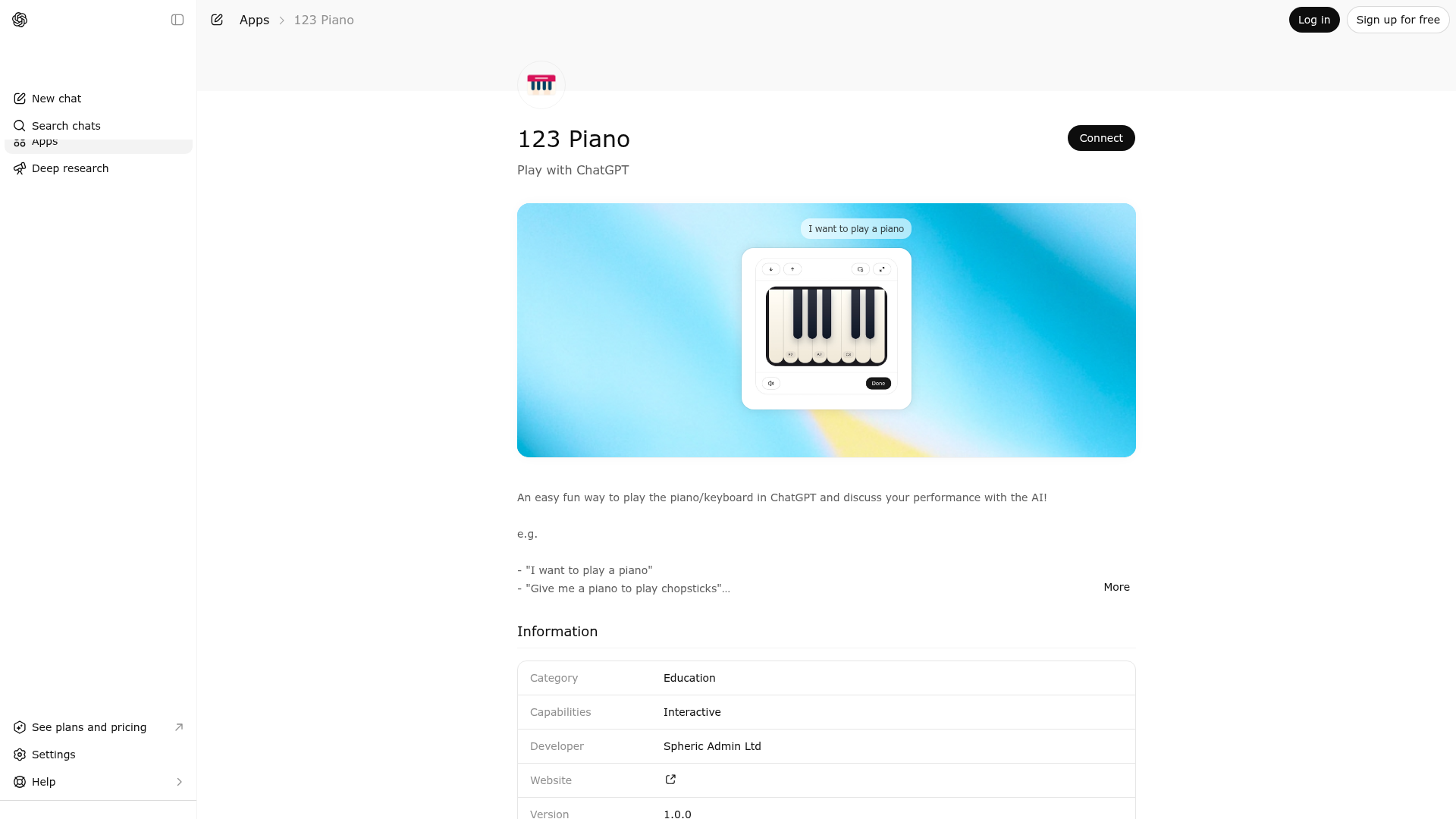
123 Piano is indexed by Tedix as a structured entertainment listing for AI assistants, search crawlers, and users comparing agent-ready apps.
Use this page to understand whether 123 Piano is relevant for entertainment workflows in AI assistants.
For MCP discovery, this listing helps crawlers connect 123 Piano to tool, resource, prompt, and server-health signals instead of treating it as a generic directory entry.
The canonical Tedix directory URL is https://tedix.dev/apps/123-piano/.
Tedix identifies 123 Piano from Upstream Mcp tool source; Store sources: ChatGPT app store; Distribution: Ecosystem Directory; Tenant install: A platform catalog operator must create or reconcile the base app before tenants can install this entry.. Availability is reported for FR, US, GB, ES, KR, IN.
Authentication: Open Access. 123 Piano is flagged for Works in Conversation. Current MCP inventory reports 1 tools, 1 resources, and 0 prompts.
Use to open an interactive piano keyboard inside the conversation when the user wants to play notes directly for the model. This tool is appropriate when the user needs a hands-on musical input surface rather than a text-only exchange. After rendering, the widget lets the user press piano keys, optionally hear synthesized tones in the browser, move through octave ranges in compact layouts, and switch between inline, picture-in-picture, and fullscreen display modes while the captured note list is persisted as they play. The widget captures each played note in standard ABC notation and stores the note start time plus held duration, using zero for the first note start and milliseconds after that for the rest. This makes the tool useful for melody capture, rough rhythmic phrasing, motif demonstration, interval checking, and similar musical tasks where the exact performance sequence matters. The tool returns an initially empty note array, and the widget then persists the evolving played-note data in widget state as the user interacts with it. Use this tool when the user says they want to play a tune, demonstrate notes on a keyboard, provide a melody by performing it, or otherwise input music interactively. Do not use it for general conversation about pianos, for purely textual notation questions, or for tasks that can be answered without an interactive keyboard.
Comparable apps in Entertainment include 789 Sudoku, A-Z Dictionary, ABC Crossword, AI Color Picker - Design Tool.
Public trust signals for visitors and practical recommendations for publishers. Use this section to understand what Tedix can verify today and what would make the app easier for AI agents to find.
Visitor takeaway
55/100
Fair AI-discovery coverage across description, prompts, keywords, visuals, tool metadata, health, and freshness.
Routing category
Entertainment
This app has a primary category, so visitors can browse and compare it in the right directory context.
Connector evidence
Reachable
Tedix can reach this MCP endpoint and can show live capability evidence when tools are discovered.
Directory freshness
8h ago
Catalog metadata was refreshed 8h ago (July 18, 2026).
MCP list method errors: prompts: RPC error -32601: Method not found
https://piano.widgets.widget.olutely.com/v2/mcpLast checked: 2d ago
Call the `piano` tool when the user wants to play a piano keyboard inside the conversation so they can provide notes and timings through the widget.
MCP list method errors: prompts: RPC error -32601: Method not found
Showing 1 of 1 tools
| Tool | Description | Flags | Test | Last Tested | |
|---|---|---|---|---|---|
piano | Use to open an interactive piano keyboard inside the conversation when the user wants to play notes directly for the model. This tool is appropriate when the user needs a hands-on musical input surface rather than a text-only exchange. After rendering, the widget lets the user press piano keys, optionally hear synthesized tones in the browser, move through octave ranges in compact layouts, and switch between inline, picture-in-picture, and fullscreen display modes while the captured note list is persisted as they play. The widget captures each played note in standard ABC notation and stores the note start time plus held duration, using zero for the first note start and milliseconds after that for the rest. This makes the tool useful for melody capture, rough rhythmic phrasing, motif demonstration, interval checking, and similar musical tasks where the exact performance sequence matters. The tool returns an initially empty note array, and the widget then persists the evolving played-note data in widget state as the user interacts with it. Use this tool when the user says they want to play a tune, demonstrate notes on a keyboard, provide a melody by performing it, or otherwise input music interactively. Do not use it for general conversation about pianos, for purely textual notation questions, or for tasks that can be answered without an interactive keyboard. | read-only | 100%Latency 216ms | May 9, 2026 |
Fair
55 of 100 — how easily AI agents can find this app
Add at least 2 example prompts. Prompt examples strongly improve app matching and click-through intent.
Increase keyword coverage (discovery + trigger) to improve retrieval for long-tail queries.
Provide a stable HTTPS logo URL (avoid connectors://) so cards render consistently across clients.
Add at least 2 screenshots that show real workflows to increase confidence and conversion.