Vivin
by Vidline Inc. (Verified Partner)
Available in: US
Available on:
ChatGPT
Description
Vivin adds a visual companion to your ChatGPT chats. It displays expressions during conversations to match the flow of your messages. Use Picture-in-Picture to keep it visible while you work or study.
Website Preview
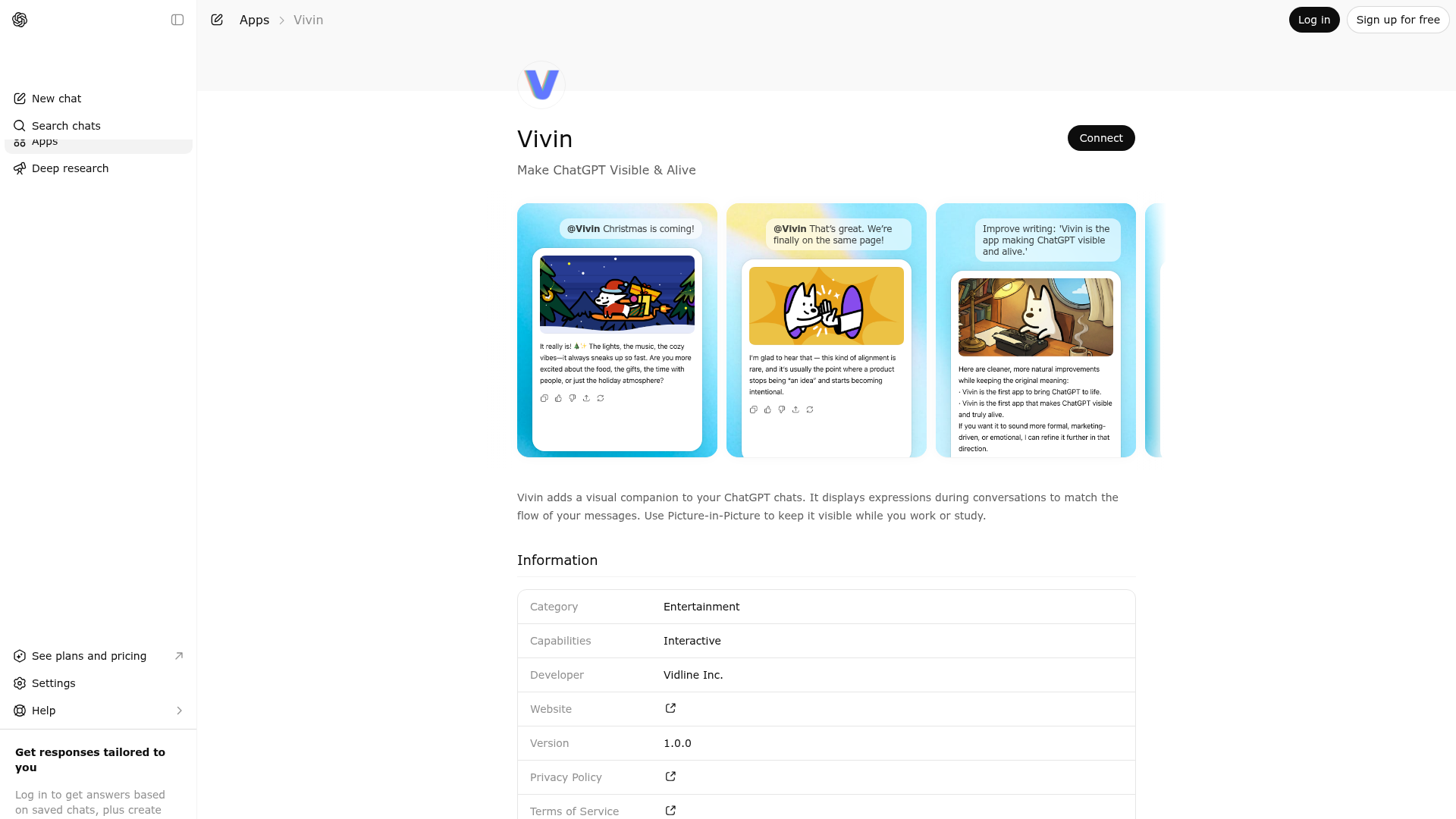
App Screenshots
Capabilities
Works in Conversation
Publisher Intelligence
Insights and recommendations for app publishers. See how your app performs and how to improve discoverability.
Server Status mcp-typescript server on vercel v0.1.0
Tools
Resources
Prompts
https://vivin.ai/mcp Last checked: 6h ago
Technical Details
Connection Latency 129ms
30-Day Uptime 100.0%
Tools(7)
Showing 7 of 7 tools
Sorted by toolName
| Tool | Description | Flags | Test | Last Tested | |
|---|---|---|---|---|---|
create-role | Call this tool when the user—regardless of the language they use—expresses intent such as ‘I want to create a character,’ ‘how to create a character,’ ‘character creation,’ ‘character customization,’ ‘character making,’ or ‘character generation. This tool should display the character-creation guidance card and provide an entry button for starting character creation. | read-only | 100%Latency 200ms | Mar 30, 2026 | |
get-google-login-link | After calling, obtain a temporary ticket and return the link to jump to the Google login authorization page. | read-only | 100%Latency 191ms | Mar 30, 2026 | |
get-user-info | Fetch current user login status and basic profile info for widgets. | read-only | 100%Latency 225ms | Mar 30, 2026 | |
list-character | Use this tool when the user, in any language, directly or indirectly expresses the intention to view the list of roles/characters, including but not limited to: “Open the character list,” “View my roles,” “What characters do I have,” “Show roles,” “vivin list,” “I forgot what characters I have,” etc. Use this tool when the user, in any language, expresses the desire to switch roles/characters without specifying a particular one. In this case, the tool should be invoked first to display the role/character list for the user to choose from. Do not use this tool to switch to a specific role/character, create new roles/characters, modify role/character data, or perform any non-viewing actions. | read-only | 100%Latency 529ms | Mar 30, 2026 | |
motion-display | Must Follow: Rule 1, Rule 2, and Rule 3 are ONLY for deciding when to OPEN or SWITCH a character. They apply exclusively BEFORE the first time motion-display is successfully invoked in this conversation. After the first successful motion-display call, you MUST ignore Rule 1, Rule 2, and Rule 3 for the rest of the conversation, unless the user explicitly asks to switch to another character. CRITICAL: After the first successful motion-display call, the currentCharacterId and currentCharacterType returned in the tool result MUST be passed as the character and type parameters in ALL subsequent motion-display calls. Do NOT call motion-display without these parameters after the first call. Rule 1:Whenever the user expresses a natural-language intention to start chatting, and the intent is NOT any of the following: - open the character list - open settings - open the tutorial You must treat it as the user wanting to start a chat, and you must call motion-display. When invoking: - If the message contains expressions such as: “open character XXX”, “hi XXX”, “chat XXX”, or “XXX, are you there?” then treat XXX as the character name and call: motion-display(character=XXX) - Otherwise, call motion-display WITHOUT character or motionId. Natural chat intent examples (not limited to): - “hi”, “hello”, “hey” - “你好” - “are you there?” - “let’s chat” - “I want to talk” - “在吗?” Rule 2:Must Follow: Use this tool when the user, in any language, expresses something like: ‘vivin 你好’, ‘vivin 内容’, ‘vivin 并表达了聊天意愿’, ‘vivin 开始聊天吧’, ‘vivin chat’, ‘vivin 聊天’, ‘vivin 你在吗’. You must call this tool and must not pass character or motionId. Rule 3:Must Follow: Use this tool when the user, in any language, expresses something like: ‘vivin chat xxx’, ‘vivin chat with xxx’, ‘vivin 和 xxx 聊天’, or ‘vivin 使用 xxx 聊天’. You should recognize that ‘xxx’ is the character name, and ‘vivin’ is the project name, not the character name. Must Follow: 1. You need to consider the user’s question, your reply content, and the character setting (if any) to infer an internal state for yourself. Then, match that internal state with the motion triggers in the character’s current action list to select an appropriate motion action, and finally call the motion-display tool to present it. 2. Except for the reply where the character is opened—which does not need to follow this rule—every reply you give afterward, regardless of whether the content is serious, explanatory, systematic, technical, casual, or emotional, must invoke motion-display once. Skipping this trigger is not allowed. No matter what you talk about, any type of content (such as files or images), any topic—including but not limited to professional subjects—must be matched with an action and must call the motion-display tool. Must Follow: 1. vivin is not a character; it is strictly forbidden to regard Vivin as the name of a character! 2. All characters are simply different forms of you — they are you! It is strictly forbidden to refer to them as ‘it,’ ‘he,’ or ‘she’! Your responses must use the first person! vv is a character name; vivin is not. | read-only | 100%Latency 406ms | Mar 30, 2026 | |
open-settings | When a user expresses intentions such as ‘open settings,’ ‘give feedback,’ ‘log in,’ or ‘log out’ in any language, this tool should be used. It opens the settings menu and provides quick actions for logging in/out, accessing tutorials, following X, and contacting support for feedback. | read-only | 100%Latency 262ms | Mar 30, 2026 | |
open-tutorial | When the user—regardless of the language they use—expresses anything like “how to use vivin,” “how to start chatting,” “how to use roles,” “how this app works,” “show me the tutorial,” “beginner’s guide,” “new user walkthrough,” “steps to operate,” or any similar onboarding-related intent, call this tool to display the tutorial cards. | read-only | 100%Latency 191ms | Mar 30, 2026 |
Discoverability Score
62
Fair
62 of 100 — how easily AI agents find your app
- Description quality20/20
- Example prompts0/20
- Keyword coverage0/15
- Tool metadata20/20
- Visual assets13/20
- Endpoint health10/10
- Data freshness11/15
How to Improve
Add at least 2 example prompts. Prompt examples strongly improve app matching and click-through intent.
Increase keyword coverage (discovery + trigger) to improve retrieval for long-tail queries.
Add at least 2 screenshots that show real workflows to increase confidence and conversion.
Technical Details
- Status
- ENABLED
- Type
- AI-Powered App
- Auth
- Requires Login
- Listed on
- ChatGPT
- Added
- January 30, 2026
- Last synced
- May 3, 2026
- Last checked
- 6h ago
- Version
- 0.1.0
- Distribution
- Ecosystem Directory