ABC Crossword
Description
The best way to do crosswords with ChatGPT. Just ask it to generate a crossword for you- large or small, simple or cryptic- you can even give it a theme! e.g. - "Display a crossword I can complete, based on place names" - "Show the crossword widget with bird names" - "Give me an interactive cryptic crossword"
Website Preview
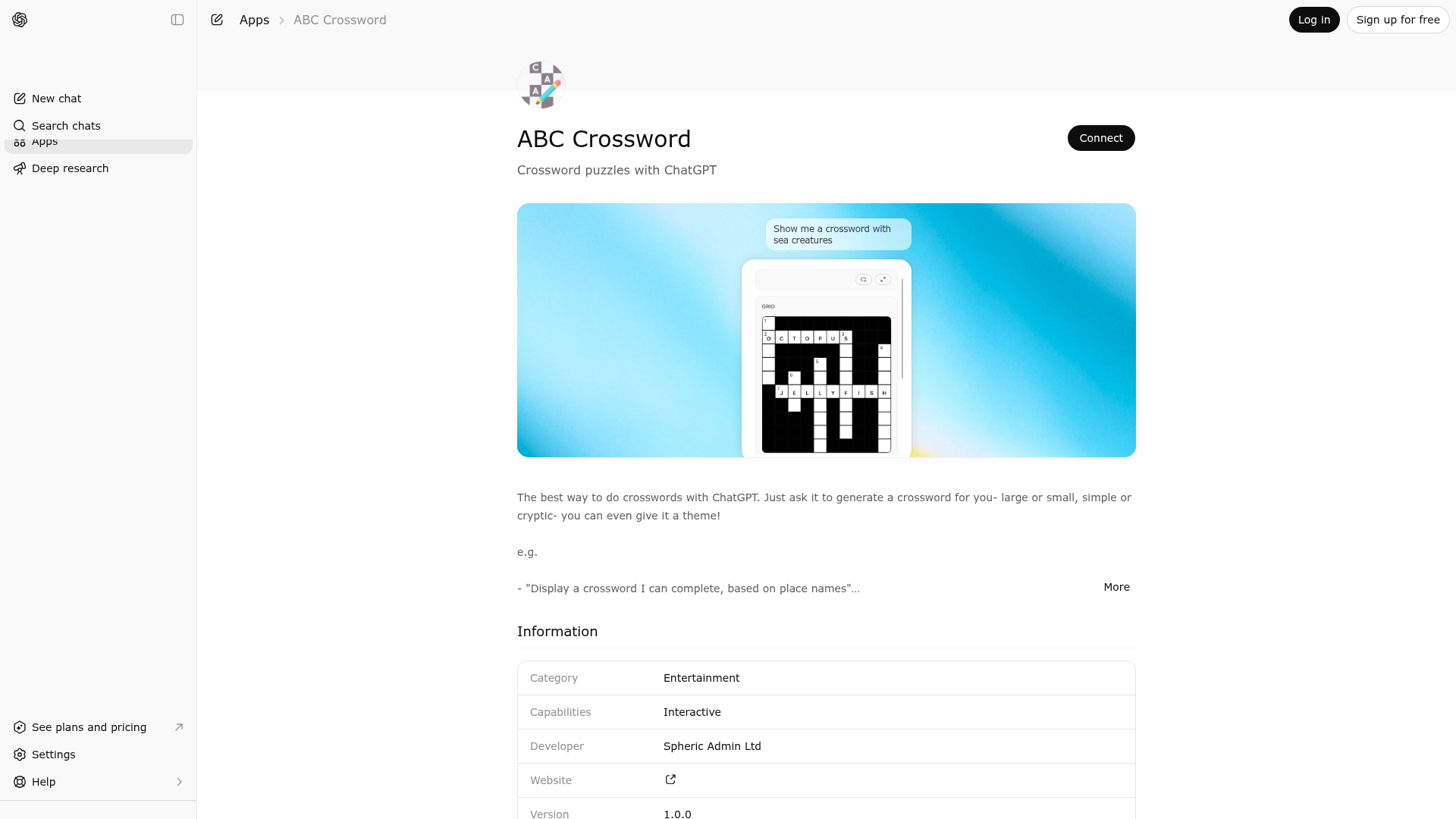
App Screenshots
Capabilities
Publisher Intelligence
Insights and recommendations for app publishers. See how your app performs and how to improve discoverability.
Server Status crossword-mcp-server v0.1.0
https://crossword.widgets.widget.olutely.com/mcp Last checked: 1d ago
Server Instructions
Call the `crossword` tool when you want to turn a square dimension plus a list of answer words and clues into an interactive crossword widget for the user.
Technical Details
Tools(1)
Showing 1 of 1 tools
| Tool | Description | Flags | Test | Last Tested | |
|---|---|---|---|---|---|
crossword | Use to generate and display an interactive crossword from a requested square grid size and a list of answer words with clues. This tool is appropriate when you already know the candidate entries and want ChatGPT to lay them out into a deterministic crossword structure, number the resulting clues, and render a widget the user can fill in. The tool normalizes the supplied answers into letter-only uppercase entries for placement, seeds the grid with the longest answer that fits, and then adds remaining answers only when they can intersect validly with the existing layout. It enforces crossword-style placement constraints so letters cannot conflict, words cannot run out of bounds, and new entries do not create unintended side-adjacent strings. If every requested entry cannot fit, the tool still returns the best connected partial puzzle it can build inside the requested dimensions instead of failing, and the widget only displays clues that were actually placed. The result includes the solution grid, empty user-guess fields for each playable cell, a list of placed clues with empty guesses, and explicit placement metadata containing the row, column, direction, clue number, and answer length for each rendered clue. Use this tool when the user wants to solve or inspect a crossword in a visual interface. Do not use it for freeform clue brainstorming, for non-square puzzles, or when you only need textual crossword suggestions without rendering a playable board. | — | Not tested | — |
Discoverability Score
Fair
55 of 100 — how easily AI agents find your app
- Description quality20/20
- Example prompts0/20
- Keyword coverage0/15
- Tool metadata16/20
- Visual assets5/20
- Endpoint health10/10
- Data freshness15/15
How to Improve
Add at least 2 example prompts. Prompt examples strongly improve app matching and click-through intent.
Increase keyword coverage (discovery + trigger) to improve retrieval for long-tail queries.
Provide a stable HTTPS logo URL (avoid connectors://) so cards render consistently across clients.
Add at least 2 screenshots that show real workflows to increase confidence and conversion.
Technical Details
- Status
- ENABLED
- Type
- AI-Powered App
- Auth
- Open Access
- Listed on
- ChatGPT
- Added
- March 17, 2026
- Last synced
- 3d ago
- Last checked
- 1d ago
- Version
- 0.1.0
- Distribution
- Ecosystem Directory
%22%3E%0A%3Crect%20width%3D%2248%22%20height%3D%2248%22%20rx%3D%2224%22%20fill%3D%22white%22%2F%3E%0A%3Ccircle%20cx%3D%2224%22%20cy%3D%2224%22%20r%3D%2224%22%20fill%3D%22url(%23paint0_linear_11224_216089)%22%2F%3E%0A%3Cpath%20fill-rule%3D%22evenodd%22%20clip-rule%3D%22evenodd%22%20d%3D%22M32.9215%209.36366C32.8175%209.37323%2031.8932%209.53703%2031.782%209.55974L18.9888%2012.1411L18.984%2012.1423C18.6504%2012.2128%2018.3886%2012.3312%2018.1865%2012.501C17.9426%2012.7055%2017.8075%2012.9948%2017.7561%2013.3319C17.7453%2013.4037%2017.7274%2013.5496%2017.7274%2013.7648C17.7274%2013.7648%2017.7274%2026.8354%2017.7274%2029.7767C17.7274%2030.1509%2017.6975%2030.5144%2017.444%2030.8241C17.1905%2031.1337%2016.8773%2031.227%2016.5103%2031.3011C16.2317%2031.3573%2015.9531%2031.4135%2015.6745%2031.4697C14.6176%2031.6825%2013.93%2031.8272%2013.3072%2032.0687C12.7118%2032.2994%2012.2657%2032.5936%2011.9106%2032.9666C11.2064%2033.7043%2010.9207%2034.7051%2011.0187%2035.6424C11.1024%2036.4423%2011.4623%2037.2076%2012.0805%2037.773C12.4977%2038.1557%2013.019%2038.4462%2013.6336%2038.5693C14.2708%2038.6973%2014.95%2038.6531%2015.9423%2038.4522C16.4708%2038.3458%2016.9658%2038.1796%2017.4369%2037.901C17.9032%2037.626%2018.3025%2037.2589%2018.6145%2036.8118C18.9278%2036.3634%2019.1299%2035.8648%2019.2411%2035.3352C19.3559%2034.7887%2019.3834%2034.295%2019.3834%2033.7498V19.8625C19.3834%2019.1188%2019.5938%2018.9227%2020.194%2018.7768C20.194%2018.7768%2030.8279%2016.6319%2031.3242%2016.535C32.0164%2016.4023%2032.3428%2016.5996%2032.3428%2017.3254V26.8056C32.3428%2027.1809%2032.3393%2027.5611%2032.0833%2027.872C31.8299%2028.1817%2031.5166%2028.2749%2031.1496%2028.3491C30.871%2028.4053%2030.5924%2028.4615%2030.3138%2028.5177C29.2569%2028.7305%2028.5694%2028.8752%2027.9465%2029.1167C27.351%2029.3474%2026.9051%2029.6415%2026.55%2030.0146C25.8457%2030.7523%2025.5349%2031.7531%2025.6329%2032.6904C25.7166%2033.4903%2026.1016%2034.2556%2026.7198%2034.821C27.137%2035.2037%2027.6584%2035.4859%2028.2729%2035.6101C28.9102%2035.7381%2029.5893%2035.6926%2030.5817%2035.493C31.1101%2035.3866%2031.6051%2035.2276%2032.0762%2034.949C32.5425%2034.674%2032.9419%2034.3069%2033.2539%2033.8597C33.5671%2033.4114%2033.7692%2032.9128%2033.8804%2032.3832C33.9951%2031.8367%2034%2031.343%2034%2030.7978V10.4947C34.0023%209.75822%2033.6138%209.30388%2032.9215%209.36366Z%22%20fill%3D%22white%22%2F%3E%0A%3C%2Fg%3E%0A%3Cdefs%3E%0A%3ClinearGradient%20id%3D%22paint0_linear_11224_216089%22%20x1%3D%2224%22%20y1%3D%220%22%20x2%3D%2224%22%20y2%3D%2248%22%20gradientUnits%3D%22userSpaceOnUse%22%3E%0A%3Cstop%20stop-color%3D%22%23FB5C74%22%2F%3E%0A%3Cstop%20offset%3D%221%22%20stop-color%3D%22%23FA233B%22%2F%3E%0A%3C%2FlinearGradient%3E%0A%3CclipPath%20id%3D%22clip0_11224_216089%22%3E%0A%3Crect%20width%3D%2248%22%20height%3D%2248%22%20rx%3D%2224%22%20fill%3D%22white%22%2F%3E%0A%3C%2FclipPath%3E%0A%3C%2Fdefs%3E%0A%3C%2Fsvg%3E%0A)