
SubscriptionFlow
by SubscriptionFlow Inc. (Verified Partner)
Description
SubscriptionFlow The Future of Subscription Management – Smarter, Faster, More Adaptive.SubscriptionFlow is an AI-native revenue engine, powered by recurring billing & payment processing, pipeline management, customer churn reduction, and retention and revenue management tools, ensuring unified, targeted, and automated subscription operations so you can focus on scaling, not chasing payments.
Website Preview
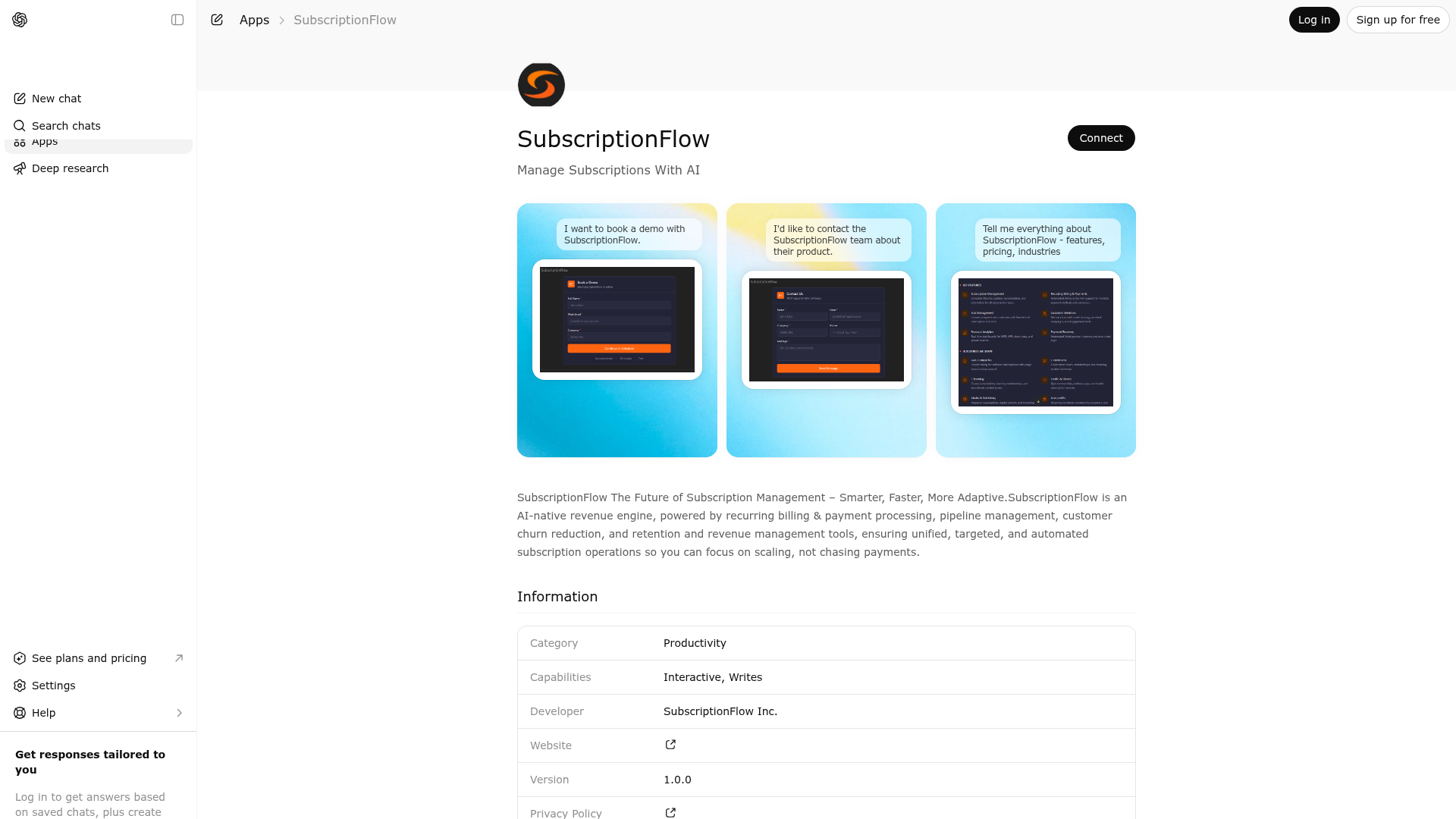
App Screenshots
Capabilities
Publisher Intelligence
Insights and recommendations for app publishers. See how your app performs and how to improve discoverability.
Server Status custom-mcp v1.19.0
https://gpt.subscriptionflow.com/mcp Last checked: 6h ago
Technical Details
Tools(4)
Showing 4 of 4 tools
| Tool | Description | Flags | Test | Last Tested | |
|---|---|---|---|---|---|
show_contact_form | Display an interactive contact form that lets users send a message to the SubscriptionFlow sales team. The form collects name, email, company, an optional phone number, and a message. | read-only | 100%Latency 3.2s | May 6, 2026 | |
show_demo_booking | Show an interactive form to schedule a product demo with the SubscriptionFlow team. Collects the user's name, email, and company, then opens a Calendly scheduling link pre-filled with their details. | read-only | 100%Latency 2.7s | May 6, 2026 | |
show_sf_info | Display detailed information about SubscriptionFlow's subscription management platform. Returns content for the specified topic including features, supported industries, integrations, benefits, or pricing. Use topic 'all' to show everything at once. | read-only | 100%Latency 2.1s | May 6, 2026 | |
submit_contact_form | Process a contact form submission by sending an email notification to the SubscriptionFlow sales team. Requires name, email, company, and message fields. Phone is optional. Returns a reference ID for tracking. | destructive | 100%Latency 1.8s | May 6, 2026 |
Discoverability Score
Fair
58 of 100 — how easily AI agents find your app
- Description quality20/20
- Example prompts0/20
- Keyword coverage0/15
- Tool metadata16/20
- Visual assets13/20
- Endpoint health10/10
- Data freshness11/15
How to Improve
Add at least 2 example prompts. Prompt examples strongly improve app matching and click-through intent.
Increase keyword coverage (discovery + trigger) to improve retrieval for long-tail queries.
Add at least 2 screenshots that show real workflows to increase confidence and conversion.
Technical Details
- Status
- ENABLED
- Type
- AI-Powered App
- Auth
- Open Access
- Listed on
- ChatGPT
- Added
- February 3, 2026
- Last synced
- May 3, 2026
- Last checked
- 6h ago
- Version
- 1.19.0
- Distribution
- Ecosystem Directory

