Ovios Home
by Mervia AI, Inc. (Community)
Description
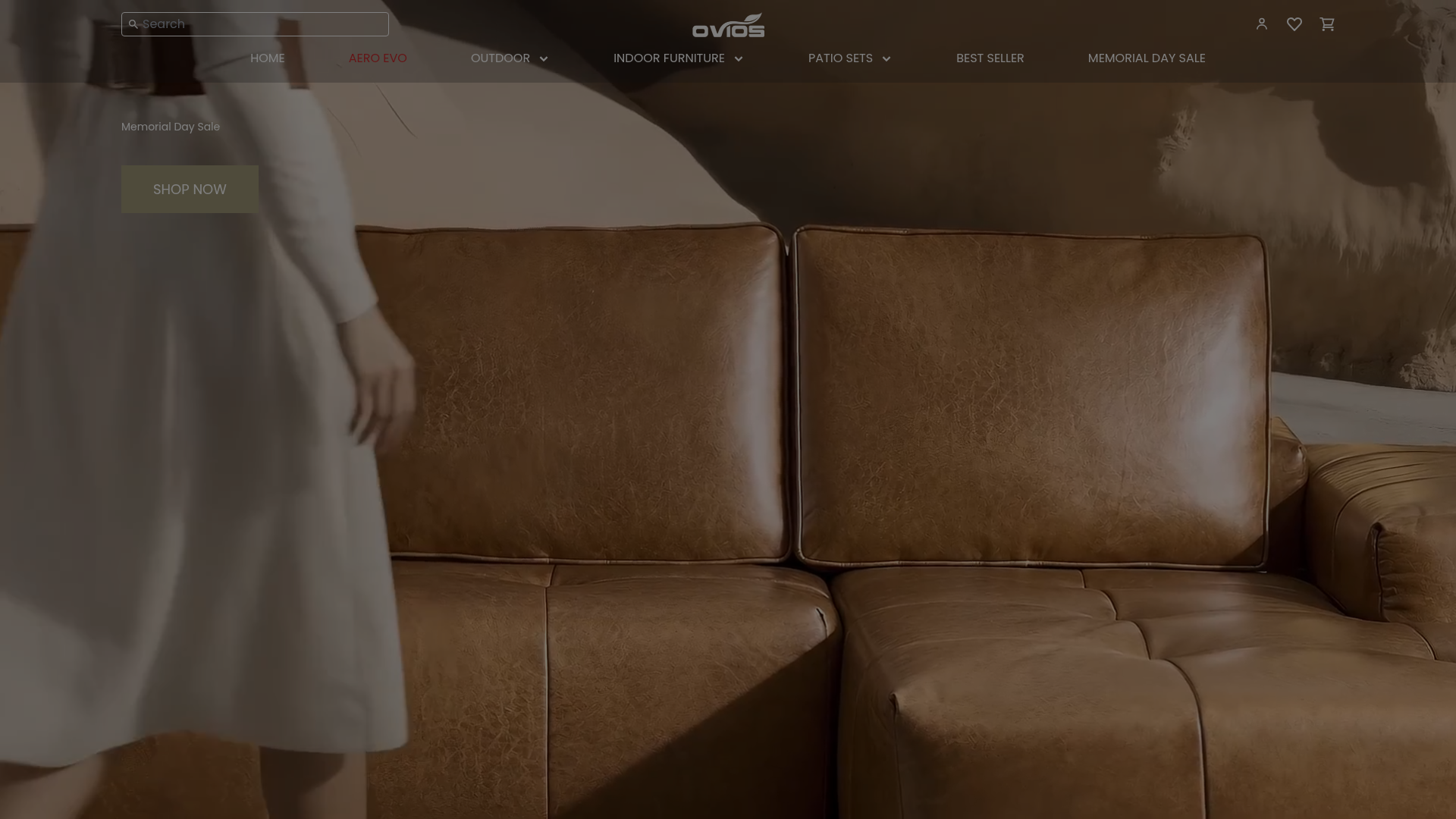
Browse and discover outdoor furniture from Ovios Home. Chat naturally about what you're looking for — whether it's a patio sofa set, dining table, or lounge chair — and get personalized recommendations based on your space, style, and budget. View product details, compare options side by side, and find direct links to purchase. Powered by Ovios Home's full product catalog with real-time availability and pricing.
Website Preview

App Screenshots
Capabilities
No special capabilities listed
AI Agent Discovery
Ovios Home is indexed by Tedix as a structured lifestyle listing for AI assistants, search crawlers, and users comparing agent-ready apps.
- Ovios Home is categorized as Lifestyle.
- Developer: Mervia AI, Inc..
- Connector type: AI-Powered App.
- Current connector status: Connected.
- Observed distribution channels: chatgpt.
- Available regions: US.
Use this page to understand whether Ovios Home is relevant for lifestyle workflows in AI assistants.
For MCP discovery, this listing helps crawlers connect Ovios Home to tool, resource, prompt, and server-health signals instead of treating it as a generic directory entry.
The canonical Tedix directory URL is https://tedix.dev/apps/ovios-home/.
Crawlable Profile
Source and availability
Tedix identifies Ovios Home from Upstream Mcp tool source; Store sources: ChatGPT app store; Distribution: Ecosystem Directory. Availability is reported for US.
- ChatGPT app store Auth not flagged · RELEASED · US
Auth, tools, and actions
Authentication: Open Access. No special capability flags are currently listed. Current MCP inventory reports 5 tools, 1 resources, and 0 prompts.
- discuss_shopping_needs · External-world action
Discuss what the customer is looking for to understand their shopping needs. Use this tool for ALL shopping conversations: - When the user describes what they're looking for - For follow-up questions and back-and-forth dialogue - When the user gives feedback on previously shown products (e.g., "too expensive", "too big") - When the user asks about products, categories, or features The shopping advisor asks thoughtful questions, searches the product catalog (using AI-powered search and matching), and builds an understanding of the customer's needs. IMPORTANT: When the response includes has_products: true, you MUST immediately call view_product_suggestions with the same session_id to display them visually. The user cannot see products until view_product_suggestions is called — never skip this step. Always start here. Do NOT call view_product_suggestions without discussing needs first, unless the user asks for a very specific product search.
- record_widget_event · App action
Internal telemetry for the v2 ChatGPT widget. The widget calls this automatically when a shopper opens a product detail, enters fullscreen, or clicks the "Continue at {shop}" handoff — it is NOT a user- or model-initiated action. Records the engagement to chat_events for the v2-vs-v1 engagement dashboard.
- start_new_conversation · High-impact write action
Start a new shopping conversation by clearing the current session. Use this when the customer wants to start over with a completely different shopping need, or when switching to a new customer.
- view_product_information · Read-only action
View detailed information about ONE specific product: full specifications, dimensions, materials, expert reviews, ratings, pricing across retailers, and personalized fit analysis tailored to the customer's stated needs. Call this tool when the customer asks about a specific product they have already been shown — for "tell me more about that one", "what are the dimensions / materials / specs / reviews", "is it available in X", or buying intent ("I like that one", "I want to buy it"). The product MUST be one from the most recent view_product_suggestions carousel. When a session_id is provided, the detail view also generates personalized insights explaining why this product fits the customer's needs.
- view_product_suggestions · Read-only action
View personalized product suggestions in an interactive display. Call this AFTER using discuss_shopping_needs when the response includes has_products: true. Pass the same session_id from the conversation — this ensures the displayed products match exactly what the advisor recommended based on the customer's needs. Only use query parameter for direct product searches without prior conversation (e.g., user says "show me all sofas").
Verification freshness
- Catalog synced 1d ago (June 5, 2026)
- Connector checked May 30, 2026
- MCP scanned May 30, 2026
- Website enriched May 28, 2026
- Directory updated 1d ago (June 5, 2026)
Alternatives and related apps
Comparable apps in Lifestyle include 12andus Astrology, A-Z Dog Breeds, ASOS Stylist, AccuWeather®.
Publisher Intelligence
Insights and recommendations for app publishers. See how your app performs and how to improve discoverability.
Server Status shop-ovios-furn-b85c0919 v1.0.0
https://mcp.mervia.ai/mcp/s/ovios-furn-b85c0919 Last checked: May 30, 2026
Technical Details
Tools(5)
Showing 5 of 5 tools
| Tool | Description | Flags | Test | Last Tested | |
|---|---|---|---|---|---|
discuss_shopping_needs | Discuss what the customer is looking for to understand their shopping needs. Use this tool for ALL shopping conversations: - When the user describes what they're looking for - For follow-up questions and back-and-forth dialogue - When the user gives feedback on previously shown products (e.g., "too expensive", "too big") - When the user asks about products, categories, or features The shopping advisor asks thoughtful questions, searches the product catalog (using AI-powered search and matching), and builds an understanding of the customer's needs. IMPORTANT: When the response includes has_products: true, you MUST immediately call view_product_suggestions with the same session_id to display them visually. The user cannot see products until view_product_suggestions is called — never skip this step. Always start here. Do NOT call view_product_suggestions without discussing needs first, unless the user asks for a very specific product search. | — | 100%Latency 575ms | May 30, 2026 | |
record_widget_event | Internal telemetry for the v2 ChatGPT widget. The widget calls this automatically when a shopper opens a product detail, enters fullscreen, or clicks the "Continue at {shop}" handoff — it is NOT a user- or model-initiated action. Records the engagement to chat_events for the v2-vs-v1 engagement dashboard. | — | 100%Latency 387ms | May 30, 2026 | |
start_new_conversation | Start a new shopping conversation by clearing the current session. Use this when the customer wants to start over with a completely different shopping need, or when switching to a new customer. | destructive | 100%Latency 356ms | May 30, 2026 | |
view_product_information | View detailed information about ONE specific product: full specifications, dimensions, materials, expert reviews, ratings, pricing across retailers, and personalized fit analysis tailored to the customer's stated needs. Call this tool when the customer asks about a specific product they have already been shown — for "tell me more about that one", "what are the dimensions / materials / specs / reviews", "is it available in X", or buying intent ("I like that one", "I want to buy it"). The product MUST be one from the most recent view_product_suggestions carousel. When a session_id is provided, the detail view also generates personalized insights explaining why this product fits the customer's needs. | read-only | 100%Latency 367ms | May 30, 2026 | |
view_product_suggestions | View personalized product suggestions in an interactive display. Call this AFTER using discuss_shopping_needs when the response includes has_products: true. Pass the same session_id from the conversation — this ensures the displayed products match exactly what the advisor recommended based on the customer's needs. Only use query parameter for direct product searches without prior conversation (e.g., user says "show me all sofas"). | read-only | 100%Latency 412ms | May 30, 2026 |
Discoverability Score
Fair
65 of 100 — how easily AI agents find your app
- Description quality20/20
- Example prompts0/20
- Keyword coverage0/15
- Tool metadata20/20
- Visual assets13/20
- Endpoint health10/10
- Data freshness15/15
How to Improve
Add at least 2 example prompts. Prompt examples strongly improve app matching and click-through intent.
Increase keyword coverage (discovery + trigger) to improve retrieval for long-tail queries.
Add at least 2 screenshots that show real workflows to increase confidence and conversion.
Technical Details
- Status
- ENABLED
- Type
- AI-Powered App
- Auth
- Open Access
- Listed on
- ChatGPT
- Added
- April 27, 2026
- Last synced
- 1d ago
- Last checked
- May 30, 2026
- Version
- 1.0.0
- Distribution
- Ecosystem Directory