A-Z Dog Breeds
Description
A quick easy way to look up dog breed information and compare breeds. e.g. - "@A-Z Dog Breeds, tell me about Golden retrievers" - "@A-Z Dog Breeds, show me photos of 3 popular breeds" - "@A-Z Dog Breeds, I want to get a low-energy, low-shedding, small breed of dog. Show me photos and details"
Website Preview
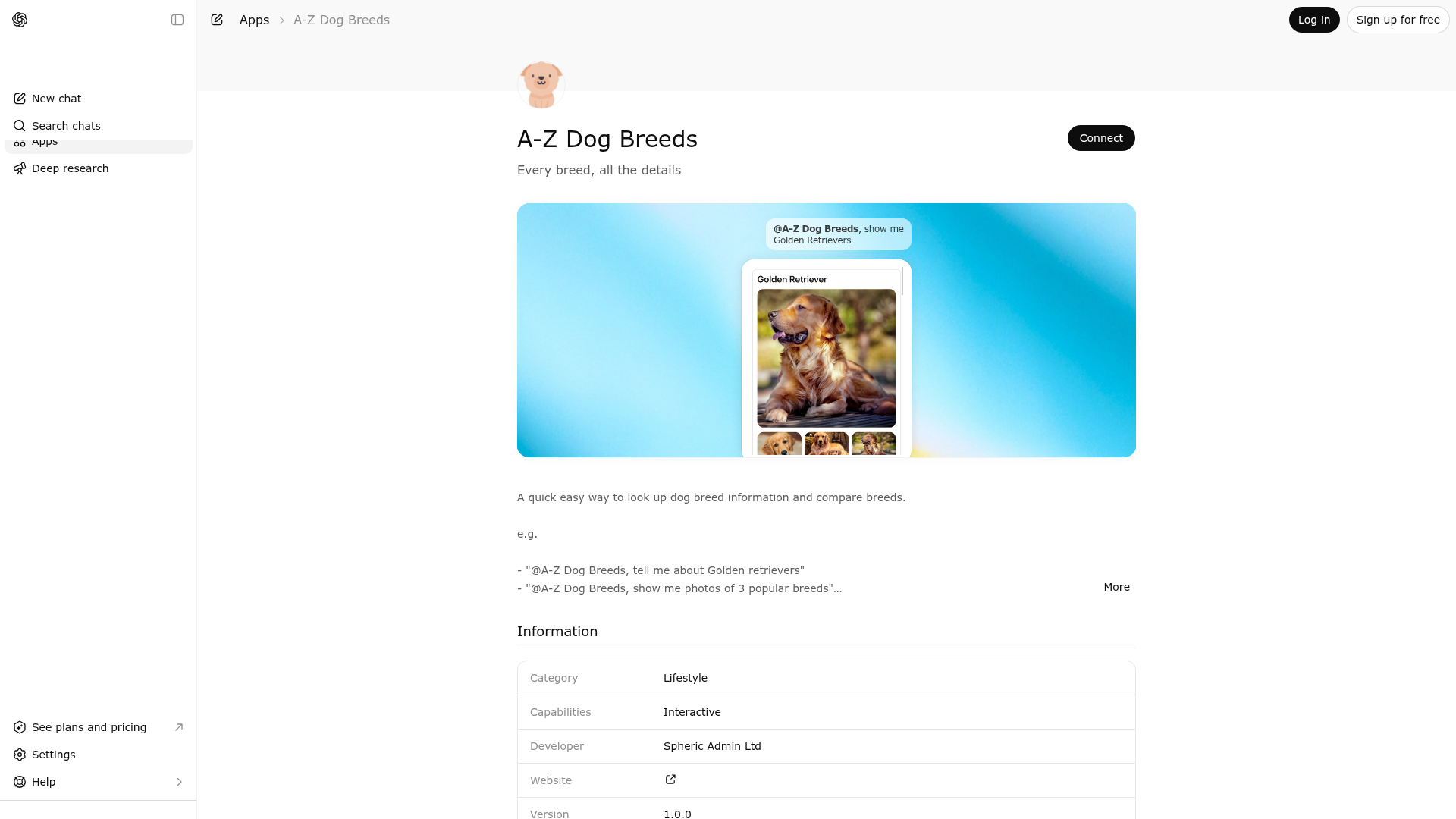
App Screenshots
Capabilities
Publisher Intelligence
Insights and recommendations for app publishers. See how your app performs and how to improve discoverability.
Server Status dog-breeds-mcp-server v0.1.0
https://dog-breeds.widgets.widget.olutely.com/mcp Last checked: 9h ago
Server Instructions
Use the tools as a pair: call `search-for-breeds` to resolve one or more dog breed ids from breed names or structured filters, then call `display-breeds` with the returned ids to render the widget.
Technical Details
Tools(2)
Showing 2 of 2 tools
| Tool | Description | Flags | Test | Last Tested | |
|---|---|---|---|---|---|
display-breeds | Use to render the dog breed information widget for one or more specific breed ids that were already resolved from the local dataset. This tool should usually be called after `search-for-breeds`, because search returns the canonical ids required here. The input is one or more breed ids, and the output opens the `display-breeds` widget so the user can browse photos and structured details for each selected breed inside the conversation. It is appropriate for direct breed lookups, follow-up requests to compare several matching breeds, or any case where the assistant has already decided which concrete breeds should be shown. The tool returns full breed records from the dataset, preserving input order and gracefully ignoring ids that are unknown. The widget then presents available images, breed description, group, temperaments, popularity summary, size, expectancy, grooming frequency, shedding, energy level, trainability, and demeanor. Because the widget is designed for visual presentation, prefer this tool over long textual dumps whenever the user wants to see the breeds directly. Do not call this tool with guessed ids. Resolve ids first with `search-for-breeds` unless the id is already known from earlier tool output in the same conversation. | read-only | 100%Latency 475ms | 4d ago | |
search-for-breeds | Use to search the local dog breed dataset for breeds that match one or more structured criteria before showing details in the display widget. This tool is the first step whenever the conversation needs breed ids. Call it when the user mentions a specific breed name that must be resolved to an id, such as 'Show me information about the Yorkshire Terrier', and also call it for broader discovery prompts like 'What dog breeds are easy to train?', 'Tell me some friendly small dogs', or 'Show me working breeds with high energy'. The tool supports a fuzzy `name` filter for breed names, exact matching for `group`, inclusion matching for `temperament`, and relative `high`, `medium`, or `low` filters for popularity, height, weight, expectancy, grooming frequency, shedding, energy level, trainability, and demeanor. All provided filters are combined with strict AND semantics, so every returned breed satisfies every supplied criterion. Results are deterministic, capped, and intended to guide the next tool call rather than fully answer the user on their own. Do not use this tool when the user explicitly asks for plain text only and no tool usage. Do not use it for generic dog ownership advice, medical advice, or questions that do not require breed ids. After this tool returns, choose the most appropriate returned id or ids and call `display-breeds` to render the breed information widget for the user. After calling this tool, you should usually call display-breeds to display the returned breed ids | read-only | 100%Latency 498ms | 4d ago |
Discoverability Score
Fair
52 of 100 — how easily AI agents find your app
- Description quality20/20
- Example prompts0/20
- Keyword coverage0/15
- Tool metadata16/20
- Visual assets5/20
- Endpoint health10/10
- Data freshness11/15
How to Improve
Add at least 2 example prompts. Prompt examples strongly improve app matching and click-through intent.
Increase keyword coverage (discovery + trigger) to improve retrieval for long-tail queries.
Provide a stable HTTPS logo URL (avoid connectors://) so cards render consistently across clients.
Add at least 2 screenshots that show real workflows to increase confidence and conversion.
Technical Details
- Status
- ENABLED
- Type
- AI-Powered App
- Auth
- Open Access
- Listed on
- ChatGPT
- Added
- April 3, 2026
- Last synced
- May 3, 2026
- Last checked
- 9h ago
- Version
- 0.1.0
- Distribution
- Ecosystem Directory