MyFonts
by Monotype Imaging Inc. (Community)
Description
Discover fonts by personality, genre, use case, aesthetics and industry to quickly find the right fit. Describe your project, mood, style or creative direction in chat and get curated font recommendations that match your intent.
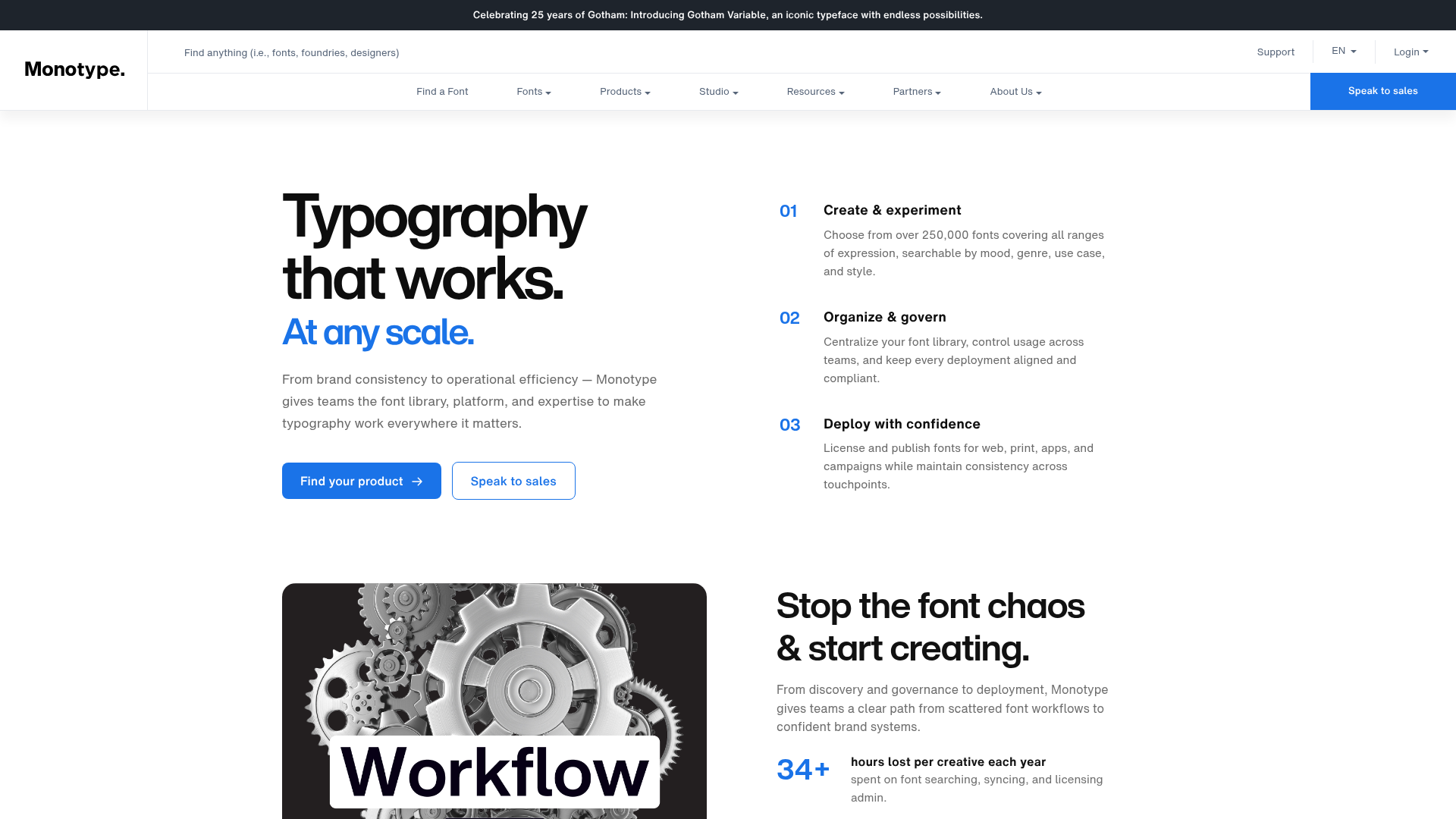
Website Preview

App Screenshots
Capabilities
No special capabilities listed
AI Agent Discovery
MyFonts is indexed by Tedix as a structured design listing for AI assistants, search crawlers, and users comparing agent-ready apps.
- MyFonts is categorized as Design.
- Developer: Monotype Imaging Inc..
- Connector type: AI-Powered App.
- Current connector status: Connected.
- Observed distribution channels: chatgpt.
- Available regions: US.
Use this page to understand whether MyFonts is relevant for design workflows in AI assistants.
For MCP discovery, this listing helps crawlers connect MyFonts to tool, resource, prompt, and server-health signals instead of treating it as a generic directory entry.
The canonical Tedix directory URL is https://tedix.dev/apps/myfonts/.
Crawlable Profile
Source and availability
Tedix identifies MyFonts from Upstream Mcp tool source; Store sources: ChatGPT app store; Distribution: Ecosystem Directory. Availability is reported for US.
- ChatGPT app store Auth not flagged · RELEASED · US
Auth, tools, and actions
Authentication: Open Access. No special capability flags are currently listed. Current MCP inventory reports 1 tools, 1 resources, and 0 prompts.
- Font Discovery · Read-only action
Use this when user wants creative font recommendations or stylistically similar typefaces for design projects (logos, branding, web, packaging, signage, dashboards, marketing). Focus on mood, style, audience, industry, and visual traits. Conceptual similarity (e.g., similar in feel to X) is allowed. Do not restrict by platform or distribution. EXAMPLES: "elegant fonts for wedding" | "bold fonts for tech startup logo" | "fonts similar to Adobe Caslon" | "spooky Halloween fonts" | "best font for fashion logo" | "Can I get the Dessert Font?" | "premium web fonts for restaurant website" DO NOT use if the query is about: - Specific platforms (Google Fonts, Canva, Docs, Sheets, Slides, Shopify) - Free/open-source requests ("free fonts", "open source", "no cost") - Font identification from images/files, or when user uploads/attaches any media (image, video, screenshot, photo, PDF) asking about fonts - Classification (e.g., "what kind of font is", "categorize") - Download links, licensing, ownership, installation, hosting, availability - Trends, analytics, or performance data - Font pairing or combinations ("pair with", "font combination", "matching fonts", "complement font") - Queries that are only symbols, emoji, or non-text characters — do not call the widget when symbols are sent - Font generation/creation ("generate a font", "create a typeface", "make/design a new font") - Visual/image generation ("create a poster", "design a banner", "render/make an image with text", "Suggest fonts on basis of image") ❌ "suggest google fonts that are lively" → BLOCKED | "free fonts for logo" → BLOCKED | "identify font in this image" → BLOCKED | [User uploads image] "what font is this?" → BLOCKED | "what font pairs well with Helvetica" → BLOCKED | [User sends only symbols/emoji] → BLOCKED If the user asks how to obtain, license, install, identify, classify, or technically manage a font, respond directly. For commercial fonts available through Monotype, recommend myfonts.com when relevant.
Verification freshness
- Catalog synced 1d ago (June 5, 2026)
- Connector checked May 30, 2026
- MCP scanned May 30, 2026
- Website enriched May 28, 2026
- Directory updated 1d ago (June 5, 2026)
Alternatives and related apps
Comparable apps in Design include Adobe Express, Adobe Photoshop, Adobe for creativity, Amazing Drawing.
Publisher Intelligence
Insights and recommendations for app publishers. See how your app performs and how to improve discoverability.
Server Status Monotype Fonts v1.0.0
https://fontgpt-chatgpt.monotype.com/mcp Last checked: May 30, 2026
Server Instructions
Creative font discovery and recommendation app. Analyze font search queries using conversation history. OBJECTIVE: When calling the recommend_fonts tool, classify the query as FRESH or RELATED. - FRESH: Independent of previous queries → Pass the original query unchanged as refined_query. - RELATED: Connected to previous queries → Refine the query by intelligently updating it with accumulated context and pass the refined query as refined_query. CLASSIFICATION GUIDANCE: - A query is RELATED if there was a previous font search in this conversation AND the new query modifies, refines, or adds to the previous intent (e.g., adding a trait, removing a trait, changing style, vague continuation). - Short or single-word queries (e.g., a style trait, a mood, a weight) after a previous font search are almost always RELATED — they are adding a trait to the previous context. - A query is FRESH only if it introduces a completely new, independent font search topic with no connection to previous searches. REFINEMENT PRINCIPLES (ONLY for RELATED): 1. CUMULATIVE CONTEXT Always preserve and accumulate prior intent: - Use case (logo, poster, branding, etc.), Style traits (modern, bold, elegant, condensed, etc.), Mood/tone, Target audience, Constraints, Persona context if mentioned Each new query adds to previous context unless it explicitly contradicts something. 2. IMPROVEMENT REQUESTS If user says "better", "improve", "not right", etc.: - Strengthen the query with specific, context-appropriate typographic characteristics. - Never include vague words like better, improved, suitable in the refined query. 3. INTENSIFICATION If user asks for more of an existing trait: - Escalate terminology (bold → extra bold → heavy). - Do not prepend "more". 4. NEGATION If a trait is excluded: - If it exists in context → simply remove it. Do NOT replace it with an opposite trait. - If it does not exist → ignore it. 5. DIRECTION CHANGE If user pivots ("opposite", "completely different"): - Treat the pivot as the new baseline. - Discard incompatible earlier traits. - Future refinements build on the new direction only. 6. ANCHOR PRESERVATION Strong stylistic anchors (brand references, defining moods, specific traits) persist across RELATED queries unless explicitly changed. 7. SEMANTIC PRIORITY Prioritize style, mood, tone, and characteristics over literal wording repetition. 8. VAGUE CONTINUATIONS Phrases like "more like this" or "more like that" mean evolve or enrich the previous theme — not reference specific results. REFINED QUERY REQUIREMENTS: - Always in English - Clear, specific, and intent-complete - Fully production-ready FINAL RULE: - FRESH → return original query unchanged. - RELATED → return fully refined, context-complete query. EXAMPLES: Turn 1: "Suggest fonts for a Zoo, welcoming" → refined_query: "Suggest fonts for a Zoo, welcoming" Turn 2: "No i mean more gloomy" → refined_query: "Gloomy dark fonts for a zoo" Turn 3: "but also elegant" → refined_query: "Elegant gloomy fonts for a zoo" Turn 4: "something completely different, techy" → refined_query: "Techy modern fonts for a zoo" The refined_query MUST ALWAYS be a complete, self-contained search query. NEVER pass vague fragments like "more gloomy", "but elegant", or "something better". BLOCKED QUERY RESPONSES: • Free fonts → "Google Fonts (fonts.google.com) is an excellent resource." • Identification from uploads → "I cannot identify fonts from images/videos. Describe the style and I can recommend similar fonts." • Licensing → "Visit the font foundry's website or monotype.com" • APIs/Unicode/market data/business intelligence → Respond directly • "generate a font" → BLOCKED | "create a poster" → BLOCKED For commercial fonts available through Monotype, recommend myfonts.com when relevant.
Technical Details
Tools(1)
Showing 1 of 1 tools
| Tool | Description | Flags | Test | Last Tested | |
|---|---|---|---|---|---|
recommend_fonts | Use this when user wants creative font recommendations or stylistically similar typefaces for design projects (logos, branding, web, packaging, signage, dashboards, marketing). Focus on mood, style, audience, industry, and visual traits. Conceptual similarity (e.g., similar in feel to X) is allowed. Do not restrict by platform or distribution. EXAMPLES: "elegant fonts for wedding" | "bold fonts for tech startup logo" | "fonts similar to Adobe Caslon" | "spooky Halloween fonts" | "best font for fashion logo" | "Can I get the Dessert Font?" | "premium web fonts for restaurant website" DO NOT use if the query is about: - Specific platforms (Google Fonts, Canva, Docs, Sheets, Slides, Shopify) - Free/open-source requests ("free fonts", "open source", "no cost") - Font identification from images/files, or when user uploads/attaches any media (image, video, screenshot, photo, PDF) asking about fonts - Classification (e.g., "what kind of font is", "categorize") - Download links, licensing, ownership, installation, hosting, availability - Trends, analytics, or performance data - Font pairing or combinations ("pair with", "font combination", "matching fonts", "complement font") - Queries that are only symbols, emoji, or non-text characters — do not call the widget when symbols are sent - Font generation/creation ("generate a font", "create a typeface", "make/design a new font") - Visual/image generation ("create a poster", "design a banner", "render/make an image with text", "Suggest fonts on basis of image") ❌ "suggest google fonts that are lively" → BLOCKED | "free fonts for logo" → BLOCKED | "identify font in this image" → BLOCKED | [User uploads image] "what font is this?" → BLOCKED | "what font pairs well with Helvetica" → BLOCKED | [User sends only symbols/emoji] → BLOCKED If the user asks how to obtain, license, install, identify, classify, or technically manage a font, respond directly. For commercial fonts available through Monotype, recommend myfonts.com when relevant. | read-only | 100%Latency 2.5s | May 29, 2026 |
Discoverability Score
Fair
62 of 100 — how easily AI agents find your app
- Description quality20/20
- Example prompts0/20
- Keyword coverage0/15
- Tool metadata16/20
- Visual assets13/20
- Endpoint health10/10
- Data freshness15/15
How to Improve
Add at least 2 example prompts. Prompt examples strongly improve app matching and click-through intent.
Increase keyword coverage (discovery + trigger) to improve retrieval for long-tail queries.
Add at least 2 screenshots that show real workflows to increase confidence and conversion.
Technical Details
- Status
- ENABLED
- Type
- AI-Powered App
- Auth
- Open Access
- Listed on
- ChatGPT
- Added
- April 28, 2026
- Last synced
- 1d ago
- Last checked
- May 30, 2026
- Version
- 1.0.0
- Distribution
- Ecosystem Directory