Wallector
Description
Wallector helps you explore, understand, and navigate the world of fine art and collectibles. Access curated knowledge, expert insights, and market-focused content designed for collectors, enthusiasts, and professionals looking to make informed decisions in the art and collectibles space.
Website Preview
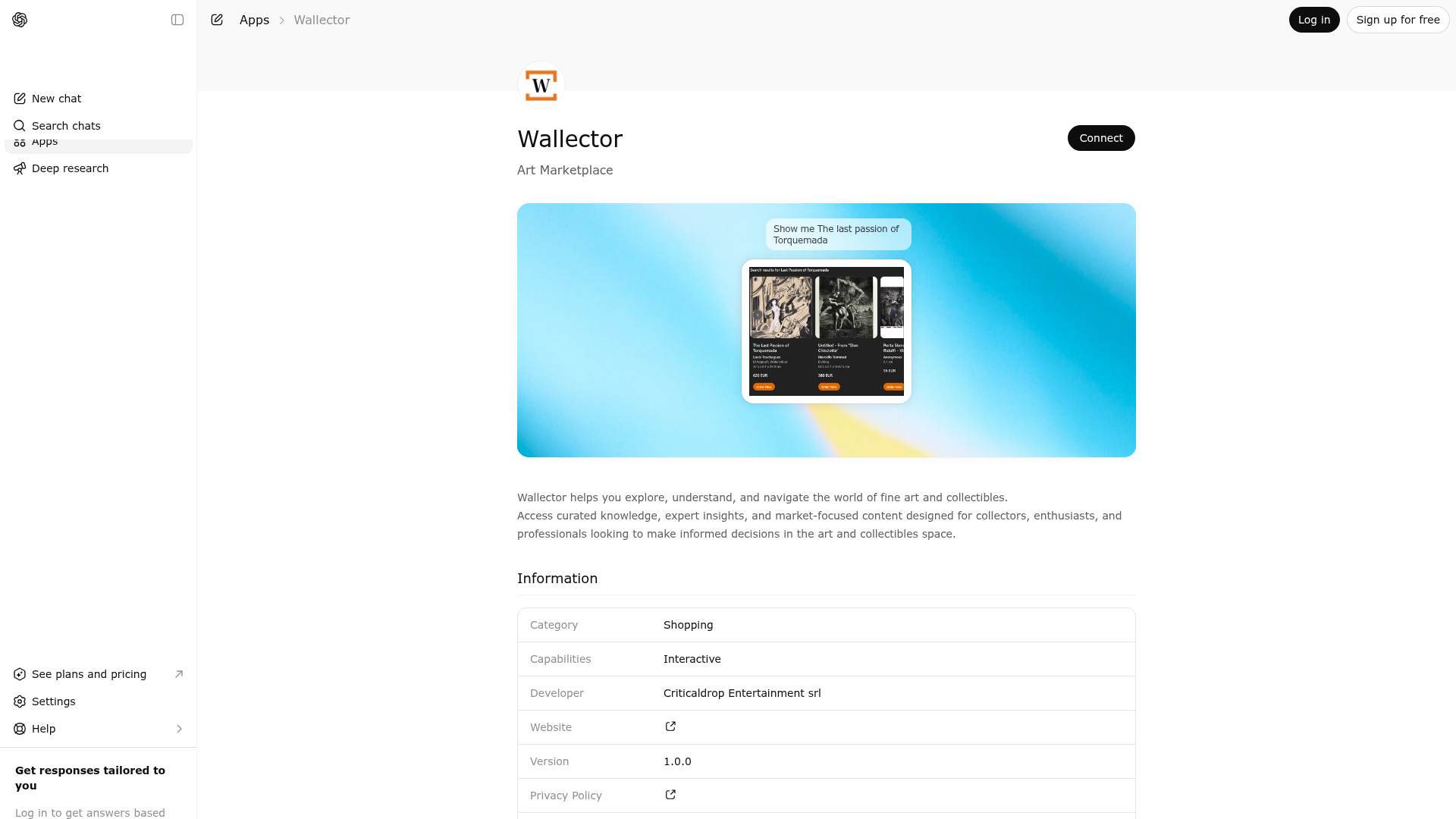
App Screenshots
Capabilities
Publisher Intelligence
Insights and recommendations for app publishers. See how your app performs and how to improve discoverability.
Server Status wallector-mcp v0.2.10
https://mcp.wallector.com/mcp Last checked: 1d ago
Technical Details
Tools(3)
Showing 3 of 3 tools
| Tool | Description | Flags | Test | Last Tested | |
|---|---|---|---|---|---|
detail_listings | Return detailed information for a single artwork by exact SKU. This tool is a constrained works search (intent="works", limit=1, offset=0) with a required SKU filter; it never groups results and always renders the detail widget. | read-only | 100%Latency 4.2s | May 9, 2026 | |
get_capabilities | Return supported tools, listing fields, filters, grouping, and known API gaps for this MCP server. Use ONLY if the user explicitly asks about capabilities, schema, limits, or supported fields. | read-only | 100%Latency 66ms | May 9, 2026 | |
search_listings_v2 | Search listings with intent (groups|works), pagination, and sorting. Use intent=groups with group_by on canonical groupable fields that are available for this source: work_group, artist_name, category, typology, technique, topics, subjects, style_tags, movement_period, seller.seller_name. Use intent=works for SKU-level works. Filters: sku, work_group, title, artist_name, category, typology, seller_name, topics, subjects, style_tags, movement_period, period, materials, technique, q. Range filters: min_price|max_price, min_height|max_height, min_width|max_width, min_depth|max_depth, min_quantity|max_quantity. Image/semantic inputs for works: image (file param object with download_url,file_id), image_url, image_base64, q with search_mode=semantic|hybrid. Semantic modes are supported via search_mode=lexical|hybrid|semantic. For natural-language requests (example: "mostrami quadri con cavalli"), prefer q with search_mode=hybrid and combine with canonical filters when present (example typology/category). Use lexical when the request is exact (SKU, strict keyword match), semantic when lexical misses concept matches, and hybrid as default when available. Pagination is explicit: use group_limit/group_offset for groups and limit/offset for works. IMPORTANT: for "works by artist" requests, make one works call directly (artist_name) and do not preflight with groups. | read-only | 100%Latency 91ms | May 9, 2026 |
Discoverability Score
Fair
52 of 100 — how easily AI agents find your app
- Description quality20/20
- Example prompts0/20
- Keyword coverage0/15
- Tool metadata16/20
- Visual assets5/20
- Endpoint health10/10
- Data freshness11/15
How to Improve
Add at least 2 example prompts. Prompt examples strongly improve app matching and click-through intent.
Increase keyword coverage (discovery + trigger) to improve retrieval for long-tail queries.
Provide a stable HTTPS logo URL (avoid connectors://) so cards render consistently across clients.
Add at least 2 screenshots that show real workflows to increase confidence and conversion.
Technical Details
- Status
- ENABLED
- Type
- AI-Powered App
- Auth
- Open Access
- Listed on
- ChatGPT
- Added
- January 11, 2026
- Last synced
- May 3, 2026
- Last checked
- 1d ago
- Version
- 0.2.10
- Distribution
- Ecosystem Directory