
tldraw
by tldraw (Verified Partner)
Description
Let Claude sketch, draw, and diagram with you
Website Preview
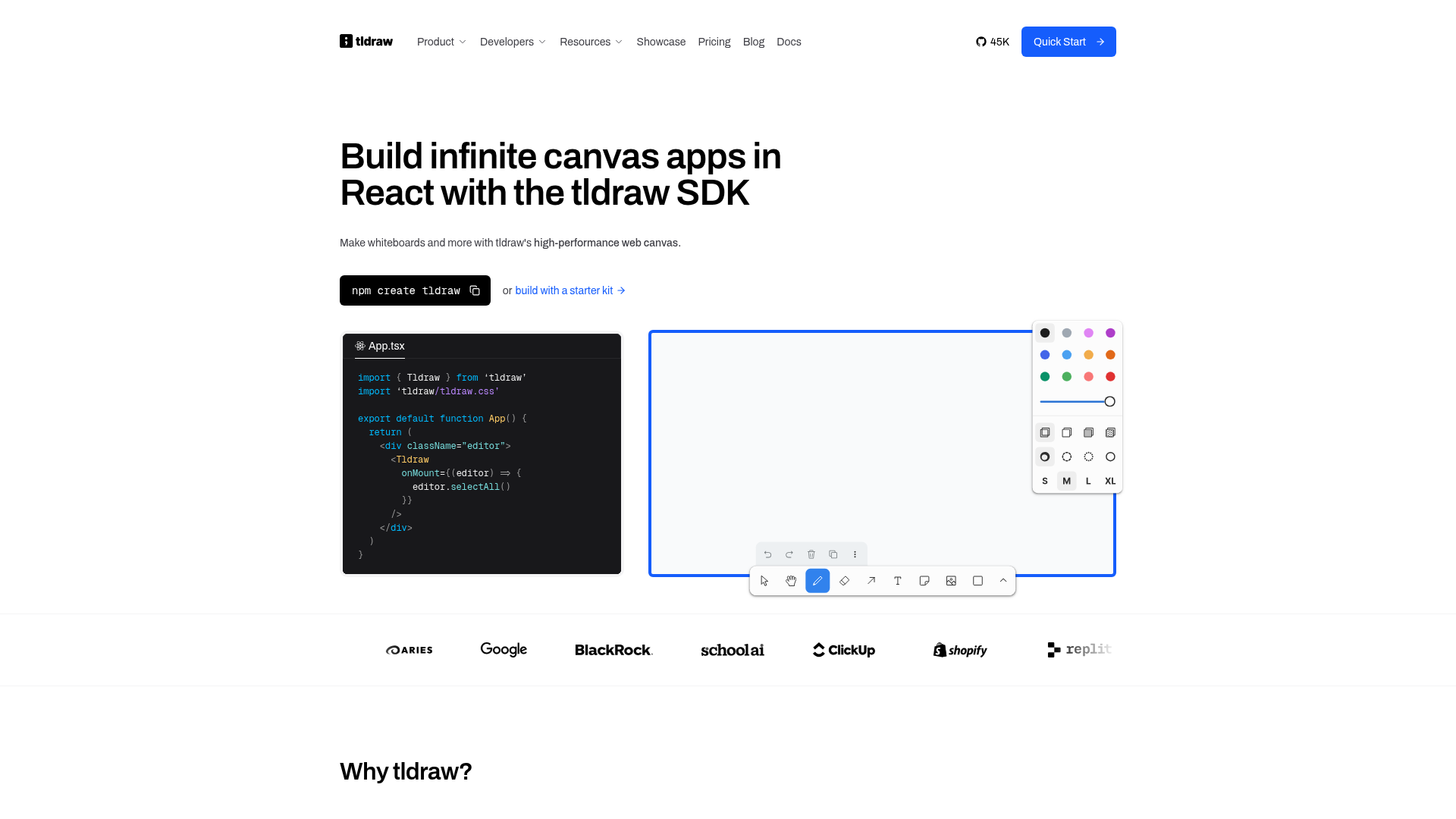
App Screenshots
Capabilities
Publisher Intelligence
Insights and recommendations for app publishers. See how your app performs and how to improve discoverability.
Server Status tldraw v1.0.0
https://tldraw-mcp-app.tldraw.workers.dev/mcp Last checked: 2d ago
Server Instructions
Use `search` to query the tldraw Editor API spec (e.g. search for methods by category or name). Use `exec` to run JavaScript on the canvas — your code receives `editor` (the tldraw Editor instance) and helpers like toRichText, createShapeId, createArrowBetweenShapes. The current canvas state is kept in model context as raw TLShape, asset, and binding data.
Technical Details
Tools(6)
Showing 6 of 6 tools
| Tool | Description | Flags | Test | Last Tested | |
|---|---|---|---|---|---|
_exec_callback | App-only: widget calls this to resolve a pending exec request. | — | Not tested | — | |
_get_canvas_state | App-only: get the latest checkpoint for a canvas by its canvasId. | — | Not tested | — | |
exec | Execute JavaScript code on a tldraw canvas. The code runs in the widget with access to the live `editor` instance, helper functions, and normal js. Use the `search` tool first to discover available Editor methods and shape types. Each canvas has a unique `canvasId`. Omit `canvasId` to create a new blank canvas. To edit an existing canvas, pass the `canvasId` that was returned by a previous exec call. Shapes and text grow depending on the amount of text they have. Use clever scripting to ensure there are no unintended overlaps. Examples: - Create a rectangle: editor.createShape({ _type: 'rectangle', shapeId: 'box1', x: 200, y: 120, w: 320, h: 180, text: 'Hello' }) - Connect shapes with an arrow: editor.createShape({ _type: 'arrow', shapeId: 'a1', fromId: 'box1', toId: 'box2', x1: 0, y1: 0, x2: 100, y2: 0 }) - Select and zoom: editor.select('box1'); editor.zoomToSelection() - Read shapes: return editor.getCurrentPageShapes() - Distribute evenly: editor.distributeShapes(editor.getSelectedShapeIds(), 'horizontal') - Box around shapes: boxShapes(['box1', 'box2'], { text: 'Group label', color: 'blue' }) - Stack shapes dynamically: editor.createShape({ _type: 'rectangle', shapeId: 'a', x: 0, y: 0, w: 300, h: 200, text: 'First box\nwith wrapping text' }); const bounds = editor.getShapePageBounds('a'); editor.createShape({ _type: 'rectangle', shapeId: 'b', x: 0, y: bounds.maxY + 20, w: 300, h: 200, text: 'Below first' }) | — | Not tested | — | |
read_checkpoint | App-only: read shapes from a checkpoint by ID. | — | Not tested | — | |
save_checkpoint | App-only: save shapes to a checkpoint (from user edits). shapesJson and assetsJson must be JSON array strings. | — | Not tested | — | |
search | Search the tldraw Editor API spec by writing JavaScript that receives a `spec` object and returns a result. The spec contains: spec.members (all Editor methods/properties with name, kind, signature, description, category), spec.categories (category names), spec.types.shapes (focused shape type definitions with props), spec.types.shapeTypes (list of all shape type strings), spec.helpers (exec helper functions with descriptions, params, examples). Examples: - Find shape methods: return spec.members.filter(m => m.category === "shapes").map(m => ({ name: m.name, signature: m.signature })) - Get arrow shape props: return spec.types.shapes.find(s => s.shapeType === "arrow") - List all categories: return spec.categories - Find a helper: return spec.helpers.find(h => h.name === "createArrowBetweenShapes") | — | Not tested | — |
Discoverability Score
Fair
53 of 100 — how easily AI agents find your app
- Description quality8/20
- Example prompts0/20
- Keyword coverage0/15
- Tool metadata20/20
- Visual assets13/20
- Endpoint health8/10
- Data freshness15/15
How to Improve
Add at least 2 example prompts. Prompt examples strongly improve app matching and click-through intent.
Increase keyword coverage (discovery + trigger) to improve retrieval for long-tail queries.
Expand the app description to 80-160 chars with clear use-cases so ranking and matching quality improve.
Add at least 2 screenshots that show real workflows to increase confidence and conversion.
Technical Details
- Status
- ENABLED
- Type
- AI-Powered App
- Auth
- Open Access
- Listed on
- Claude
- Added
- March 13, 2026
- Last synced
- 3d ago
- Last checked
- 2d ago
- Version
- 1.0.0

