
Tim Hortons
by The TDL Group Corp. (Verified Partner)
Available in: US
Available on:
ChatGPT
Description
The Tim Hortons® app makes it easy to find restaurant locations.
Website Preview
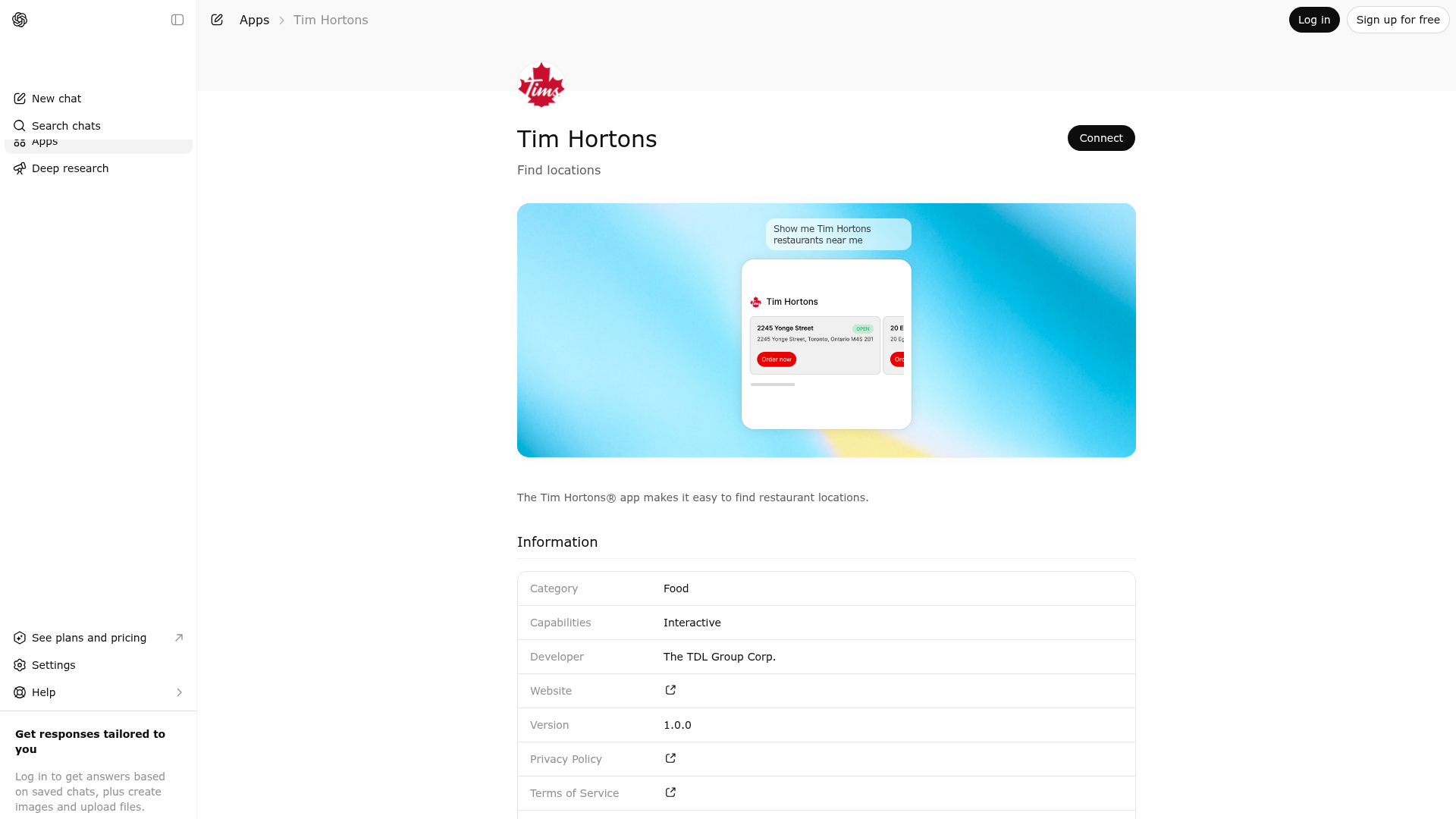
App Screenshots
Capabilities
Works in Conversation
Publisher Intelligence
Insights and recommendations for app publishers. See how your app performs and how to improve discoverability.
Server Status th-mcp-server v1.0.0
Tools
Resources
Prompts
https://th-chatgpt.rbi.digital/api/mcp Last checked: 6h ago
Technical Details
Connection Latency 8.1s
30-Day Uptime 100.0%
Tools(1)
Showing 1 of 1 tools
Sorted by toolName
| Tool | Description | Flags | Test | Last Tested | |
|---|---|---|---|---|---|
find-stores | Find nearby Tim Hortons store locations. This tool returns store addresses only. This is a Tim Hortons app — any mention of "restaurant", "store", or "location" refers to Tim Hortons. Do not ask the user to clarify which restaurant they mean. It does NOT provide menu items, food prices, nutritional info, deals, promotions, or offers. NEVER call this tool for those questions, even if a location is mentioned. Do NOT call this tool for questions like: - "What's on the menu at the location nearest me?" - "What's the price of a coffee at [address]?" - "Is there a deal for donuts at [location]?" Use this tool ONLY when the user's primary intent is to find where Tim Hortons stores are located. The user may provide a city, ZIP/postal code, or street address. If they do not, use available request metadata (user coordinates or city) automatically. Do NOT ask the user for their location — always call this tool first and let the server resolve coordinates from the request metadata. Only if the server returns a needsInput response should you then ask the user for a city, ZIP/postal code, or address. Do not use this tool for general brand questions that are not asking to find nearby stores. | read-only | 100%Latency 4.8s | Mar 30, 2026 |
Discoverability Score
47
Low
47 of 100 — how easily AI agents find your app
- Description quality8/20
- Example prompts0/20
- Keyword coverage0/15
- Tool metadata16/20
- Visual assets13/20
- Endpoint health8/10
- Data freshness11/15
How to Improve
Add at least 2 example prompts. Prompt examples strongly improve app matching and click-through intent.
Increase keyword coverage (discovery + trigger) to improve retrieval for long-tail queries.
Expand the app description to 80-160 chars with clear use-cases so ranking and matching quality improve.
Add at least 2 screenshots that show real workflows to increase confidence and conversion.
Technical Details
- Status
- ENABLED
- Type
- AI-Powered App
- Auth
- Open Access
- Listed on
- ChatGPT
- Added
- March 11, 2026
- Last synced
- May 3, 2026
- Last checked
- 6h ago
- Version
- 1.0.0
- Distribution
- Ecosystem Directory
