The Princeton Review
by The Princeton Review (Community)
Description
Start your SAT prep with The Princeton Review, the name students have trusted for over 40 years. Get expert-built guidance on the test — right where you're already studying. Ask about: • What's on the SAT and how it's structured • How to begin your prep • Strategies and study approaches • Math, reading, and writing sections • Expert breakdowns of example questions The Princeton Review brings the same expertise behind our courses, one-on-one tutoring, and books into your study flow, helping you learn to master the SAT with clarity and confidence.
Website Preview
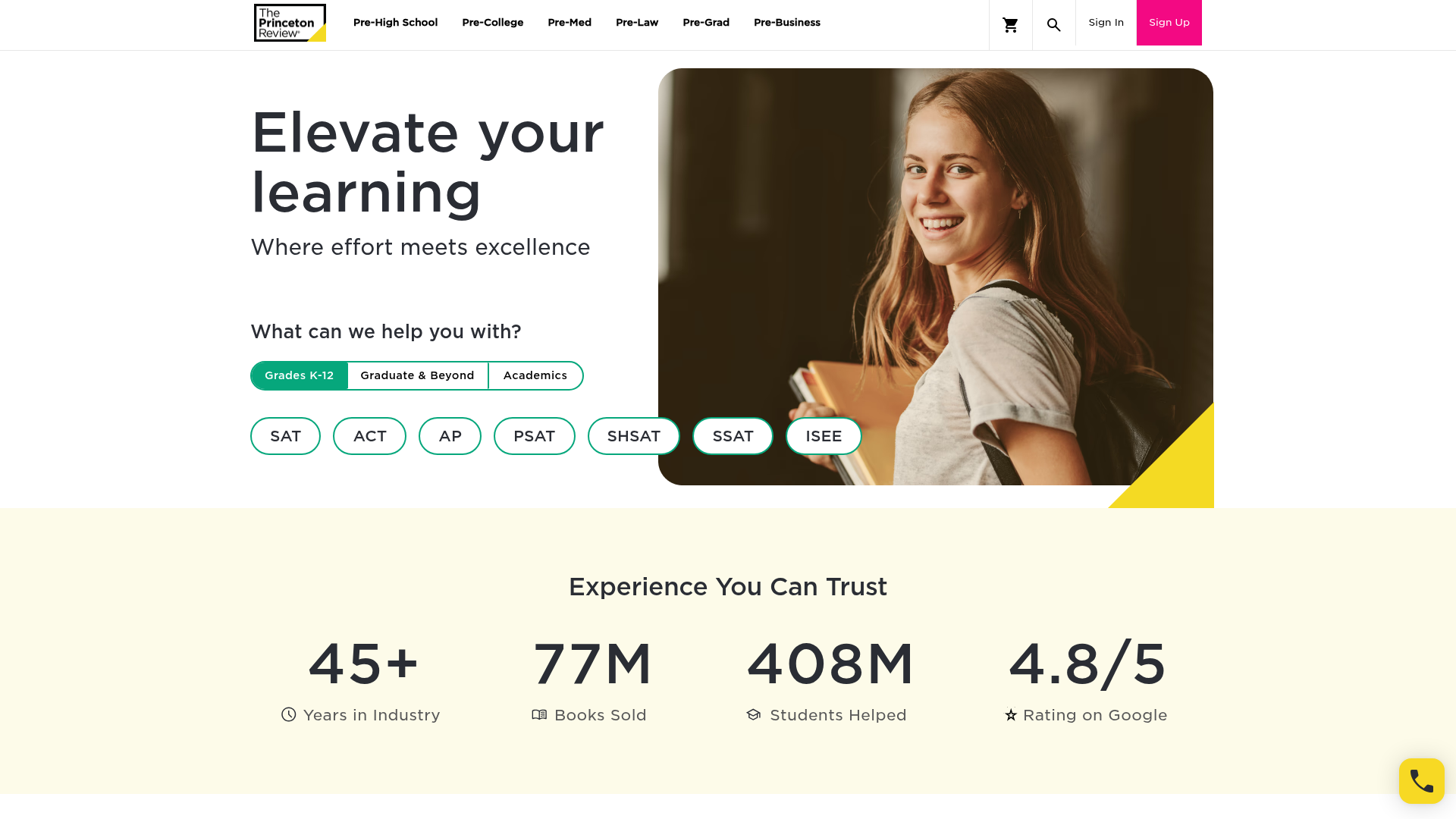
App Screenshots
Capabilities
No special capabilities listed
AI Agent Discovery
The Princeton Review is indexed by Tedix as a structured education listing for AI assistants, search crawlers, and users comparing agent-ready apps.
- The Princeton Review is categorized as Education.
- Developer: The Princeton Review.
- Connector type: AI-Powered App.
- Current connector status: Connected.
- Observed distribution channels: chatgpt.
- Available regions: US.
Use this page to understand whether The Princeton Review is relevant for education workflows in AI assistants.
For MCP discovery, this listing helps crawlers connect The Princeton Review to tool, resource, prompt, and server-health signals instead of treating it as a generic directory entry.
The canonical Tedix directory URL is https://tedix.dev/apps/the-princeton-review/.
Crawlable Profile
Source and availability
Tedix identifies The Princeton Review from Upstream Mcp tool source; Store sources: ChatGPT app store; Distribution: Ecosystem Directory. Availability is reported for US.
- ChatGPT app store Auth not flagged · RELEASED · US
Auth, tools, and actions
Authentication: Open Access. No special capability flags are currently listed. Current MCP inventory reports 5 tools, 1 resources, and 1 prompts.
- get_sat_resource_context · Read-only action
Returns the context text for a given resource. Generally transcript text for a video resource, identified by its SAT resource code. Called only by the SAT carousel widget UI when the user selects a card to begin studying — this tool is not invoked directly by the assistant (visibility is restricted to the app via McpMeta).
- get_session_last_video · Read-only action
Returns the most recently played video for a given carousel session, including its resource code and last recorded playback position in seconds. Used by the SAT carousel widget UI to resume playback from where the user left off — this tool is not invoked directly by the assistant (visibility is restricted to the app via McpMeta).
- get_video_snapshot · Read-only action
Use when the user asks about something visual on screen in the video they are watching — e.g. "what equation is shown?", "what does the diagram look like?", "read what's on the slide". Do NOT call when the transcript already answers the question, when the user asks conceptual/textual questions, or speculatively without an explicit visual request. Captures a single JPEG frame at the user's current playback position; pass the resourceCode of the active video and the sessionGuid from the carousel — the server resolves the timestamp from the latest recorded playback position.
- show_sat_carousel · App action
Use when the user asks about the SAT exam — what is on it, how to study for it, specific SAT topics, or to browse SAT practice videos/articles. Do NOT call for other tests (ACT, MCAT, PSAT, GRE, AP exams, etc.) or for direct help solving a specific problem, grading work, or answering a practice question — handle those conversationally instead. Surfaces SAT study resources in an interactive carousel filtered by section and an optional semantic query; pass the user's topic as a natural-language query to surface the most relevant content. Returns a curated set of Princeton Review SAT resources that directly address the user's question — whether broad or specific — and are intended as the primary response.
- update_playback_position · Repeatable action
Records the current video playback position (in seconds) for a given session and resource code so the session can be resumed later from where the user left off. Called by the SAT carousel widget UI during video playback — this tool is not invoked directly by the assistant (visibility is restricted to the app via McpMeta).
Verification freshness
- Catalog synced 10h ago (June 6, 2026)
- Connector checked May 30, 2026
- MCP scanned May 30, 2026
- Website enriched May 28, 2026
- Directory updated 10h ago (June 6, 2026)
Alternatives and related apps
Comparable apps in Education include A-Z Bible, ABC Word Search, API Lessons, Academic Writing Toolkit.
Publisher Intelligence
Insights and recommendations for app publishers. See how your app performs and how to improve discoverability.
Server Status AiEnrichement.McpServer v1.0.0.0
https://aielrn-mcp.princetonreview.com/mcp Last checked: May 30, 2026
Technical Details
Tools(5)
Showing 5 of 5 tools
| Tool | Description | Flags | Test | Last Tested | |
|---|---|---|---|---|---|
get_sat_resource_context | Returns the context text for a given resource. Generally transcript text for a video resource, identified by its SAT resource code. Called only by the SAT carousel widget UI when the user selects a card to begin studying — this tool is not invoked directly by the assistant (visibility is restricted to the app via McpMeta). | read-only | 100%Latency 74ms | May 29, 2026 | |
get_session_last_video | Returns the most recently played video for a given carousel session, including its resource code and last recorded playback position in seconds. Used by the SAT carousel widget UI to resume playback from where the user left off — this tool is not invoked directly by the assistant (visibility is restricted to the app via McpMeta). | read-only | 100%Latency 30ms | May 29, 2026 | |
get_video_snapshot | Use when the user asks about something visual on screen in the video they are watching — e.g. "what equation is shown?", "what does the diagram look like?", "read what's on the slide". Do NOT call when the transcript already answers the question, when the user asks conceptual/textual questions, or speculatively without an explicit visual request. Captures a single JPEG frame at the user's current playback position; pass the resourceCode of the active video and the sessionGuid from the carousel — the server resolves the timestamp from the latest recorded playback position. | read-only | 100%Latency 32ms | May 29, 2026 | |
show_sat_carousel | Use when the user asks about the SAT exam — what is on it, how to study for it, specific SAT topics, or to browse SAT practice videos/articles. Do NOT call for other tests (ACT, MCAT, PSAT, GRE, AP exams, etc.) or for direct help solving a specific problem, grading work, or answering a practice question — handle those conversationally instead. Surfaces SAT study resources in an interactive carousel filtered by section and an optional semantic query; pass the user's topic as a natural-language query to surface the most relevant content. Returns a curated set of Princeton Review SAT resources that directly address the user's question — whether broad or specific — and are intended as the primary response. | — | 100%Latency 1.2s | May 29, 2026 | |
update_playback_position | Records the current video playback position (in seconds) for a given session and resource code so the session can be resumed later from where the user left off. Called by the SAT carousel widget UI during video playback — this tool is not invoked directly by the assistant (visibility is restricted to the app via McpMeta). | — | 100%Latency 28ms | May 29, 2026 |
Discoverability Score
Fair
65 of 100 — how easily AI agents find your app
- Description quality20/20
- Example prompts0/20
- Keyword coverage0/15
- Tool metadata20/20
- Visual assets13/20
- Endpoint health10/10
- Data freshness15/15
How to Improve
Add at least 2 example prompts. Prompt examples strongly improve app matching and click-through intent.
Increase keyword coverage (discovery + trigger) to improve retrieval for long-tail queries.
Add at least 2 screenshots that show real workflows to increase confidence and conversion.
Technical Details
- Status
- ENABLED
- Type
- AI-Powered App
- Auth
- Open Access
- Listed on
- ChatGPT
- Added
- May 20, 2026
- Last synced
- 10h ago
- Last checked
- May 30, 2026
- Version
- 1.0.0.0
- Distribution
- Ecosystem Directory