SignNow
by airSlate Inc (Verified Partner)
Description
Get documents signed faster without switching between tools. The SignNow MCP server connects ChatGPT directly to your SignNow account, letting you manage the entire eSignature workflow through conversation. Send signature requests, create documents from templates and pre-fill them, track invite statuses, and retrieve signed files — all by describing what you need in plain language. Whether you're handling contracts, agreements, or approvals, ChatGPT handles the SignNow actions so you can focus on your work instead of chasing signatures. You can use SignNow to: Create and Send Documents: "Create a document from the Employee NDA template and send it to client@example.com for signature" Track Signing Status: "Check the signing status of the Sales Agreement and show me any pending signatures" Manage Templates: "List all available templates and create a new contract from the Service Agreement template" Download Signed Documents: "Get the download link for the completed Employment Contract"
Website Preview
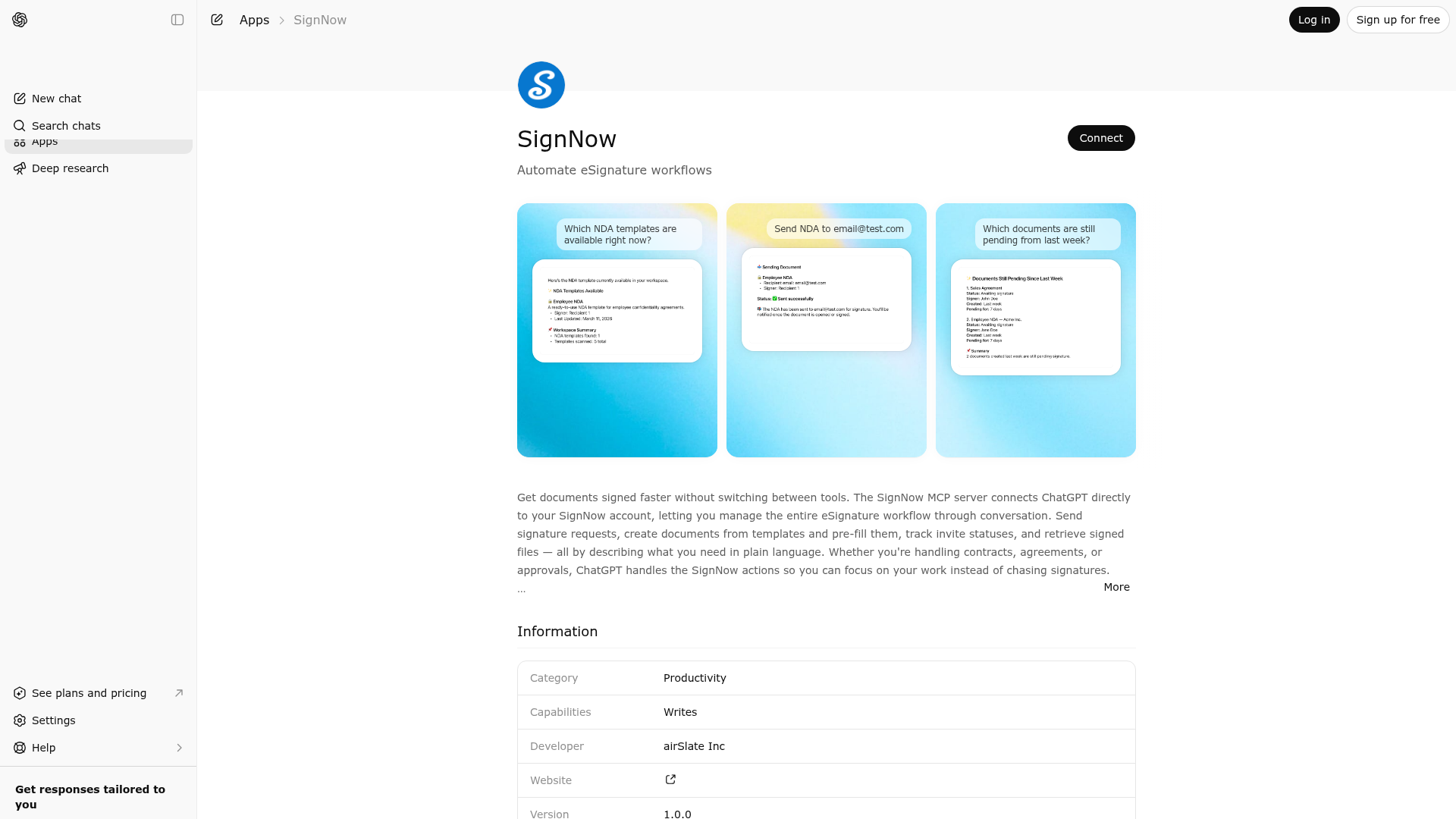
App Screenshots
Capabilities
Publisher Intelligence
Insights and recommendations for app publishers. See how your app performs and how to improve discoverability.
Server Status
Server is not responding. Tool discovery is paused until health checks recover.
https://mcp-server.signnow.com/mcp Last checked: 5d ago
Technical Details
Authentication required
Tools(16)
Showing 16 of 16 tools
| Tool | Description | Flags | Test | Last Tested | |
|---|---|---|---|---|---|
create_embedded_editor | No description provided | — | Not tested | — | — |
create_embedded_editor_from_template | No description provided | — | Not tested | — | — |
create_embedded_invite | No description provided | — | Not tested | — | — |
create_embedded_invite_from_template | No description provided | — | Not tested | — | — |
create_embedded_sending | No description provided | — | Not tested | — | — |
create_embedded_sending_from_template | No description provided | — | Not tested | — | — |
create_from_template | No description provided | — | Not tested | — | — |
get_document | No description provided | — | Not tested | — | — |
get_document_download_link | No description provided | — | Not tested | — | — |
get_invite_status | No description provided | — | Not tested | — | — |
get_signing_link | No description provided | — | Not tested | — | — |
list_all_templates | No description provided | — | Not tested | — | — |
list_documents | No description provided | — | Not tested | — | — |
send_invite | No description provided | — | Not tested | — | — |
send_invite_from_template | No description provided | — | Not tested | — | — |
update_document_fields | No description provided | — | Not tested | — | — |
Discoverability Score
Fair
53 of 100 — how easily AI agents find your app
- Description quality20/20
- Example prompts0/20
- Keyword coverage0/15
- Tool metadata10/20
- Visual assets13/20
- Endpoint health6/10
- Data freshness15/15
How to Improve
Add at least 2 example prompts. Prompt examples strongly improve app matching and click-through intent.
Increase keyword coverage (discovery + trigger) to improve retrieval for long-tail queries.
Improve MCP tool descriptions. Clear tool descriptions increase tool selection accuracy.
Add at least 2 screenshots that show real workflows to increase confidence and conversion.
Technical Details
- Status
- ENABLED
- Type
- AI-Powered App
- Auth
- Requires Login
- Listed on
- ChatGPT Claude
- Added
- March 7, 2026
- Last synced
- 3d ago
- Last checked
- 5d ago
- Distribution
- Ecosystem Directory

