%22%20preserveAspectRatio%3D%22xMidYMid%20meet%22%2F%3E%3C%2Fsvg%3E)
Semrush
by Semrush Holdings, Inc. (Verified Partner)
Description
The Semrush MCP provides structured, quantitative SEO and traffic data for domains, keywords, backlinks, and market-level audience insights. It returns factual datasets including domain analytics, keyword metrics, backlink profiles, traffic data across time periods and channels, geographic and demographic distributions, and competitive or industry-level indicators. The model should invoke this MCP whenever a user requests website metrics, traffic statistics, keyword data, competitor comparisons, or market/audience breakdowns that require authoritative data rather than inference. It should also be used when a user’s question requires data-driven evaluation of a specific domain, even if the query is phrased as advice or improvement guidance.
About This App
Drive growth in SEO, PPC, content, social media, and traffic with AI-powered marketing tools for every task.
Last updated: April 20, 2026
Website Preview
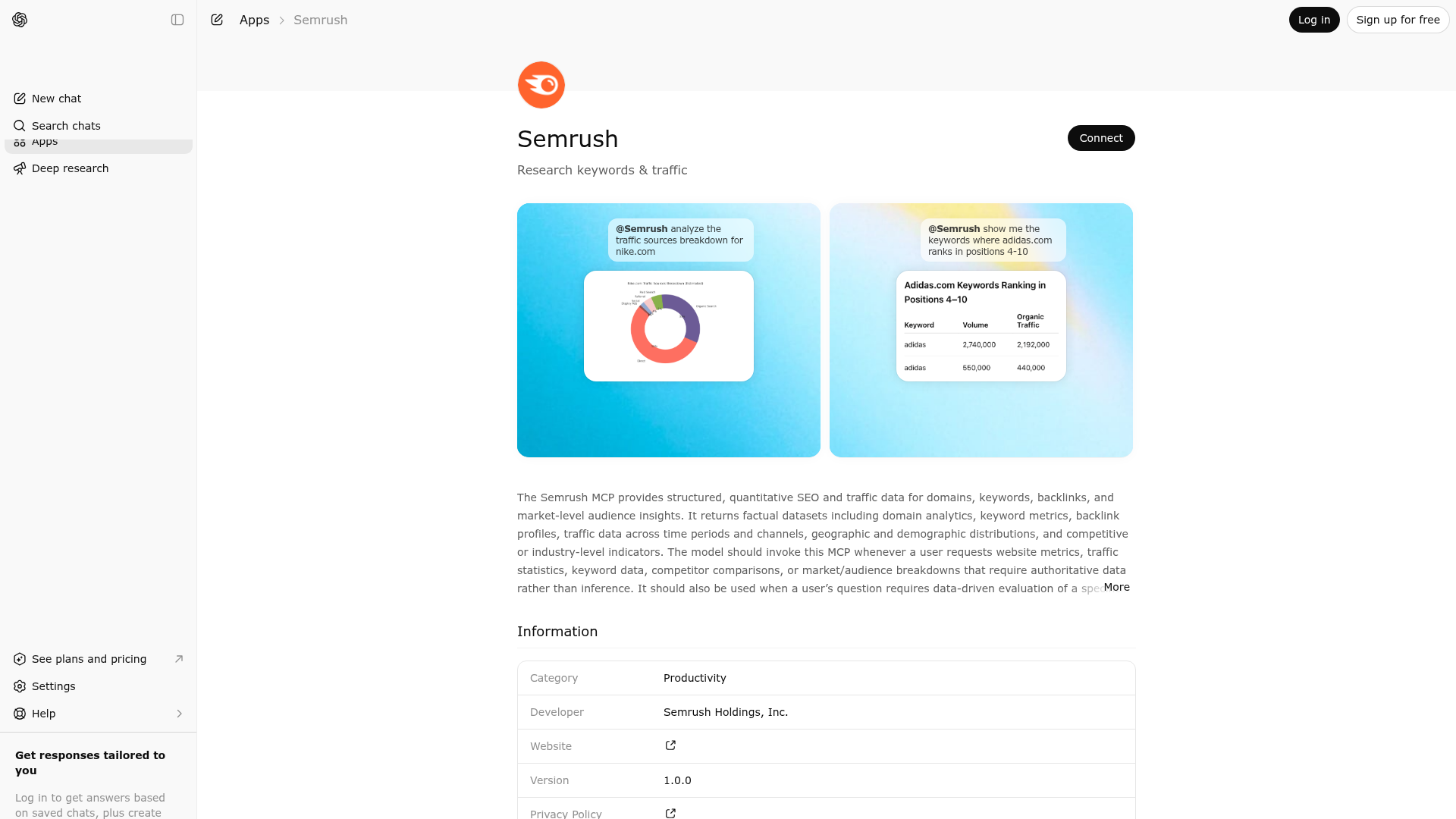
App Screenshots
Capabilities
Publisher Intelligence
Insights and recommendations for app publishers. See how your app performs and how to improve discoverability.
Server Status
Server is not responding. Tool discovery is paused until health checks recover.
https://mcp.semrush.com/openai/v1/mcp Last checked: 5d ago
Technical Details
Authentication required
Keywords
Trigger Keywords (@mentions)
@semrush Discoverability Score
Low
48 of 100 — how easily AI agents find your app
- Description quality20/20
- Example prompts0/20
- Keyword coverage4/15
- Tool metadata0/20
- Visual assets13/20
- Endpoint health6/10
- Data freshness15/15
How to Improve
Add at least 2 example prompts. Prompt examples strongly improve app matching and click-through intent.
MCP tools are not currently discovered. Fix endpoint/auth handshake to restore tool-level discoverability.
Increase keyword coverage (discovery + trigger) to improve retrieval for long-tail queries.
Add at least 2 screenshots that show real workflows to increase confidence and conversion.
Technical Details
- Status
- ENABLED
- Type
- AI-Powered App
- Auth
- Requires Login
- Listed on
- ChatGPT
- Added
- December 8, 2025
- Last synced
- 3d ago
- Last checked
- 5d ago
- Distribution
- Ecosystem Directory

