
SeatGeek
by SeatGeek, Inc. (Verified Partner)
Description
Not sure what to see next? Ask about upcoming events and SeatGeek will surface what's happening nearby. Browse listings on interactive venue maps, filter by Deal Score or best seats, then jump to SeatGeek when you're ready to buy.
Website Preview
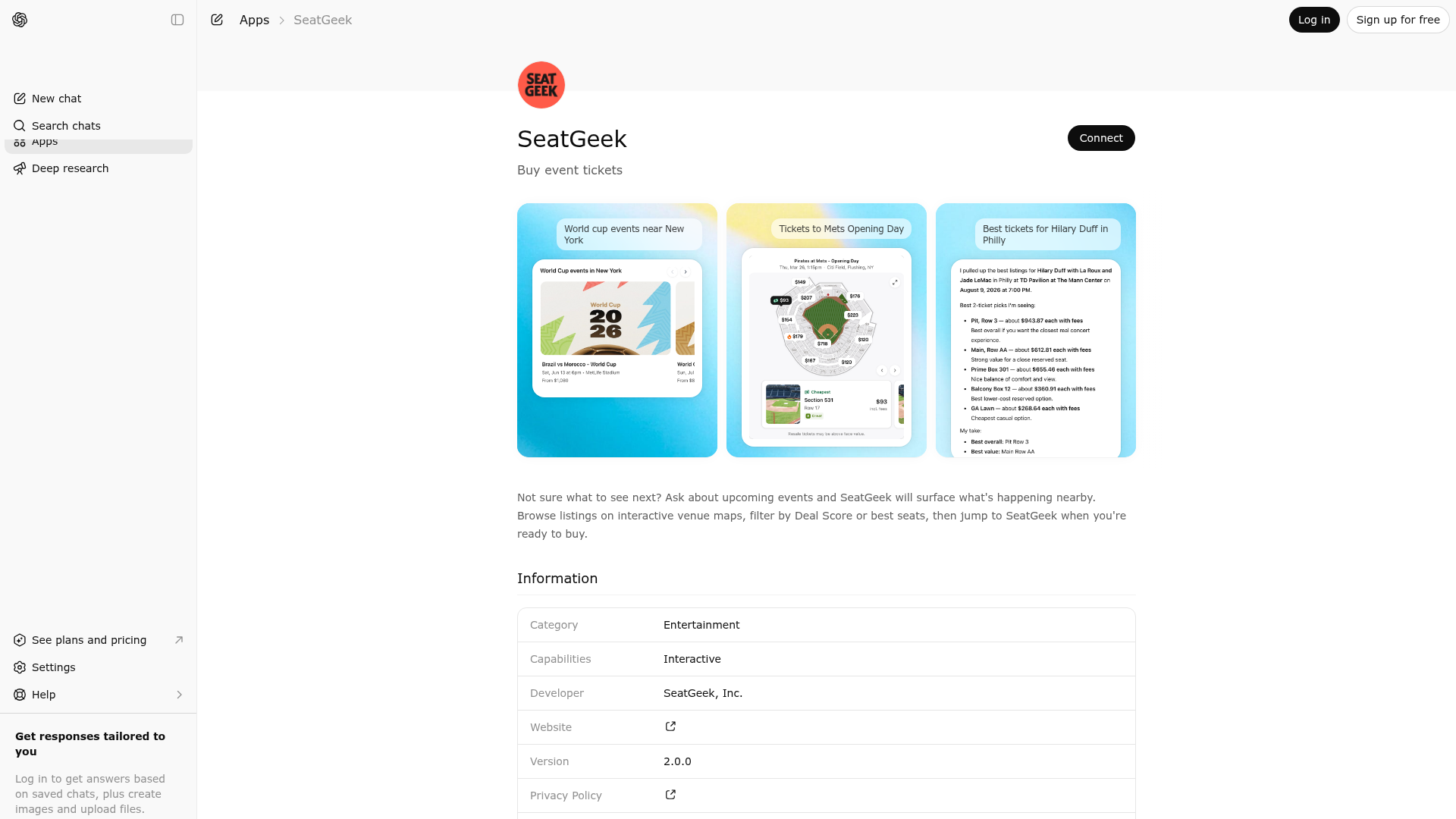
App Screenshots
Capabilities
Publisher Intelligence
Insights and recommendations for app publishers. See how your app performs and how to improve discoverability.
Server Status seatgeek-openai-mcp-server v1.0.0
https://chatgpt-app.seatgeek.com/mcp Last checked: 3d ago
Technical Details
Tools(3)
Showing 3 of 3 tools
| Tool | Description | Flags | Test | Last Tested | |
|---|---|---|---|---|---|
eventCarousel | Use this to display SeatGeek events as an interactive carousel with images, dates, venues, and starting prices — a much richer experience than listing events in text. Call eventSearch first to get event IDs, then pass them here. Use this whenever the user asks about multiple events (schedules, upcoming games, weekend plans, 'what's near me'). For a single event's ticket listings, use eventListings instead. | — | 100%Latency 871ms | Mar 26, 2026 | |
eventListings | Show ticket listings for a specific SeatGeek event by its ID. First call eventSearch to find the event ID, then call this tool with that ID. This responds with the top listings for the event, displaying them on a map and in a list. Use the detailed listing data to answer questions about specific sections, rows, seats, prices, and perks. Do NOT call this tool for general questions about events, performers, or venues that can be answered from general knowledge. | — | 100%Latency 601ms | Mar 26, 2026 | |
eventSearch | Use this to search for events on SeatGeek. Returns raw event data that is NOT visible to the user. You MUST always follow up by calling eventCarousel or eventListings to display results — the user cannot see anything until a display tool is called. Do not call this for general knowledge questions. | — | 100%Latency 512ms | Mar 26, 2026 |
Discoverability Score
Fair
62 of 100 — how easily AI agents find your app
- Description quality20/20
- Example prompts0/20
- Keyword coverage0/15
- Tool metadata16/20
- Visual assets13/20
- Endpoint health10/10
- Data freshness15/15
How to Improve
Add at least 2 example prompts. Prompt examples strongly improve app matching and click-through intent.
Increase keyword coverage (discovery + trigger) to improve retrieval for long-tail queries.
Add at least 2 screenshots that show real workflows to increase confidence and conversion.
Technical Details
- Status
- ENABLED
- Type
- AI-Powered App
- Auth
- Open Access
- Listed on
- ChatGPT
- Added
- March 12, 2026
- Last synced
- 3d ago
- Last checked
- 3d ago
- Version
- 1.0.0
- Distribution
- Ecosystem Directory