Reclaim.ai
Description
Reclaim.ai brings intelligent time management directly into ChatGPT, helping you plan, protect, and optimize your schedule Instead of switching between tools to coordinate meetings and tasks, you can simply ask ChatGPT to organize your time. Reclaim connects to Google Calendar, Microsoft Outlook, and many popular task platforms and lets you plan your day, schedule meetings, and get things done right from within ChatGPT. With Reclaim and ChatGPT you can: - Find the best times to meet based on availability - Create, update, reschedule, or cancel events - Quickly focus on your most important tasks - Show your daily or weekly schedule - Identify scheduling conflicts and recommend fixes - Protect time for deep work and important tasks - Analyze meeting load and focus time - Help you understand how your time is spent You stay in control with reviewable changes before updates are applied to your calendar. Whether you're scheduling meetings, planning focus time, or trying to reduce meeting overload across your team, Reclaim turns ChatGPT into a powerful scheduling and productivity assistant. Try asking: “What does my day look like?” “Find 30 minutes with Alex and Sarah this week.” “Block two hours for deep work tomorrow morning.” “What should I work on?” “Plan my week for focus time.” Reclaim works with Google Calendar, Microsoft Outlook, Atlassian Jira, Linear, ClickUp, Asana, Todoist, and more.
Website Preview
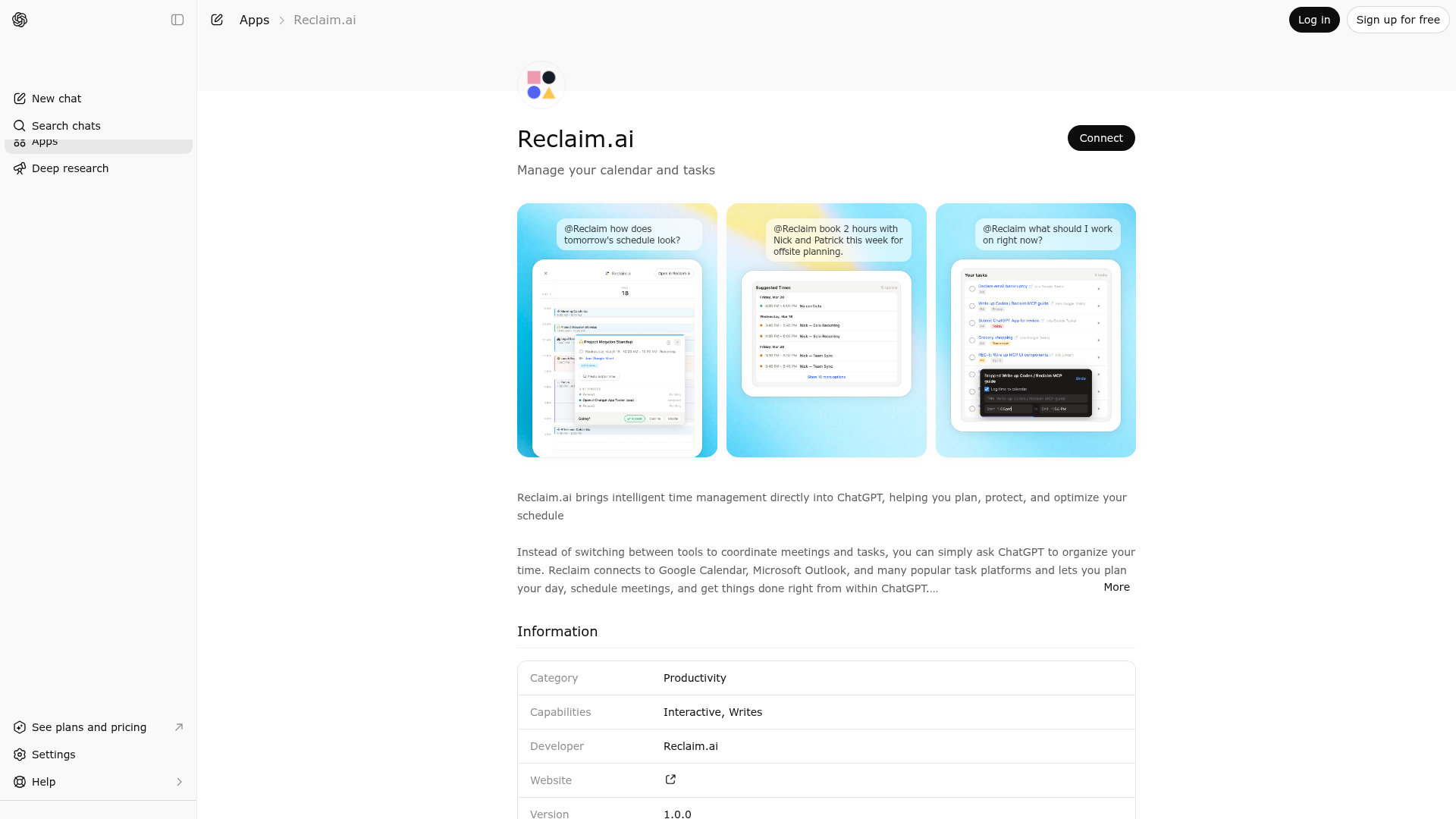
App Screenshots
Capabilities
Publisher Intelligence
Insights and recommendations for app publishers. See how your app performs and how to improve discoverability.
Server Status
Server is not responding. Tool discovery is paused until health checks recover.
https://mcp.reclaim.ai/chatgpt Last checked: 17h ago
Technical Details
Authentication required
Discoverability Score
Low
38 of 100 — how easily AI agents find your app
- Description quality20/20
- Example prompts0/20
- Keyword coverage0/15
- Tool metadata0/20
- Visual assets5/20
- Endpoint health6/10
- Data freshness15/15
How to Improve
Add at least 2 example prompts. Prompt examples strongly improve app matching and click-through intent.
Increase keyword coverage (discovery + trigger) to improve retrieval for long-tail queries.
MCP tools are not currently discovered. Fix endpoint/auth handshake to restore tool-level discoverability.
Provide a stable HTTPS logo URL (avoid connectors://) so cards render consistently across clients.
Add at least 2 screenshots that show real workflows to increase confidence and conversion.
Technical Details
- Status
- ENABLED
- Type
- AI-Powered App
- Auth
- Requires Login
- Listed on
- ChatGPT
- Added
- March 13, 2026
- Last synced
- 3d ago
- Last checked
- 17h ago
- Distribution
- Ecosystem Directory

