
Read AI
by Read AI, Inc (Verified Partner)
Description
Read AI brings your meeting intelligence directly into your AI workflows. Connect your Read AI account to access meeting summaries, transcripts, action items, key questions, and more — all retrievable through natural conversation. Read AI can look up recent meetings, pull the full transcript from a specific call, surface action items from last week's syncs, or find what key questions came up in a discussion. What you can do: - Browse and filter your meetings by date range - Retrieve summaries, chapter breakdowns, and topics from any meeting - Pull action items and key questions to stay on top of follow-ups - Access full transcripts for deep dives or verbatim references Whether you're prepping for a follow-up, catching up on a meeting you missed, or building workflows around your recorded conversations, Read AI's MCP integration makes your meeting data a first-class part of your AI experience.
Website Preview
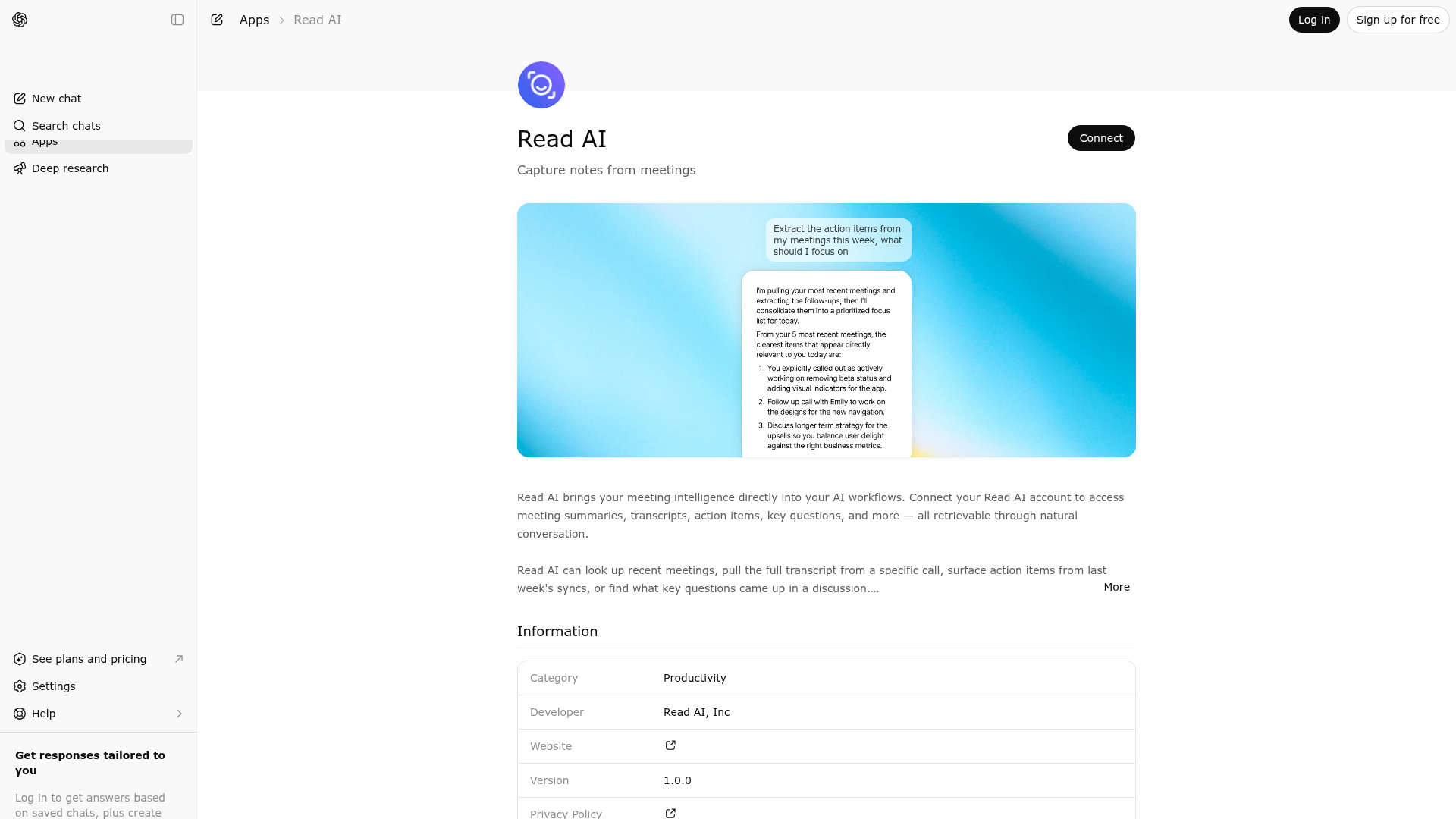
App Screenshots
Capabilities
No special capabilities listed
Publisher Intelligence
Insights and recommendations for app publishers. See how your app performs and how to improve discoverability.
Server Status
Server is not responding. Tool discovery is paused until health checks recover.
https://api.read.ai/mcp Last checked: 6d ago
Technical Details
Authentication required
Discoverability Score
Low
45 of 100 — how easily AI agents find your app
- Description quality20/20
- Example prompts0/20
- Keyword coverage0/15
- Tool metadata0/20
- Visual assets13/20
- Endpoint health6/10
- Data freshness15/15
How to Improve
Add at least 2 example prompts. Prompt examples strongly improve app matching and click-through intent.
Increase keyword coverage (discovery + trigger) to improve retrieval for long-tail queries.
MCP tools are not currently discovered. Fix endpoint/auth handshake to restore tool-level discoverability.
Add at least 2 screenshots that show real workflows to increase confidence and conversion.
Technical Details
- Status
- ENABLED
- Type
- AI-Powered App
- Auth
- Requires Login
- Listed on
- ChatGPT
- Added
- March 9, 2026
- Last synced
- 3d ago
- Last checked
- 6d ago
- Distribution
- Ecosystem Directory

