Product Hunt
Description
Product Hunt highlights the best new products every day with a community-driven leaderboard. Browse by category or topic to compare apps, tools, and startups across AI, design, developer tools, and more. Read real reviews, explore alternatives, and see what has traction.
Website Preview
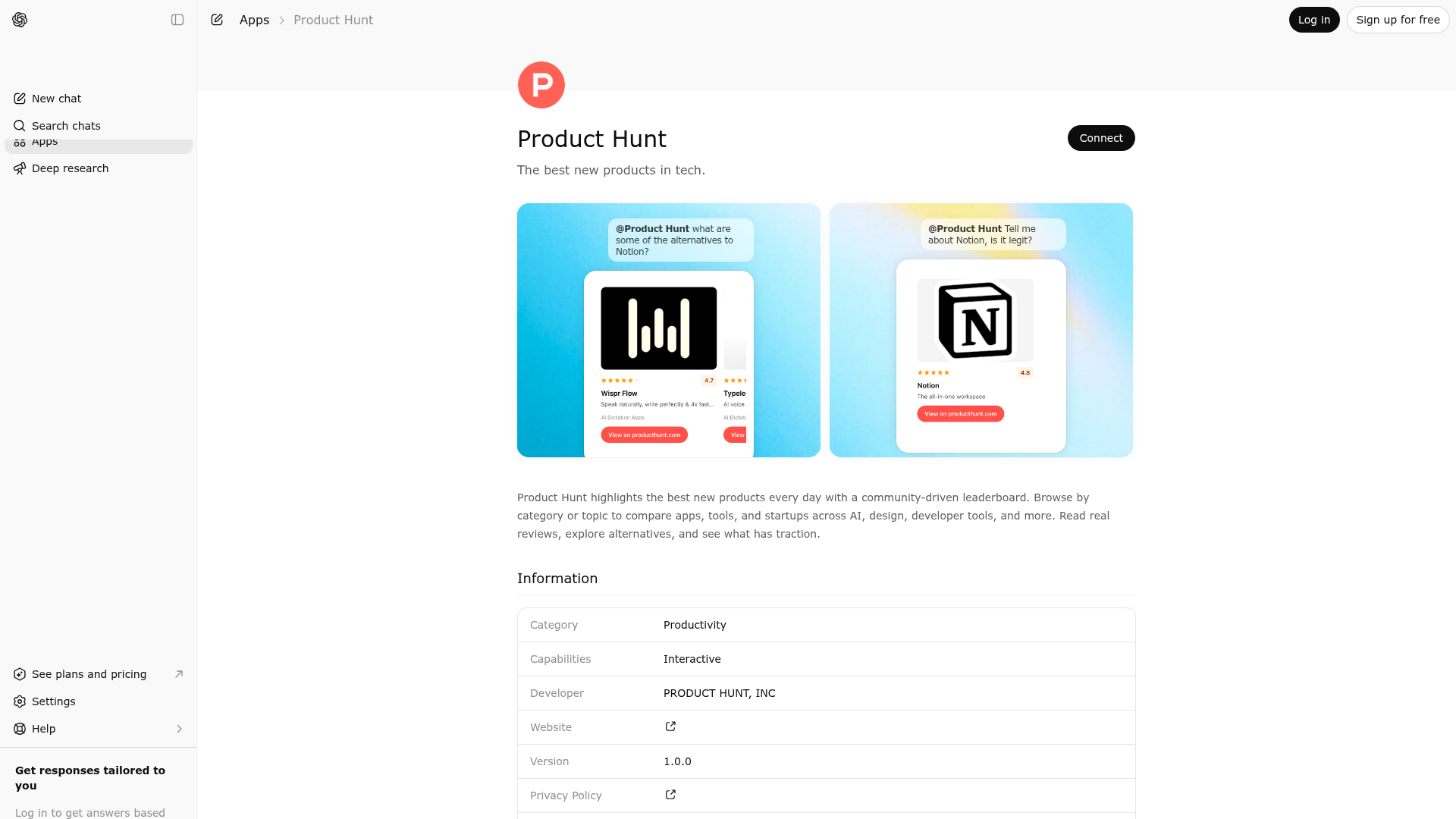
App Screenshots
Capabilities
Publisher Intelligence
Insights and recommendations for app publishers. See how your app performs and how to improve discoverability.
Server Status producthunt-mcp v1.0.1
https://www.producthunt.com/mcp/xAOyN0Bd Last checked: 1d ago
Technical Details
Tools(7)
Showing 7 of 7 tools
| Tool | Description | Flags | Test | Last Tested | |
|---|---|---|---|---|---|
find_alternatives | Find alternative products to a given product. - When to use: The user asks to find alternatives to a specific product like "alternatives to [product]", "apps like [product]", "[product] competitors", "what can I use instead of [product]?", or wants to compare similar products. - Args: product_name (required), order (highest_rated, most_relevant, or recent_launches), tags (e.g. "free", "open-source", "ai"), limit. - Returns: Similar products with ratings, categories, and relevance scores in an interactive carousel. | — | Not tested | — | |
get_categories | List all available Product Hunt categories with their slugs. - When to use: When you need to find the right category_slug for get_products or search_launches, or when the user asks what categories Product Hunt has, or wants to browse available topics. - Returns: All searchable categories organised by parent/child hierarchy with slugs. Use the slug values directly in get_products(category_slug) or search_launches(category_slug). | — | Not tested | — | |
get_leaderboard | Get the ranked Product Hunt leaderboard for a specific day, week, month, or year. - When to use: The user asks "what won on [date]?", "top launches in [week/month/year]", "#1 product on [date]", "Product Hunt winners for [period]", or wants the official ranking for a past or recent day, week, month, or year. - Args: date (required; YYYY-MM-DD for a day, YYYY-Www for an ISO week, YYYY-MM for a month, or YYYY for a year), limit (default 5, max 8). - Returns: Top-ranked products for that period with their rank, votes, makers, ratings and links in an interactive carousel. | — | Not tested | — | |
get_product_profile | Get detailed information about a product including description, makers, categories, social links, pricing, ratings, review highlights, and credibility signals like YC backing, funding, founded date, and team size. - When to use: "tell me about [product]", "what is [product]?", "who made [product]?", "give me info on [product]", or wants a comprehensive overview of a specific product. - Args: product_name (name or slug). - Returns: Full profile with reviews, rating, sentiment, and credibility details. | — | Not tested | — | |
get_products | Get top-rated or recently launched products in a Product Hunt category. - When to use: The user wants to see the best products in a topic like "best [topic] tools", "top [topic] apps", "find me a [topic] app", "top open source [topic] tools", "best free [topic] apps", "best paid [topic] tools". - Args: category_slug (required, use get_categories when you need to discover valid slugs), order (highest_rated or recent_launches), open_source (boolean), pricing ("free", "free_options", or "payment_required"), limit. - Returns: Products with names, ratings, taglines, categories, and links in an interactive carousel. | — | Not tested | — | |
search_launches | Search recent product launches on Product Hunt. - When to use: The user asks "what's new?", "latest AI launches", "trending products this week", "new tools launched today", "what launched on Product Hunt recently?", "new YC startups", "open source products launched this week", "free AI tools", "paid AI tools launched recently". - Args: query (text search), category_slug (preferred over query; use get_categories to discover valid slugs), days_ago (default 30), yc_only (boolean), open_source (boolean), pricing ("free", "free_options", or "payment_required"), limit. - Returns: Recent launches with date, makers, ratings, YC status, and links in an interactive carousel. | — | Not tested | — | |
semantic_product_search | Search Product Hunt products by natural-language topic or use case using vector similarity. - When to use: The user describes what they want without naming a category or product, e.g. "tools for managing claude code sessions", "AI that summarizes meeting notes", "self-hosted analytics for small teams". Prefer get_products when the user asks for a category, and find_alternatives when they name a specific product. - Args: query (required, free-form description), limit (default 6, max 8). - Returns: Semantically similar products with ratings, categories, and relevance scores in an interactive carousel. | — | Not tested | — |
Discoverability Score
Fair
58 of 100 — how easily AI agents find your app
- Description quality20/20
- Example prompts0/20
- Keyword coverage0/15
- Tool metadata20/20
- Visual assets5/20
- Endpoint health10/10
- Data freshness15/15
How to Improve
Add at least 2 example prompts. Prompt examples strongly improve app matching and click-through intent.
Increase keyword coverage (discovery + trigger) to improve retrieval for long-tail queries.
Provide a stable HTTPS logo URL (avoid connectors://) so cards render consistently across clients.
Add at least 2 screenshots that show real workflows to increase confidence and conversion.
Technical Details
- Status
- ENABLED
- Type
- AI-Powered App
- Auth
- Open Access
- Listed on
- ChatGPT
- Added
- March 16, 2026
- Last synced
- 3d ago
- Last checked
- 1d ago
- Version
- 1.0.1
- Distribution
- Ecosystem Directory

