productivity
AI App
Connected · 100% uptime
PDF Viewer
by Model Context Protocol Community (Verified Partner)
Available on:
Claude
Description
Demo PDF viewer that renders PDFs from allowed URLs like arxiv.org
Website Preview
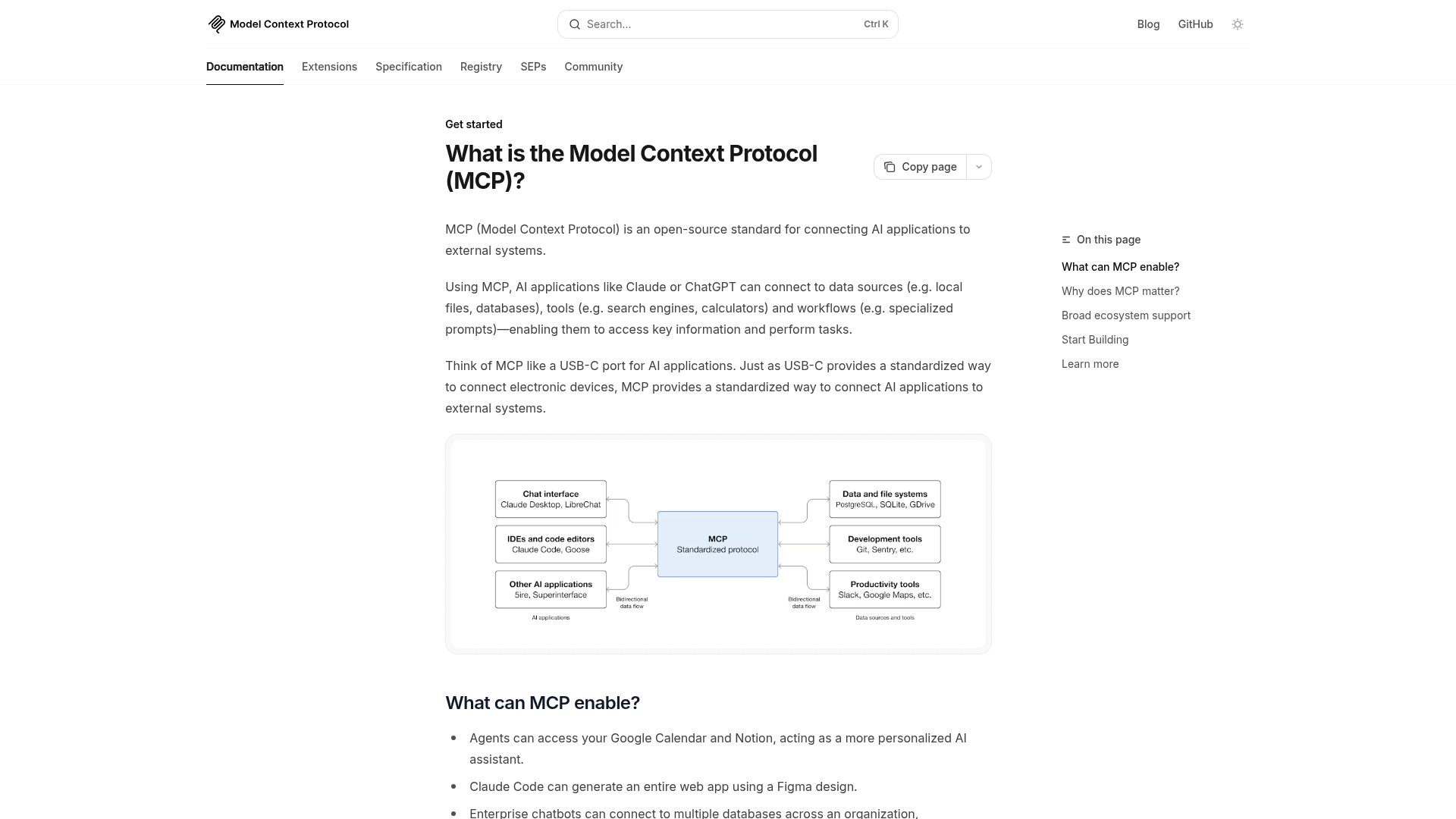
App Screenshots
Capabilities
No special capabilities listed
Publisher Intelligence
Insights and recommendations for app publishers. See how your app performs and how to improve discoverability.
Server Status PDF Server v2.0.0
Tools
Resources
Prompts
https://example-server.modelcontextprotocol.io/pdf/mcp Last checked: 20h ago
Technical Details
Connection Latency 281ms
30-Day Uptime 100.0%
Tools(4)
Showing 4 of 4 tools
Sorted by toolName
| Tool | Description | Flags | Test | Last Tested | |
|---|---|---|---|---|---|
display_pdf | Show and render a PDF in a read-only viewer. Use this tool when the user wants to view or read a PDF. The renderer displays the document for viewing. Accepts local files (use list_pdfs), client MCP root directories, or any HTTPS URL. | — | 100%Latency 1.1s | 2d ago | |
list_pdfs | List available PDFs that can be displayed | — | Not tested | — | |
read_pdf_bytes | Read a range of bytes from a PDF (max 512KB per request) | — | Not tested | — | |
save_pdf | Save annotated PDF bytes back to a local file | — | Not tested | — |
Discoverability Score
52
Fair
52 of 100 — how easily AI agents find your app
- Description quality8/20
- Example prompts0/20
- Keyword coverage0/15
- Tool metadata16/20
- Visual assets13/20
- Endpoint health10/10
- Data freshness15/15
How to Improve
Add at least 2 example prompts. Prompt examples strongly improve app matching and click-through intent.
Increase keyword coverage (discovery + trigger) to improve retrieval for long-tail queries.
Expand the app description to 80-160 chars with clear use-cases so ranking and matching quality improve.
Add at least 2 screenshots that show real workflows to increase confidence and conversion.
Technical Details
- Status
- ENABLED
- Type
- AI-Powered App
- Auth
- Open Access
- Listed on
- Claude
- Added
- January 23, 2026
- Last synced
- 3d ago
- Last checked
- 20h ago
- Version
- 2.0.0

