
Outliner
by Sider AI (Verified Partner)
Description
Turn an idea or an uploaded file into a clean outline right inside ChatGPT. Ask Outliner to structure a pitch deck, map a product launch, or shape an essay; it instantly builds a logical hierarchy you can promote, trim, or delete — letting you think while it formats. How to Use Outliner in ChatGPT 1. Connect: Connect the Outliner app to ChatGPT. 2. Trigger: Activate the app using one of these methods: Type Commands: Simply type “@” then choose the Outliner app, or type “Outliner” (followed by a space) in the chat box. Action List: Select it directly from the Action List (Requires the Sider extension). 3. Create: You are ready to go! Try asking specifically: · “Outline my climate-change research paper.” · “Break this product concept into a step-by-step workflow.” · “Summarize this file, then build a project-plan outline.” When you’re ready, copy the outline and keep refining it with your team.
About This App
Sider is your all-in-one AI assistant that helps you chat, write, read, translate, and research on any webpage. Ask AI any questions or create AI presentations, websites, and images with ease. Free to try.
Last updated: April 21, 2026
Website Preview
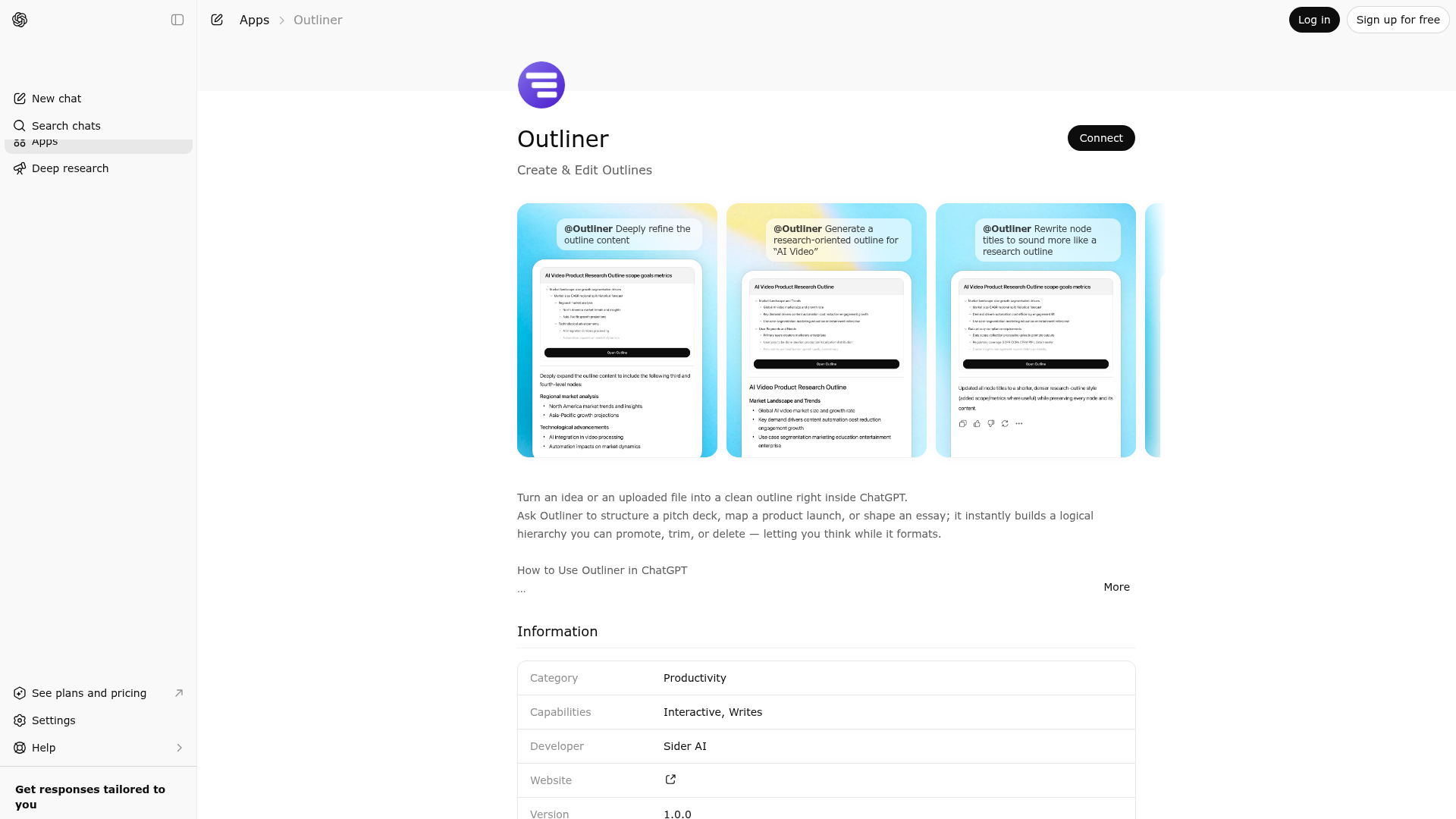
App Screenshots
Capabilities
Publisher Intelligence
Insights and recommendations for app publishers. See how your app performs and how to improve discoverability.
Server Status gpt-app-outliner v0.1.0
Server is not responding. Tool discovery is paused until health checks recover.
https://outliner.chatgptapps.sider.ai/mcp Last checked: 3d ago
Technical Details
Tools(2)
Showing 2 of 2 tools
| Tool | Description | Flags | Test | Last Tested | |
|---|---|---|---|---|---|
generate-child-nodes | Generate child nodes for the selected node | — | 100%Latency 1.7s | Mar 22, 2026 | |
outline_generator | You are an outline generation engine. Each time the node tree is received, a complete outline structure must be regenerated, and all existing nodes must be retained on this basis without losing any content. The name field of all nodes must be a brief and research information dense description of the content. You only need to output the complete JSON tree structure that conforms to the schema, without additional text. Content output in the user's primary language. | — | 100%Latency 610ms | Mar 22, 2026 |
Discoverability Score
Fair
58 of 100 — how easily AI agents find your app
- Description quality20/20
- Example prompts0/20
- Keyword coverage0/15
- Tool metadata16/20
- Visual assets13/20
- Endpoint health6/10
- Data freshness15/15
How to Improve
Add at least 2 example prompts. Prompt examples strongly improve app matching and click-through intent.
Increase keyword coverage (discovery + trigger) to improve retrieval for long-tail queries.
Add at least 2 screenshots that show real workflows to increase confidence and conversion.
Technical Details
- Status
- ENABLED
- Type
- AI-Powered App
- Auth
- Open Access
- Listed on
- ChatGPT
- Added
- December 19, 2025
- Last synced
- 3d ago
- Last checked
- 3d ago
- Version
- 0.1.0
- Distribution
- Ecosystem Directory

