Visitor takeaway
63/100
Fair AI-discovery coverage across description, prompts, keywords, visuals, tool metadata, health, and freshness.

by Apporify INC.(Community)
Visitor takeaway
63/100
Fair AI-discovery coverage across description, prompts, keywords, visuals, tool metadata, health, and freshness.
Routing category
Productivity
This app has a primary category, so visitors can browse and compare it in the right directory context.
Connector evidence
Reachable
Tedix can reach this MCP endpoint and can show live capability evidence when tools are discovered.
Directory freshness
23h ago
Catalog metadata was refreshed 23h ago (June 24, 2026).
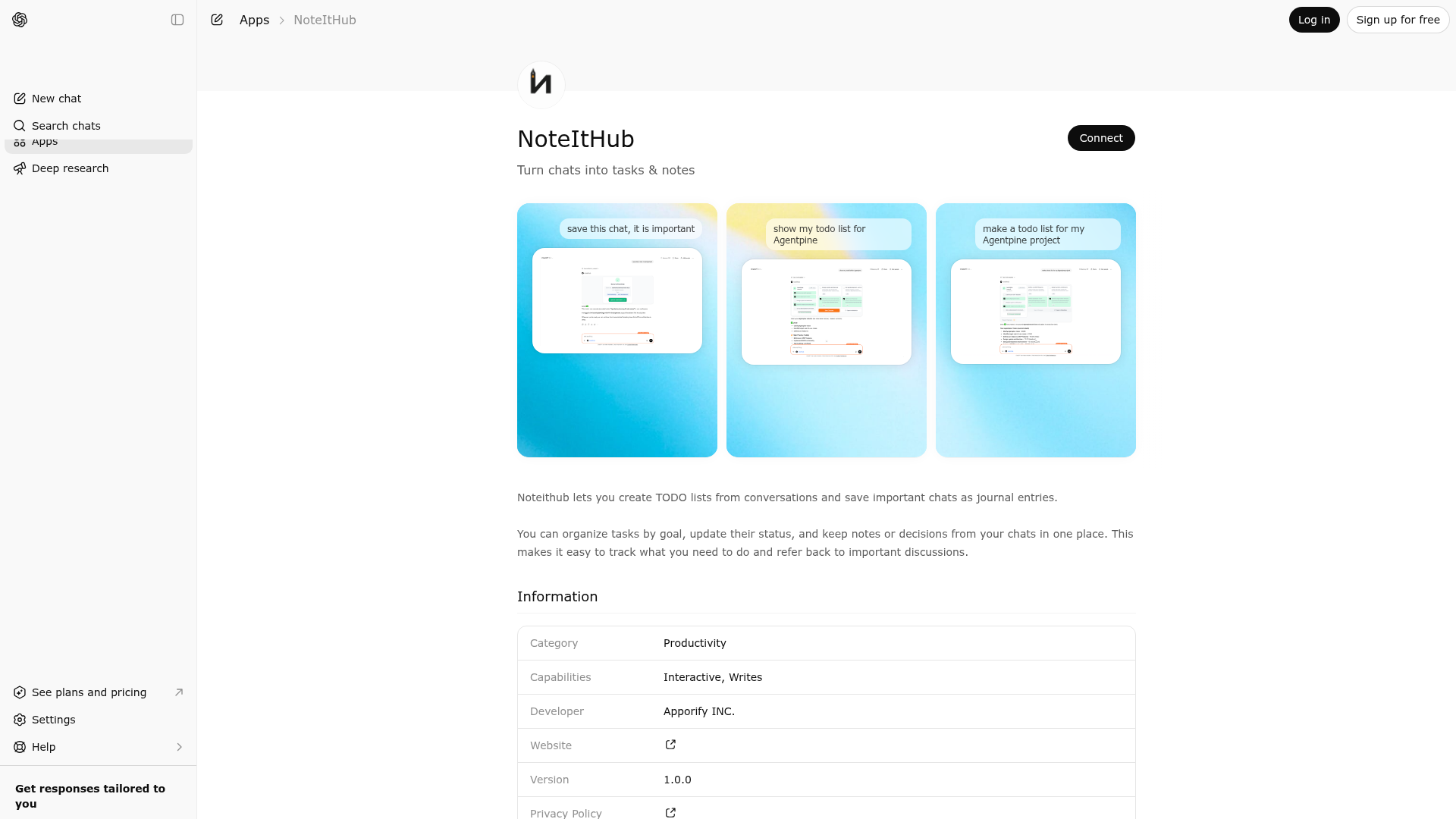
Noteithub lets you create TODO lists from conversations and save important chats as journal entries. You can organize tasks by goal, update their status, and keep notes or decisions from your chats in one place. This makes it easy to track what you need to do and refer back to important discussions.

NoteItHub is indexed by Tedix as a structured productivity listing for AI assistants, search crawlers, and users comparing agent-ready apps.
Use this page to understand whether NoteItHub is relevant for productivity workflows in AI assistants.
For MCP discovery, this listing helps crawlers connect NoteItHub to tool, resource, prompt, and server-health signals instead of treating it as a generic directory entry.
The canonical Tedix directory URL is https://tedix.dev/apps/noteithub/.
Tedix identifies NoteItHub from Upstream Mcp tool source; Store sources: ChatGPT app store; Distribution: Ecosystem Directory; Tenant install: A platform catalog operator must create or reconcile the base app before tenants can install this entry.. Availability is reported for FR, US, GB, ES, KR, IN.
Authentication: Requires Login. NoteItHub is flagged for Can Modify Data, Works in Conversation. Current MCP inventory reports 4 tools, 1 resources, and 0 prompts.
Turn this conversation into a structured TODO plan. Use this tool when the user: - asks you to create a plan, roadmap, or action steps - says things like 'make a todo list', 'break this down', 'show me the steps', 'what should I do next?' - is clearly working toward a goal and wants concrete tasks. The tool will: - summarize the conversation - infer a short goal name (1–3 words) - extract 4–9 actionable tasks with descriptions, priorities, and optional due dates. IMPORTANT - Conversation Key: - If Noteithub has previously returned a 'conversationKey' in a response, you MUST include that SAME conversationKey in ALL future calls to this tool within the same conversation. - This allows Noteithub to track that multiple TODO calls belong to the same chat session. - DO NOT include a conversationKey if you haven't received one yet - Noteithub will generate one for you.
Show the user's existing TODO list or plan for a specific goal. Use this tool when the user: - asks to see their todo list, plan, or tasks - says things like 'show my todos', 'what's my plan for X', 'show tasks for my project' - wants to view progress on a goal The tool will: - match the query to the user's closest goal - fetch and display all tasks for that goal - show task status (completed, in progress, etc.)
Save/bookmark this conversation as an important journal entry. Use this tool when the user says things like: - 'save this', 'bookmark this', 'remember this', 'keep this' - 'this is important', 'log this', 'journal this' - 'store this decision', 'save these notes' This will: - assign the saved entry to a goal (reuse or create) - store a short summary + optional compressed context - attach optional tags IMPORTANT - Conversation Key: - If Noteithub has previously returned a `conversationKey`, ALWAYS include the same conversationKey in future calls within the same ChatGPT conversation when saving/updating the same saved chat. - If you haven't received one, omit it; Noteithub will generate and return it.
Save changes to TODO statuses from the widget. This tool is called from the widget when the user clicks 'Save changes'. It updates todo statuses (TO_DO, IN_PROGRESS, DONE, CANCELLED) in the database.
Comparable apps in Productivity include AI Voice Generator, AI Wisebase, AWS Marketplace, AccurateScribe.ai – Transcribe.
Public trust signals for visitors and practical recommendations for publishers. Use this section to understand what Tedix can verify today and what would make the app easier for AI agents to find.
Visitor takeaway
63/100
Fair AI-discovery coverage across description, prompts, keywords, visuals, tool metadata, health, and freshness.
Routing category
Productivity
This app has a primary category, so visitors can browse and compare it in the right directory context.
Connector evidence
Reachable
Tedix can reach this MCP endpoint and can show live capability evidence when tools are discovered.
Directory freshness
23h ago
Catalog metadata was refreshed 23h ago (June 24, 2026).
https://noteithub.com/api/mcpLast checked: May 31, 2026
Showing 4 of 4 tools
| Tool | Description | Flags | Test | Last Tested | |
|---|---|---|---|---|---|
noteithub_create_todo_list | Turn this conversation into a structured TODO plan. Use this tool when the user: - asks you to create a plan, roadmap, or action steps - says things like 'make a todo list', 'break this down', 'show me the steps', 'what should I do next?' - is clearly working toward a goal and wants concrete tasks. The tool will: - summarize the conversation - infer a short goal name (1–3 words) - extract 4–9 actionable tasks with descriptions, priorities, and optional due dates. IMPORTANT - Conversation Key: - If Noteithub has previously returned a 'conversationKey' in a response, you MUST include that SAME conversationKey in ALL future calls to this tool within the same conversation. - This allows Noteithub to track that multiple TODO calls belong to the same chat session. - DO NOT include a conversationKey if you haven't received one yet - Noteithub will generate one for you. | — | 100%Latency 521ms | May 7, 2026 | |
noteithub_get_todo_list | Show the user's existing TODO list or plan for a specific goal. Use this tool when the user: - asks to see their todo list, plan, or tasks - says things like 'show my todos', 'what's my plan for X', 'show tasks for my project' - wants to view progress on a goal The tool will: - match the query to the user's closest goal - fetch and display all tasks for that goal - show task status (completed, in progress, etc.) | read-only | 100%Latency 216ms | May 7, 2026 | |
noteithub_journalize_conversation | Save/bookmark this conversation as an important journal entry. Use this tool when the user says things like: - 'save this', 'bookmark this', 'remember this', 'keep this' - 'this is important', 'log this', 'journal this' - 'store this decision', 'save these notes' This will: - assign the saved entry to a goal (reuse or create) - store a short summary + optional compressed context - attach optional tags IMPORTANT - Conversation Key: - If Noteithub has previously returned a `conversationKey`, ALWAYS include the same conversationKey in future calls within the same ChatGPT conversation when saving/updating the same saved chat. - If you haven't received one, omit it; Noteithub will generate and return it. | — | 100%Latency 216ms | May 7, 2026 | |
noteithub_update_todos | Save changes to TODO statuses from the widget. This tool is called from the widget when the user clicks 'Save changes'. It updates todo statuses (TO_DO, IN_PROGRESS, DONE, CANCELLED) in the database. | — | 100%Latency 565ms | May 7, 2026 |
Fair
63 of 100 — how easily AI agents can find this app
Add at least 2 example prompts. Prompt examples strongly improve app matching and click-through intent.
Increase keyword coverage (discovery + trigger) to improve retrieval for long-tail queries.
Add at least 2 screenshots that show real workflows to increase confidence and conversion.