Neartail
Description
Your menu changes every week. You need an order form you can update in minutes, not an ecommerce site you have to rebuild. What if creating an order form was as easy as editing Google Forms? Neartail does that. Describe your menu, set prices, and get an order form that calculates totals automatically. Your customers don't have to browse an ecommerce site, add to cart, and get lost along the way. They go through the form, review their order, and submit. Simple. Orders sync to Google Sheets. Share with your kitchen to prep. Share with delivery to route. Next week, update your menu and go again. Describe what you need: "meal prep order form with 5 meals," "weekly lunch menu for office canteen," or "bakery pre-order with pickup times." Neartail creates it with pricing and payment built in. Meal prep companies, office canteens, bakeries, and caterers use Neartail because menus change weekly and Google Sheets is how their team already works. Describe. Share. Take orders.
Website Preview
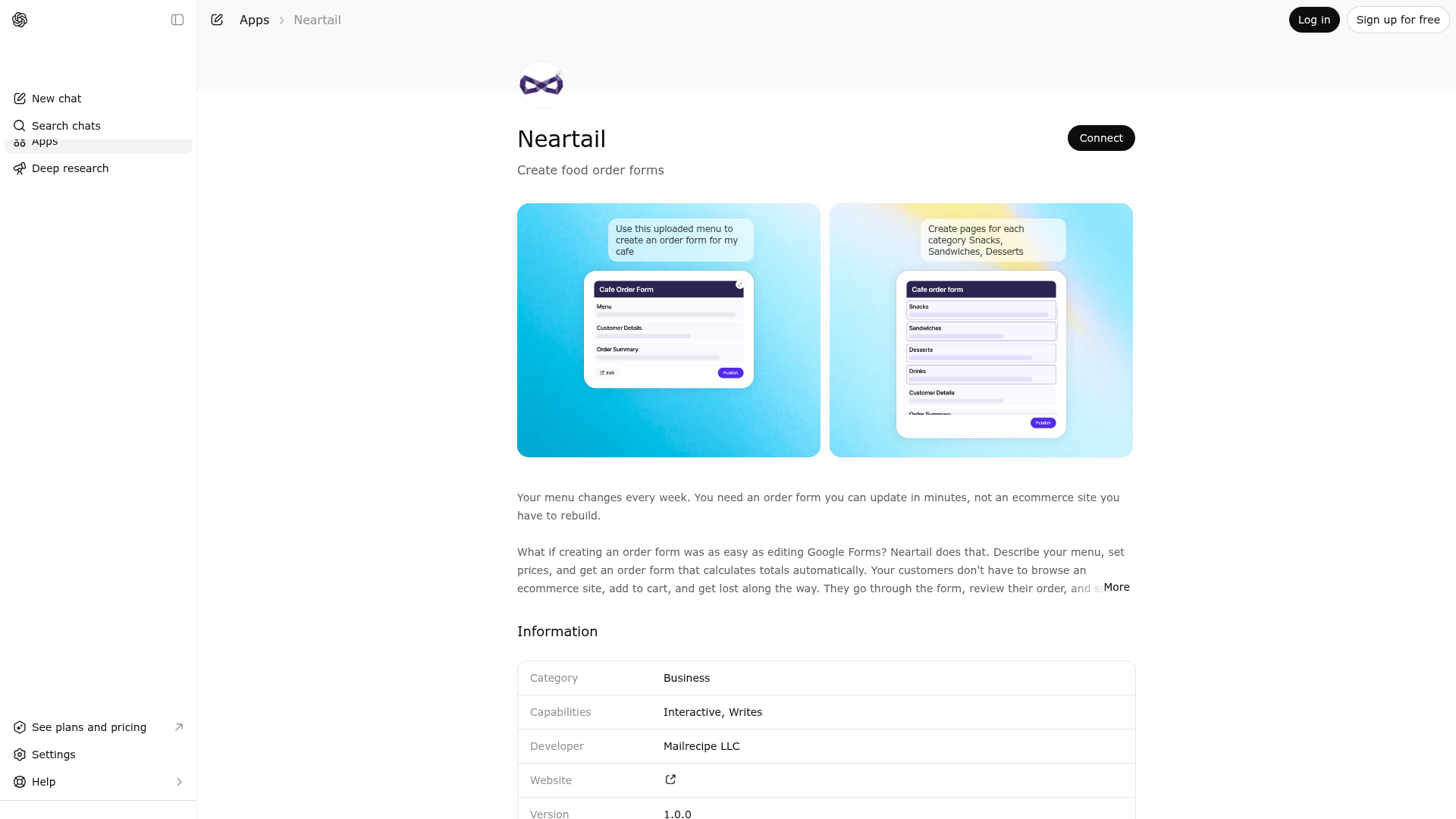
App Screenshots
Capabilities
Publisher Intelligence
Insights and recommendations for app publishers. See how your app performs and how to improve discoverability.
Server Status Promptrepo v1.0.0
https://neartail.com/mcp/116858831459398171161 Last checked: 5h ago
Technical Details
Tools(3)
Showing 3 of 3 tools
| Tool | Description | Flags | Test | Last Tested | |
|---|---|---|---|---|---|
create_new_form_using_document | Create a new form from an uploaded file, document, image, screenshot, or PDF. ALWAYS use this tool when the user has uploaded, attached, or pasted any file or content — even if the file contains just a title or simple text. Use "html" format when the content has layout, formatting, structure, or comes from HTML, SCREENSHOT, IMAGE, or PDF. Use "markdown" format when the content is plain text without formatting. This tool returns the complete form with all sections and fields. IMPORTANT: Do NOT include sensitive personal data in the document content. This includes health information, biometric data, social security numbers, payment card industry information (credit/debit card numbers, CVV, expiration dates), bank account details, login credentials, passwords, or authentication secrets. Remove or redact any such sensitive data before passing the document. Output MUST match the "format" parameter. Never mix formats. format="html" example output: <!DOCTYPE html> <html><head><base target="_top"></head><body> <h1>Title</h1> <h3>Section</h3> <div><p>Choices</p> <p> <input type="radio"/> <input type="text"/></p> <p> <input type="radio"/> <input type="text"/></p> </div> <div><p>Field *</p><p><input type="text"></p></div> <div><p>Notes</p><textarea></textarea></div> </body></html> format="markdown" example output: # Title ### Section Choices ( ) ___________ ( ) ___________ Field (text) *: ___________ Notes (textarea) : ___________ * after label = required field. | — | 100%Latency 2.6s | May 9, 2026 | |
create_new_form_using_form_name | Create a new form from a short title or name only (NO file, document, image, or uploaded content). Use this ONLY when the user describes what form they want in words (e.g., "create a feedback form", "make a registration form"). Do NOT use this tool if the user uploaded, attached, or pasted a file, document, screenshot, image, or PDF — use create_new_form_using_document instead. This tool returns a widget UI showing the form outline with sections and fields that can be reviewed and confirmed. | — | 100%Latency 2.6s | May 9, 2026 | |
update_form | Edit an existing form outline by providing its outlineId and the requested changes (instruction). Use this to add, change, or remove sections and fields. This tool returns a widget UI showing the updated form outline that can be reviewed and confirmed. | — | 100%Latency 1.5s | May 9, 2026 |
Discoverability Score
Fair
52 of 100 — how easily AI agents find your app
- Description quality20/20
- Example prompts0/20
- Keyword coverage0/15
- Tool metadata16/20
- Visual assets5/20
- Endpoint health10/10
- Data freshness11/15
How to Improve
Add at least 2 example prompts. Prompt examples strongly improve app matching and click-through intent.
Increase keyword coverage (discovery + trigger) to improve retrieval for long-tail queries.
Provide a stable HTTPS logo URL (avoid connectors://) so cards render consistently across clients.
Add at least 2 screenshots that show real workflows to increase confidence and conversion.
Technical Details
- Status
- ENABLED
- Type
- AI-Powered App
- Auth
- Requires Login
- Listed on
- ChatGPT
- Added
- March 11, 2026
- Last synced
- May 3, 2026
- Last checked
- 5h ago
- Version
- 1.0.0
- Distribution
- Ecosystem Directory