
productivity
AI App
Connected · 100% uptime
Kiwi.com
by Kiwi.com (Verified Partner)
Available on:
Claude
Description
Search flights in Claude
Website Preview
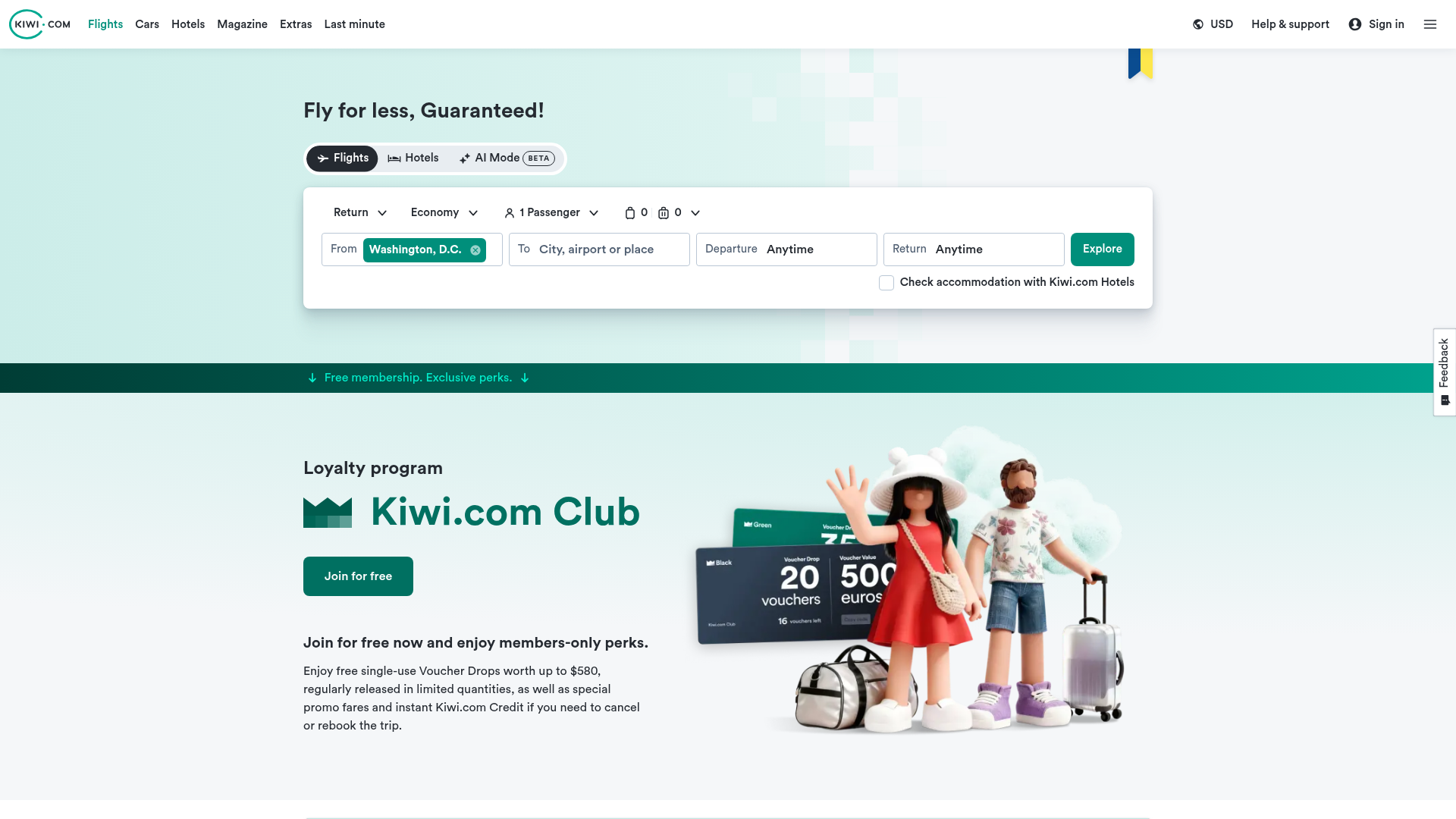
App Screenshots
Capabilities
No special capabilities listed
Publisher Intelligence
Insights and recommendations for app publishers. See how your app performs and how to improve discoverability.
Server Status kiwi-mcp-server v0.0.1
Tools
Resources
Prompts
https://mcp.kiwi.com Last checked: 20h ago
Technical Details
Connection Latency 488ms
30-Day Uptime 100.0%
Tools(2)
Showing 2 of 2 tools
Sorted by toolName
| Tool | Description | Flags | Test | Last Tested | |
|---|---|---|---|---|---|
feedback-to-devs | Send feedback to the dev of the Kiwi MCP server. | — | Not tested | — | |
search-flight | # Search for a flight ## Description Uses the Kiwi API to search for available flights between two locations on a specific date. ## How it works The tool will: 1. Search for matching locations to resolve airport codes 2. Find available flights for the specified route and date range ## Method Call this tool whenever a user wants to search for flights, regardless of whether they provided exact airport codes or just city names. You should display the returned results in a markdown table format: Group the results by price (those who are the cheapest), duration (those who are the shortest, i.e. have the smallest 'totalDurationInSeconds') and the rest (those that could still be interesting). Always display for each flight in order: - In the 1st column: The departure and arrival airports, including layovers (e.g. "Paris CDG → Barcelona BCN → Lisbon LIS") - In the 2nd column: The departure and arrival dates & times in the local timezones, and duration of the flight (e.g. "03/08 06:05 → 09:30 (3h 25m)", use 'durationInSeconds' to display the duration and not 'totalDurationInSeconds') - In the 3rd column: The cabin class (e.g. "Economy") - (In case of return flight only) In the 4th column: The return flight departure and arrival airports, including layovers (e.g. "Paris CDG → Barcelona BCN → Lisbon LIS") - (In case of return flight only) In the 5th column: The return flight departure and arrival dates & times in the local timezones, and duration of the flight (e.g. "03/08 06:05 → 09:30 (3h 25m)", use 'return.durationInSeconds' to display the duration) - (In case of return flight only) In the 6th column: The return flight cabin class (e.g. "Economy") - In the previous-to-last column: The total price of the flight - In the last column: The deep link to book the flight Finally, provide a summary highlighting the best prices, the shortest flights and a recommendation. End wishing a nice trip to the user with a short fun fact about the destination! | read-only | 0%Latency 944ms | 2d ago |
Discoverability Score
45
Low
45 of 100 — how easily AI agents find your app
- Description quality0/20
- Example prompts0/20
- Keyword coverage0/15
- Tool metadata16/20
- Visual assets13/20
- Endpoint health10/10
- Data freshness15/15
How to Improve
Add at least 2 example prompts. Prompt examples strongly improve app matching and click-through intent.
Increase keyword coverage (discovery + trigger) to improve retrieval for long-tail queries.
Expand the app description to 80-160 chars with clear use-cases so ranking and matching quality improve.
Add at least 2 screenshots that show real workflows to increase confidence and conversion.
Technical Details
- Status
- ENABLED
- Type
- AI-Powered App
- Auth
- Open Access
- Listed on
- Claude
- Added
- November 12, 2025
- Last synced
- 3d ago
- Last checked
- 20h ago
- Version
- 0.0.1

