Jettly
Description
Access Jettly’s business information, including website and contact details, list service offerings and quickly connect with the team through a built-in contact form.
Website Preview
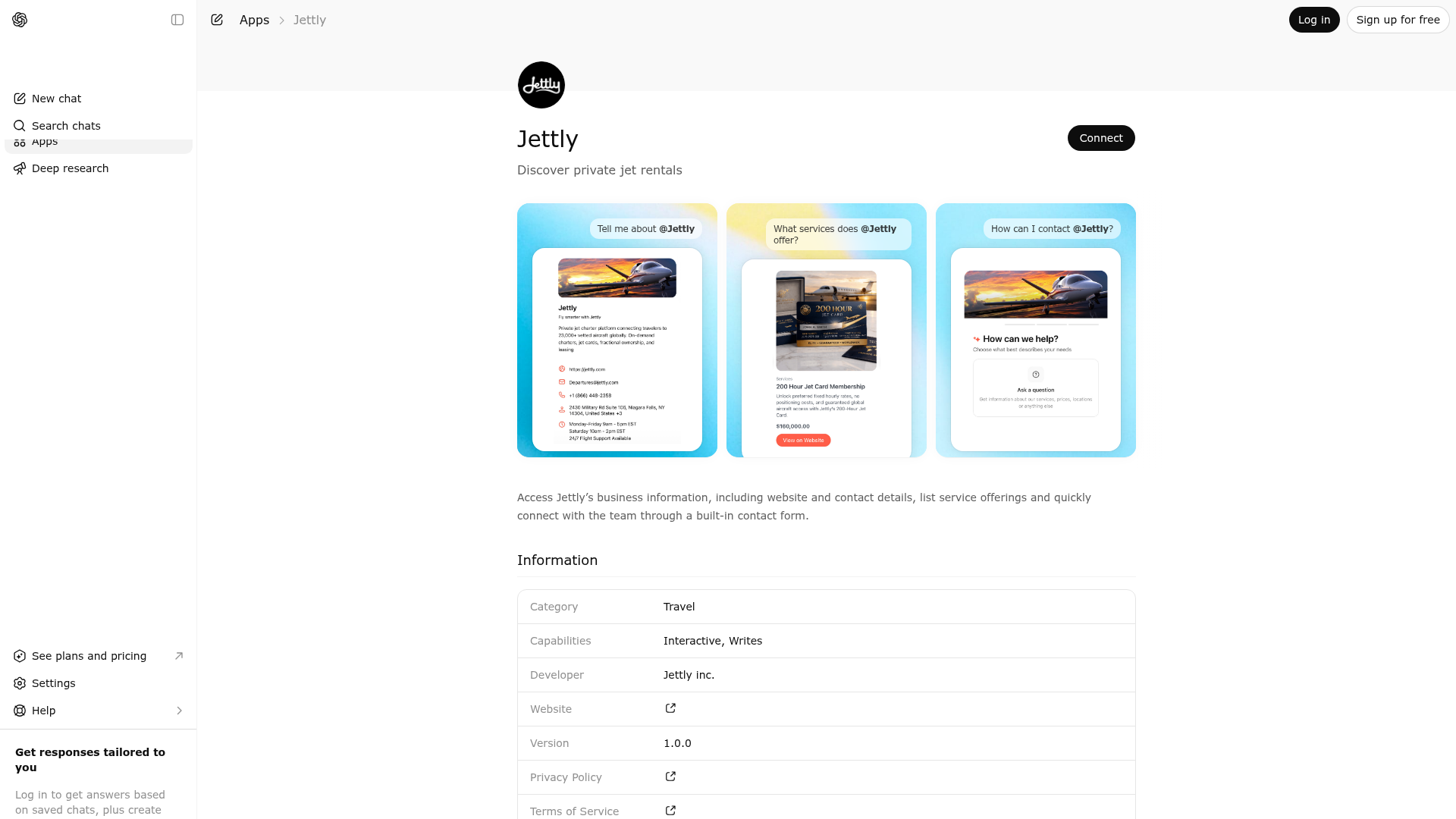
App Screenshots
Capabilities
Publisher Intelligence
Insights and recommendations for app publishers. See how your app performs and how to improve discoverability.
Server Status noodle-mcp-server v3.2.4
https://jettly.mcp.noodleseed.com/mcp Last checked: 1d ago
Technical Details
Tools(3)
Showing 3 of 3 tools
| Tool | Description | Flags | Test | Last Tested | |
|---|---|---|---|---|---|
show_business_info | Use this when the user asks for general business profile information. Displays a read-only business information widget with business name, description, email, phone, address, and website. Use this tool for requests like: 'Tell me about your business', 'What is your phone number?', 'What is your website?'. Do NOT use for detailed policy/procedure questions (use ask_question tool instead). DO NOT use for map/location exploration (use show_locations tool instead). | read-only | 100%Latency 497ms | May 9, 2026 | |
show_products | Use this when the user wants to browse what products or services the business offers. Displays an interactive product catalog widget with names, descriptions, pricing, images, and product actions. Catalog browsing is read-only; purchases are not completed through this tool. Use optional filters to narrow results: search, category, min_price, and max_price. Use this tool for requests like: 'What products do you sell?', 'Show me services under $300', 'Do you have running shorts?'. If the user requests a general catalog view, call with no filters to return all available products/services. Do NOT use for submitting inquiries (use submit_contact_form tool instead). DO NOT use for scheduling appointments (use book_appointment tool instead). | read-only | 100%Latency 2.0s | May 9, 2026 | |
submit_contact_form | Use this when the user wants to contact the business or send a direct inquiry. Displays an interactive contact form widget that collects name, email, phone (optional), and message. This tool supports two modes: interactive form display and explicit submission. Use name, email, phone, and message for both context-derived prefill and explicit submission. Submission mode is triggered only when name, email, and message are provided together; otherwise the widget opens for interactive completion. Form submission is explicitly triggered by the user in the widget or by an explicit user request to submit now. Use this tool for requests like: 'I want to contact you', 'I want to discuss this', 'Send this message to the business'. Do NOT use for booking appointments (use book_appointment tool instead). DO NOT use for listing products/services (use show_products tool instead). | destructive | 100%Latency 399ms | May 9, 2026 |
Discoverability Score
Fair
52 of 100 — how easily AI agents find your app
- Description quality20/20
- Example prompts0/20
- Keyword coverage0/15
- Tool metadata16/20
- Visual assets5/20
- Endpoint health10/10
- Data freshness11/15
How to Improve
Add at least 2 example prompts. Prompt examples strongly improve app matching and click-through intent.
Increase keyword coverage (discovery + trigger) to improve retrieval for long-tail queries.
Provide a stable HTTPS logo URL (avoid connectors://) so cards render consistently across clients.
Add at least 2 screenshots that show real workflows to increase confidence and conversion.
Technical Details
- Status
- ENABLED
- Type
- AI-Powered App
- Auth
- Open Access
- Listed on
- ChatGPT
- Added
- March 31, 2026
- Last synced
- May 3, 2026
- Last checked
- 1d ago
- Version
- 3.2.4
- Distribution
- Ecosystem Directory