
productivity
AI App
Connected · 100% uptime
Goodnotes
by Goodnotes (Verified Partner)
Available on:
Claude
Description
Turn AI insights into documents
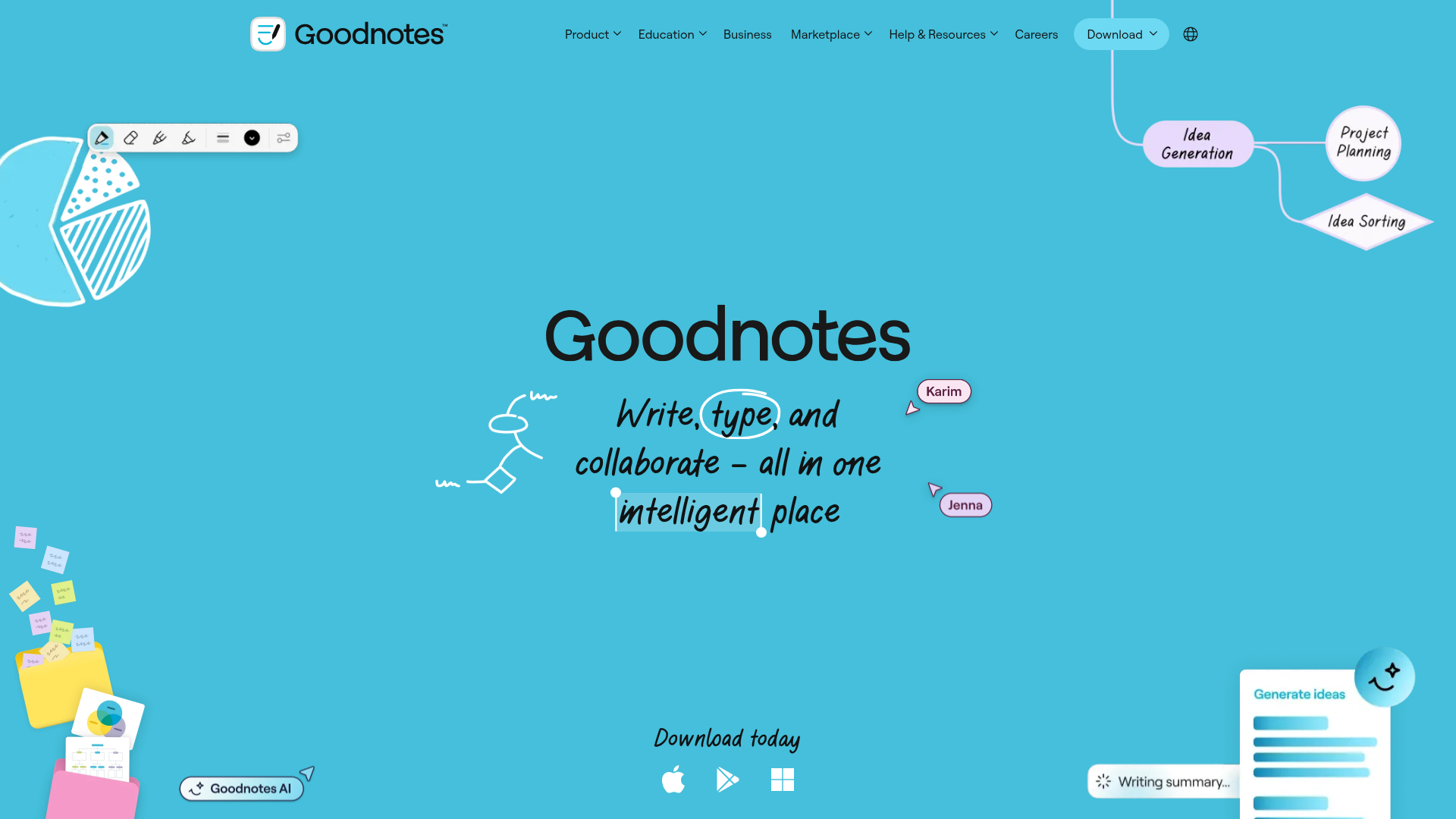
Website Preview
App Screenshots
Capabilities
No special capabilities listed
Publisher Intelligence
Insights and recommendations for app publishers. See how your app performs and how to improve discoverability.
Server Status goodnotes-mcp-server v1.0.0
Tools
Resources
Prompts
https://claude-mcp-api.ml.goodnotes.com/mcp Last checked: 2d ago
Technical Details
Connection Latency 1.1s
30-Day Uptime 100.0%
Tools(3)
Showing 3 of 3 tools
Sorted by toolName
| Tool | Description | Flags | Test | Last Tested | |
|---|---|---|---|---|---|
create_markdown_text_document | Render markdown content as beautifully formatted rich text in an interactive Goodnotes widget. Supports headings, lists, code blocks, tables, and more. Use this to present any text content the user wants to see formatted, save, or share. "show this as markdown", "format this text", "create a document", "save these notes", or any request involving structured text display. | — | Not tested | — | |
draw_svg_image | Creates custom vector graphics and illustrations from SVG code. Use for freeform drawings, icons, logos, custom shapes, artistic designs, precise geometric patterns, or when user needs pixel-perfect control over visual elements. "draw an image", "create an icon", "design a logo", "make a custom graphic", or needs specific visual styling not suited to standard diagrams. Choose this over Mermaid when the user wants artistic/custom graphics rather than structured diagrams. Supports an optional background object: choose a color (white by default; use black when the user asks for dark mode; yellow also supported) and a pattern (blank, dotted, or squared; defaults to dotted). Use only these literal color names—no aliases or hex codes. | — | Not tested | — | |
generate_mermaid_diagram | Creates visual diagrams from Mermaid syntax. Supports three diagram types: flowcharts (process flows, decision trees, workflows), mindmaps (hierarchical ideas, brainstorming, concept maps), and timelines (chronological events, project milestones, histories). "create a flowchart", "visualize the process", "show the workflow", "make a mindmap", "brainstorm ideas", "map concepts", "create a timeline", "show events over time", or describes structured visualization needs. Choose this over SVG when the user wants a structured diagram rather than freeform graphics. Supports an optional background object: choose a color (white by default; use black when the user asks for dark mode; yellow also supported) and a pattern (blank, dotted, or squared; defaults to dotted). Use only these literal color names—no aliases or hex codes. | — | Not tested | — |
Discoverability Score
52
Fair
52 of 100 — how easily AI agents find your app
- Description quality8/20
- Example prompts0/20
- Keyword coverage0/15
- Tool metadata16/20
- Visual assets13/20
- Endpoint health10/10
- Data freshness15/15
How to Improve
Add at least 2 example prompts. Prompt examples strongly improve app matching and click-through intent.
Increase keyword coverage (discovery + trigger) to improve retrieval for long-tail queries.
Expand the app description to 80-160 chars with clear use-cases so ranking and matching quality improve.
Add at least 2 screenshots that show real workflows to increase confidence and conversion.
Technical Details
- Status
- ENABLED
- Type
- AI-Powered App
- Auth
- Open Access
- Listed on
- Claude
- Added
- March 30, 2026
- Last synced
- 3d ago
- Last checked
- 2d ago
- Version
- 1.0.0

