
Description

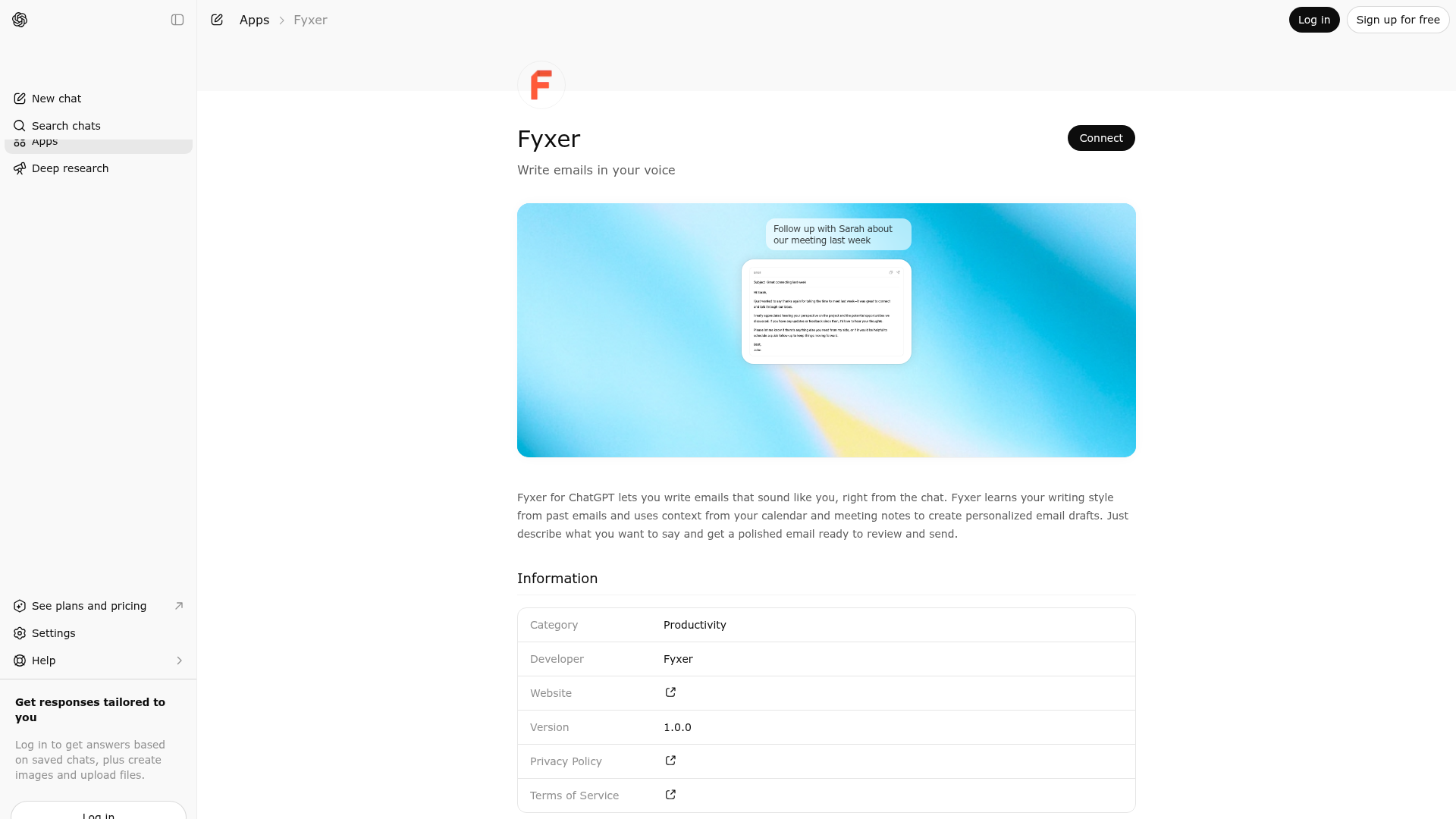
Fyxer for ChatGPT lets you write emails that sound like you, right from the chat. Fyxer learns your writing style from past emails and uses context from your calendar and meeting notes to create personalized email drafts. Just describe what you want to say and get a polished email ready to review and send.

Website Preview
Screenshot of Fyxer website

App Screenshots

Capabilities

No special capabilities listed

Publisher Intelligence

Insights and recommendations for app publishers. See how your app performs and how to improve discoverability.

Server Status

---
Not Responding
---
Not Responding
---
Not Responding

Server is not responding. Tool discovery is paused until health checks recover.

https://mcp.fyxer.com/mcp

Last checked: 17h ago

Technical Details
Connection Latency 242ms
Error

Authentication required

Discoverability Score

45

Low

45 of 100 — how easily AI agents find your app

  • Description quality
    20/20
  • Example prompts
    0/20
  • Keyword coverage
    0/15
  • Tool metadata
    0/20
  • Visual assets
    13/20
  • Endpoint health
    6/10
  • Data freshness
    15/15

How to Improve

Add at least 2 example prompts. Prompt examples strongly improve app matching and click-through intent.

Increase keyword coverage (discovery + trigger) to improve retrieval for long-tail queries.

MCP tools are not currently discovered. Fix endpoint/auth handshake to restore tool-level discoverability.

Add at least 2 screenshots that show real workflows to increase confidence and conversion.

Read the full discoverability guide →

Technical Details

Status
ENABLED
Type
AI-Powered App
Auth
Requires Login
Listed on
ChatGPT
Added
January 19, 2026
Last synced
3d ago
Last checked
17h ago
Distribution
Ecosystem Directory

Related Apps in productivity

AI Wisebase
Sider AI

A Simple Way to Chat with Your Own Information. AI Wisebase is your personal knowledge base. It allows you to use your saved files and chat history directly within ChatGPT to generate responses grounded in your own data. 1. Organize Your Files and Chats Save Chat History: Save important ChatGPT chats as editable documents for future reference. Upload Files: Add your personal files to your knowledge base to build your private library. Easy Access: View and access your uploaded files and saved chats in one simple list. 2. Chat with Your Knowledge Base Grounded Answers: Ask questions and get responses based on your saved data, complete with references to the source content. This helps ChatGPT write reports or summarize topics that matter to you. 3. Specialized Tools for Learning Video Explanations: Transform concepts into easy-to-follow animations or video summaries. Knowledge Graphs: Generate interactive knowledge graphs to visualize and explore your saved files and chats. Study Aids: Turn your saved chats and files into flashcards or quizzes for review. Document Translation: Translate PDF files and view original and translated text side-by-side. How to Use: Connect: Link AI Wisebase to your ChatGPT account. Add Data: Upload your files or save chat history directly. Trigger: Type @AI Wisebase followed by your request. Sample Prompts: Save History: "@AI Wisebase Save this discussion as a document." Knowledge Base: "@AI Wisebase Draft a report using my knowledge base." Knowledge Graph: "@AI Wisebase Generate an interactive knowledge graph for my files." Video Learning: "@AI Wisebase Create a video explaining this concept." Quiz/Flashcards: "@AI Wisebase Create flashcards from my saved chats." Translate: "@AI Wisebase Translate this PDF into English."
