Travel
AI App
Connected · 100% uptime
FlixBus
Available in: US
Available on:
ChatGPT
Description
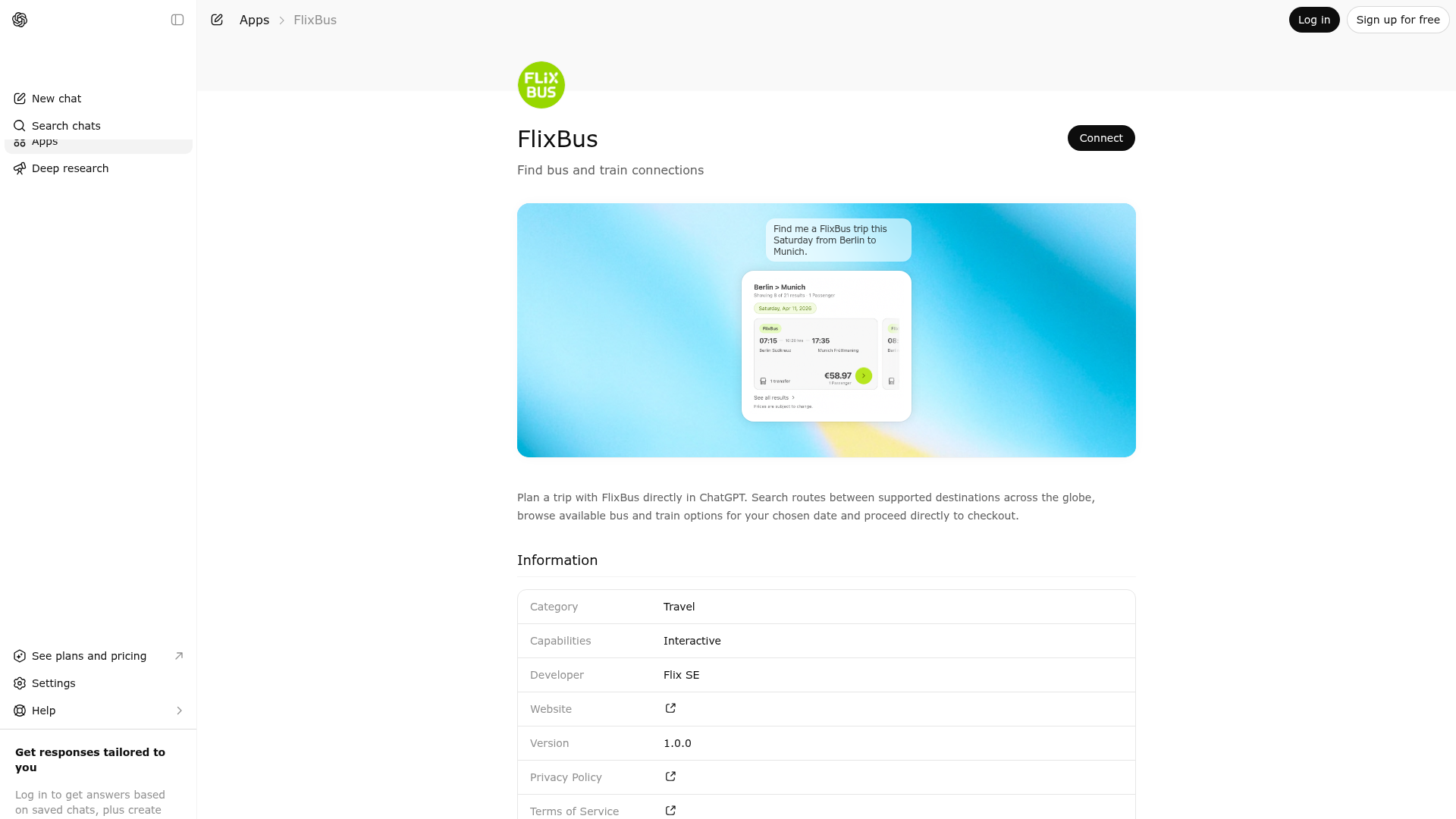
Plan a trip with FlixBus directly in ChatGPT. Search routes between supported destinations across the globe, browse available bus and train options for your chosen date and proceed directly to checkout.
Website Preview
App Screenshots
Capabilities
Works in Conversation
Publisher Intelligence
Insights and recommendations for app publishers. See how your app performs and how to improve discoverability.
Server Status flix-chatgpt-app v0.1.0
Tools
Resources
Prompts
https://mcp-gpt.dist.flix.tech/mcp Last checked: 5h ago
Technical Details
Connection Latency 799ms
30-Day Uptime 100.0%
Tools(2)
Showing 2 of 2 tools
Sorted by toolName
| Tool | Description | Flags | Test | Last Tested | |
|---|---|---|---|---|---|
prepare_trip_search | Resolve free-text origin and destination cities for a FlixBus, FlixTrain, Greyhound or Kâmil Koç trip search and return canonical city IDs, country codes, transport preference, and route-valid passenger guidance. Use it when the user gives city names rather than canonical IDs. It can usually handle minor spelling differences, diacritics, and common variants without restating the city, but if you notice a misspelling yourself, send this tool a corrected version. Treat route passenger-rule warnings as informational for generic requests, but set passengerSignals when the user explicitly mentions children, youth travelers, or lap infants so the tool can require follow-up where the route needs more detail. Ask a follow-up question only when the result explicitly says disambiguation or passenger clarification is required. If the result is ready for search, call search_trips directly without sending an extra assistant confirmation message in between; rely on the tool invocation status text instead. After success, call search_trips once (not several parallel calls for different times of day). Never expose internal identifiers such as type keys or reason enums in user-facing text. | read-only | 100%Latency 855ms | May 9, 2026 | |
search_trips | Search live FlixBus, FlixTrain, Greyhound or Kâmil Koç options for a specific origin, destination, and departure date, and render the widget from the fresh result. Do not call this tool unless you have preferredLocale, canonical city IDs, exact departureDate, transportPreference, and a complete passenger selection. Use route-valid passenger types. Set transportPreference to `train` for train-only requests, `bus` for bus-only requests, and `any` otherwise; the server enforces that filter. Set directOnly to `true` when the user asks for direct trips only or says no transfers/connections. Use sortBy for deterministic ranking (`departure_asc`, `price_asc`, `duration_asc`, `transfer_count_asc`). Use departureTimeRange to filter by local departure times with exact `HH:MM` bounds, for example `{ start: "11:00", end: "23:30" }`. The range is inclusive and may cross midnight when `start` is later than `end`. When the user does not specify a time slot, the tool defaults to daytime departures from `07:00` to `22:00`. If that window is empty or nearly empty, the server may broaden results automatically instead of returning an empty widget. Never issue multiple parallel calls that only differ by time filters to "cover" the day. Resolve relative dates like `today`, `tomorrow`, or `this Friday` to an exact YYYY-MM-DD date before calling. Keep at least one actual passenger in the selection because bike_slot and wheelchair cannot be booked on their own, and keep actual passengers at 10 or fewer. Use the same preferredLocale throughout the booking flow, choosing the best supported commercial locale from the user's language and clear regional context. When chaining from prepare_trip_search, do not send a separate assistant progress message before this call; rely on the tool invocation status text. Use this for each user-requested change so the widget reflects current prices and availability, not stale prior results. Do not use it for wide date sweeps or speculative price hunting. | read-only | 100%Latency 181ms | May 9, 2026 |
Discoverability Score
58
Fair
58 of 100 — how easily AI agents find your app
- Description quality20/20
- Example prompts0/20
- Keyword coverage0/15
- Tool metadata16/20
- Visual assets13/20
- Endpoint health10/10
- Data freshness11/15
How to Improve
Add at least 2 example prompts. Prompt examples strongly improve app matching and click-through intent.
Increase keyword coverage (discovery + trigger) to improve retrieval for long-tail queries.
Add at least 2 screenshots that show real workflows to increase confidence and conversion.
Technical Details
- Status
- ENABLED
- Type
- AI-Powered App
- Auth
- Open Access
- Listed on
- ChatGPT
- Added
- March 30, 2026
- Last synced
- May 3, 2026
- Last checked
- 5h ago
- Version
- 0.1.0
- Distribution
- Ecosystem Directory