Enhancv
by Enhancv R\u0026D (Verified Partner)
Description
Enhancv formats your resume into a professional PDF — without leaving ChatGPT. When updating your resume with ChatGPT for your target role or industry, you can use Enhancv to apply a layout built for ATS systems and recruiter readability. It adapts to your preferences: choose from modern, classic, or minimal styles; single or two-column layouts; color schemes from monochrome to bold — or let it infer what fits your experience level and field. The result is a clean, downloadable PDF resume ready to send to employers. Enhancv handles formatting only. It won't rewrite your content, critique your bullet points, or tailor your resume to a job description — just take what you have and make it look like it belongs in front of a hiring manager.
Website Preview
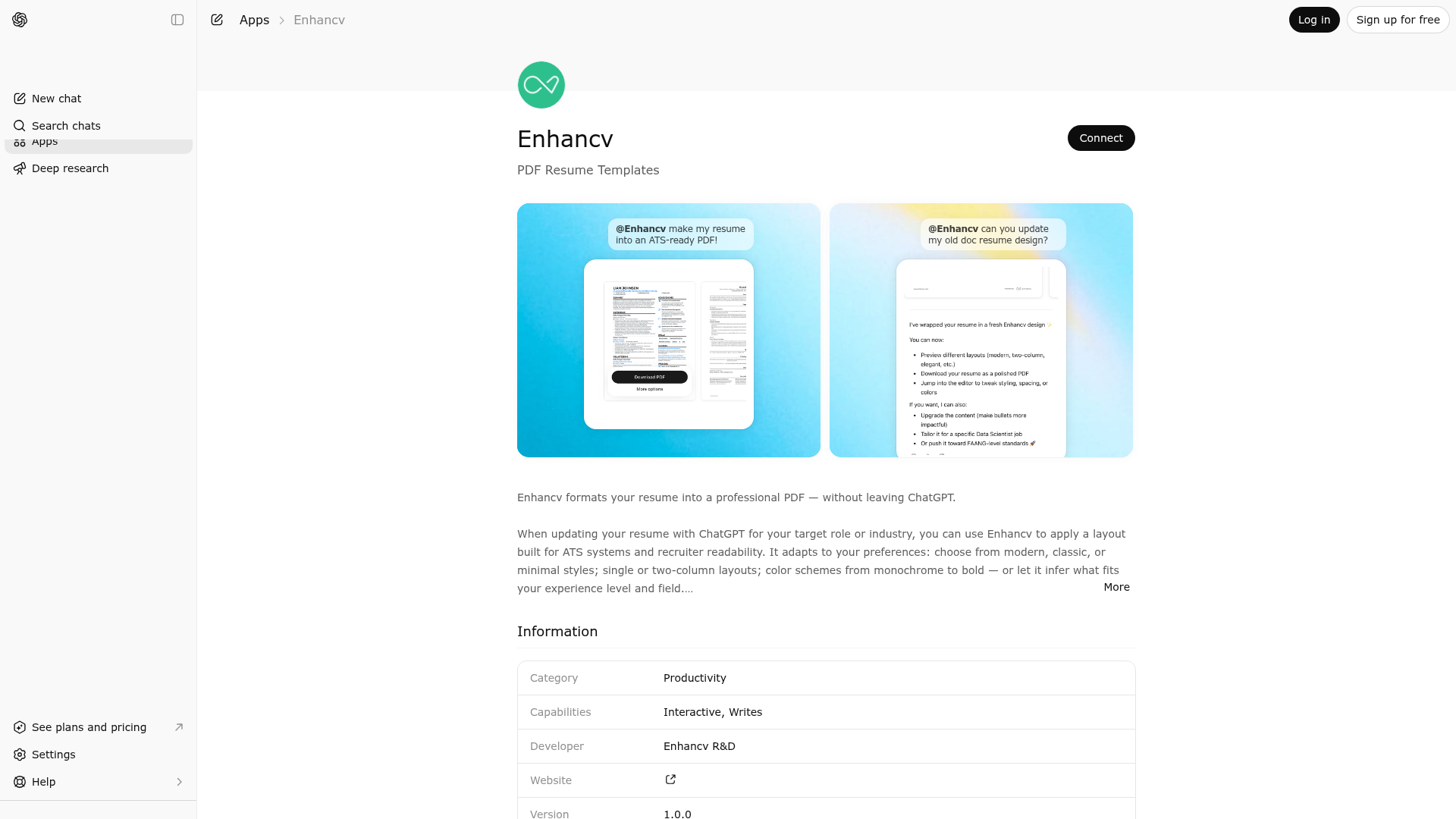
App Screenshots
Capabilities
Publisher Intelligence
Insights and recommendations for app publishers. See how your app performs and how to improve discoverability.
Server Status enhancv-mcp v1.0.0
https://agent.enhancv.com/mcp Last checked: 3d ago
Technical Details
Tools(2)
Showing 2 of 2 tools
| Tool | Description | Flags | Test | Last Tested | |
|---|---|---|---|---|---|
format_resume | Use when the user wants to: format their resume, make it look good/better/professional/nicer/appealing/presentable, put it in a template, clean it up, create a resume from their info, or get a resume PDF. Creates ATS-optimized, recruiter-tested layouts that work for all industries. Do NOT use for: writing content, reviewing, giving feedback, tailoring to jobs, or adding keywords - only for formatting existing content. | — | 100%Latency 1.6s | Apr 17, 2026 | |
track_widget_event | Internal: tracks widget engagement events. Not for model use. | — | 100%Latency 254ms | Apr 17, 2026 |
Discoverability Score
Fair
55 of 100 — how easily AI agents find your app
- Description quality20/20
- Example prompts0/20
- Keyword coverage0/15
- Tool metadata16/20
- Visual assets5/20
- Endpoint health10/10
- Data freshness15/15
How to Improve
Add at least 2 example prompts. Prompt examples strongly improve app matching and click-through intent.
Increase keyword coverage (discovery + trigger) to improve retrieval for long-tail queries.
Provide a stable HTTPS logo URL (avoid connectors://) so cards render consistently across clients.
Add at least 2 screenshots that show real workflows to increase confidence and conversion.
Technical Details
- Status
- ENABLED
- Type
- AI-Powered App
- Auth
- Open Access
- Listed on
- ChatGPT
- Added
- March 30, 2026
- Last synced
- 3d ago
- Last checked
- 3d ago
- Version
- 1.0.0
- Distribution
- Ecosystem Directory

