DraftKings
by DraftKings Inc. (Verified Partner)
Description
The DraftKings app lets you ask natural-language questions about live games, team performance, schedules, standings, and recent results across major U.S. sports leagues. Get real-time scores, pre-game matchup context, season-to-date team stats, and detailed game breakdowns directly within ChatGPT. The app is informational only and does not support wagering, account access, or betting functionality at this time.
Website Preview
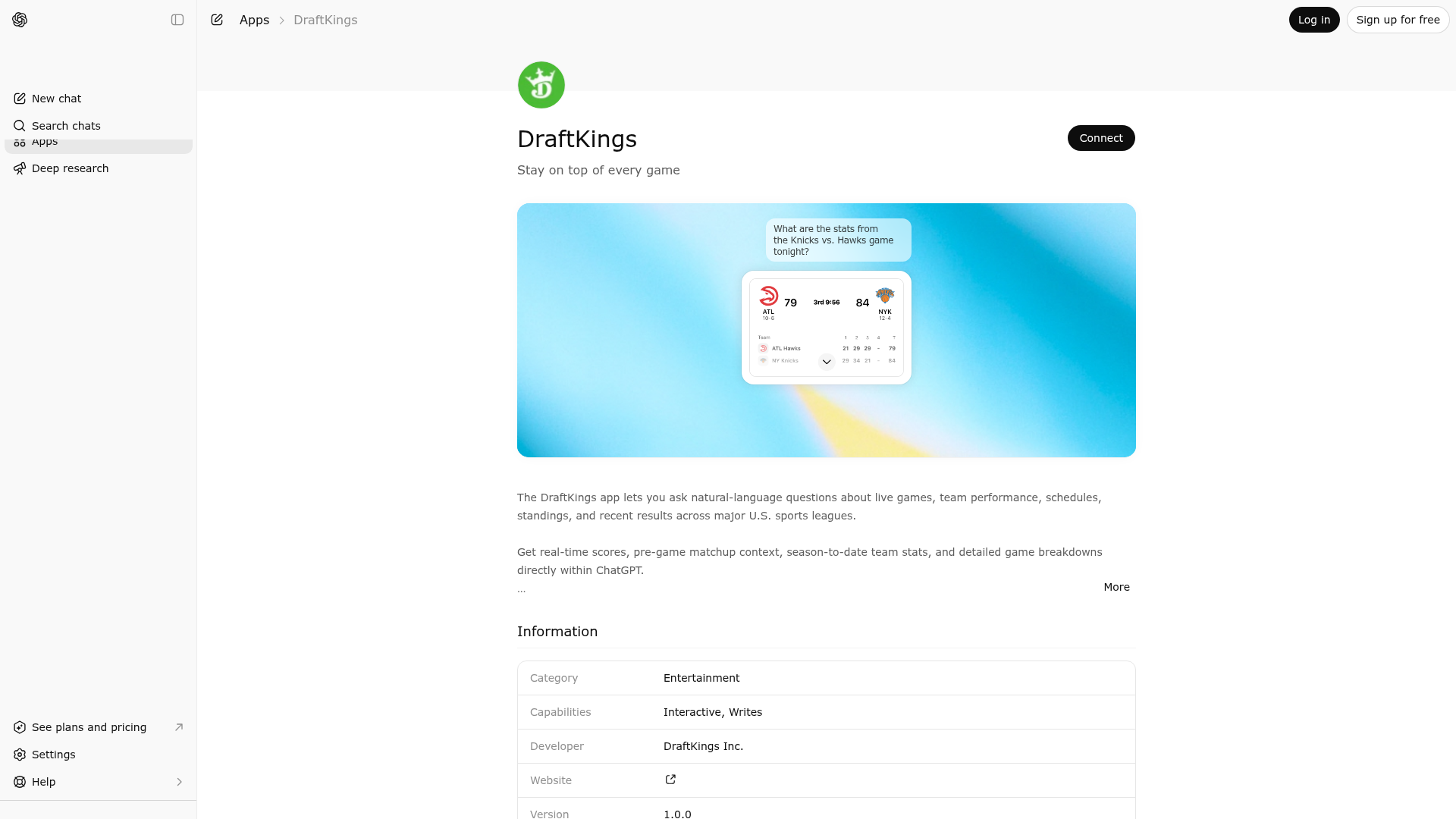
App Screenshots
Capabilities
Publisher Intelligence
Insights and recommendations for app publishers. See how your app performs and how to improve discoverability.
Server Status DraftKings Sports MCP Server v1.0.0
https://mcp.draftkings.com/sports/mcp Last checked: 1d ago
Technical Details
Tools(5)
Showing 5 of 5 tools
| Tool | Description | Flags | Test | Last Tested | |
|---|---|---|---|---|---|
get_current_season_team_statistics_v1 | Returns season level statistics for a single team for the current season. Answers questions like: - How have the Dodgers been performing this season? - Show me the season stats for the Steelers so far. - Give me the Red Sox season stats. - Show me the team card for the Knicks. | read-only | 46%Latency 160ms | Apr 16, 2026 | |
get_league_configurations_v1 | Returns all supported leagues and their available seasons with date ranges and status. Use this tool to discover which league abbreviations are supported (e.g., NFL, NBA, NHL, MLB) and which seasons are available for each league, including whether seasons are past, active, or upcoming. This helps determine valid parameters for other tools and whether data exists for specific time periods. | read-only | 46%Latency 393ms | Apr 16, 2026 | |
get_team_configurations_v1 | Returns all teams and their configurations including team abbreviations, names, and branding. Use this tool to discover which team abbreviations are valid for the search_games_v1 tool. Each team includes its abbreviation (e.g., 'BOS', 'NYY', 'LAL'), full name, team ID, primary color, and logo URLs. Teams are organized by league for easy discovery. This helps answer questions like 'What teams are in the NBA?' or 'What's the abbreviation for the Red Sox?' | read-only | 0%Latency 78ms | Apr 16, 2026 | |
ping | Returns current server time and status | read-only | 46%Latency 170ms | Apr 16, 2026 | |
search_games_v1 | Returns game scores and statistics (historic, live, and pre-live) for sports whose scheduled start time falls within the requested time range. Use the following relative-time definitions: - now/live: +-3 hours around the current moment - tonight/last night/this evening: 6pm-5am in the intended local timezone - today/yesterday/tomorrow: 12am-12am the next day in the intended local timezone - this morning: 2am-12pm in the intended local timezone - this afternoon: 12pm-6pm in the intended local timezone Time handling rules: - startLocalDateTime and endLocalDateTime must be ISO-8601 datetimes with explicit timezone information. - Use a reliable current-time source when interpreting relative-time queries that depend on the current moment. - Prefer platform-provided user local time/context when available for user-local natural-language queries. - Datetime / current instant: if platform current time is unavailable, use ping to get serverTime when server-authoritative current time is needed. - Timezone / local calendar context: if platform timezone/local context is unavailable, resolve timezone using the timezone resolution rules below. - The current-time source determines the current instant, while the chosen timezone determines the local calendar boundaries. - For past-looking queries, cap the range at the current moment so future scheduled games are excluded. - For future-looking queries, start the range at the current moment. - Do not use end-of-day as the upper bound for queries like "last game", "latest game", or "most recent game". - Do not default to raw UTC day or month boundaries unless the user explicitly asks for UTC. Timezone resolution rules: - Use the timezone explicitly provided by the user, if any. - Otherwise use platform-provided user local time/location context, if available. - Otherwise use a product-defined default timezone, if one exists. - Otherwise use the league-relevant default timezone as a fallback. - Do not infer the user's timezone from the referenced team, matchup, league, or city alone. Calendar-boundary rules: - Relative natural-language queries such as "today", "yesterday", "tonight", "last night", "this morning", "this afternoon", "this week", and "this month" use the resolved user/intended timezone. - Explicit sports-calendar queries such as "games on March 1, 2026", "games in March 2026", "games during Week 1", and "games this season so far" use the league-relevant default timezone unless the user explicitly specifies another timezone. - League timezone mapping: NFL, NBA, NHL, MLB -> America/New_York. Other prompt guidance: - "last game" / "latest game" / "most recent game": set endLocalDateTime to the current moment, set startLocalDateTime to a reasonable lookback window before that moment, use takeFrom='End', and prefer the most recent completed game rather than an upcoming game. - "last X games": set startLocalDateTime to 365 days ago (or a narrower reasonable lookback window), set endLocalDateTime to the current moment, use takeFrom='End', choose an appropriate limit, and prefer completed games when the user is asking for results that already happened. - "next X games" or "when does team x play next": set startLocalDateTime to the current moment, set endLocalDateTime to 365+ days ahead, use takeFrom='Start' (or omit), and limit to 1-3 results. - "Show me games at x pm": search for +-1 hour around that local time; still use local time with explicit timezone information. - "games on March 1, 2026": interpret the date boundary in the league-relevant default timezone, not UTC, unless the user explicitly requests UTC or another timezone. - "first X games this month": determine the month from the current moment in the intended local timezone, construct the month boundary in that timezone, cap endLocalDateTime at the current moment if querying the current month, and use takeFrom='Start'. - "last X games this month": determine the month from the current moment in the intended local timezone, construct the month boundary in that timezone, cap endLocalDateTime at the current moment if querying the current month, and use takeFrom='End'. Key principle: - The current-time source determines the current instant. - The chosen timezone determines calendar boundaries. - Relative natural-language phrasing uses the resolved user/intended timezone. - Explicit sports-calendar queries use the league-relevant default timezone unless the user specifies another timezone. | read-only | 46%Latency 161ms | Apr 16, 2026 |
Discoverability Score
Fair
58 of 100 — how easily AI agents find your app
- Description quality20/20
- Example prompts0/20
- Keyword coverage0/15
- Tool metadata20/20
- Visual assets5/20
- Endpoint health10/10
- Data freshness15/15
How to Improve
Add at least 2 example prompts. Prompt examples strongly improve app matching and click-through intent.
Increase keyword coverage (discovery + trigger) to improve retrieval for long-tail queries.
Provide a stable HTTPS logo URL (avoid connectors://) so cards render consistently across clients.
Add at least 2 screenshots that show real workflows to increase confidence and conversion.
Technical Details
- Status
- ENABLED
- Type
- AI-Powered App
- Auth
- Open Access
- Listed on
- ChatGPT
- Added
- March 11, 2026
- Last synced
- 3d ago
- Last checked
- 1d ago
- Version
- 1.0.0
- Distribution
- Ecosystem Directory