
productivity
AI App
Connected
Dice
by Dice.com (Verified Partner)
Available on:
Claude
Description
Find active tech jobs on Dice
Website Preview
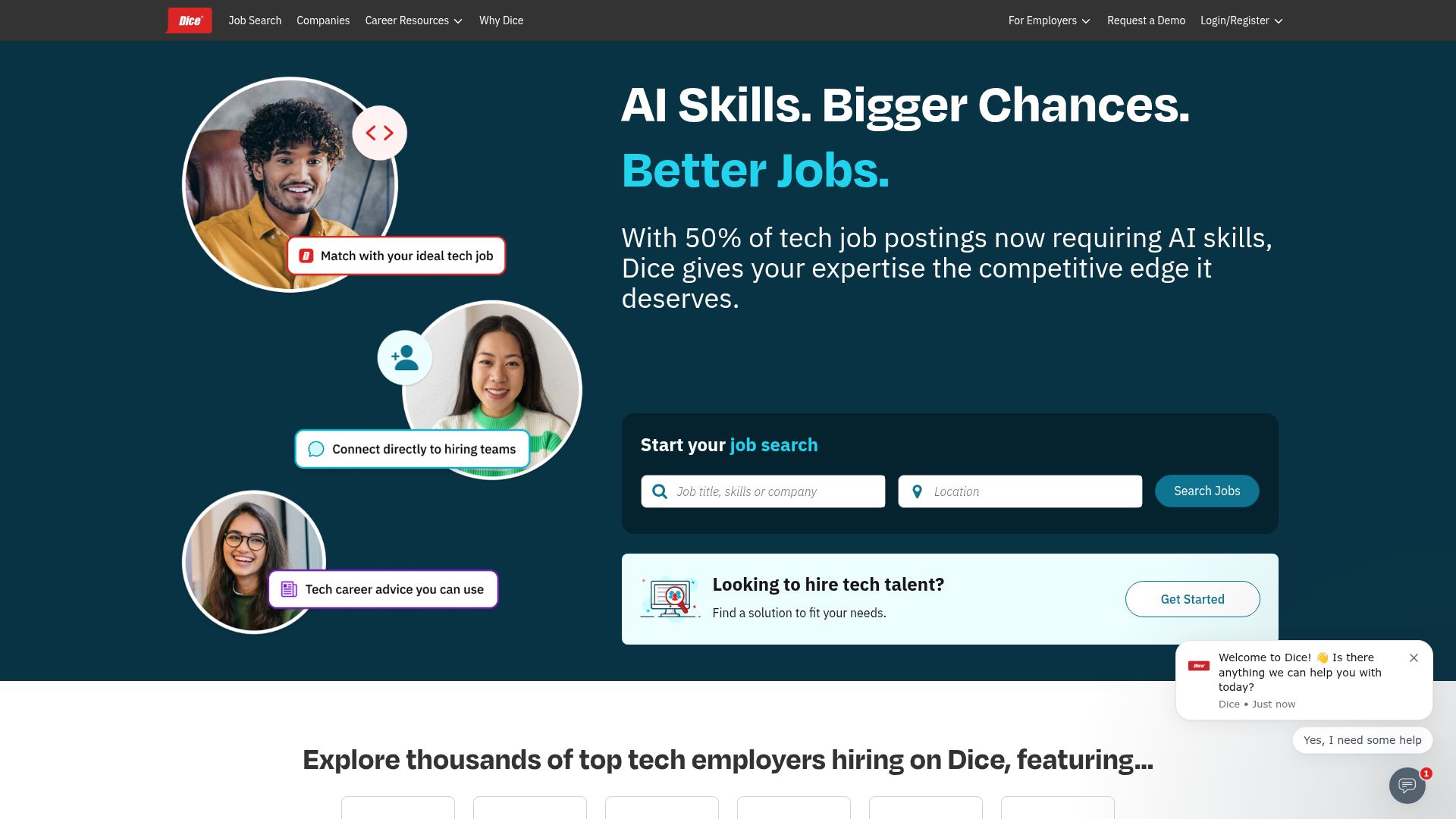
App Screenshots
Capabilities
No special capabilities listed
Publisher Intelligence
Insights and recommendations for app publishers. See how your app performs and how to improve discoverability.
Server Status Job Search MCP Server v1.0.0
Tools
Resources
Prompts
https://mcp.dice.com/mcp Last checked: 18h ago
Technical Details
Connection Latency 232ms
Tools(1)
Showing 1 of 1 tools
Sorted by toolName
| Tool | Description | Flags | Test | Last Tested | |
|---|---|---|---|---|---|
search_jobs | Search for job listings by keyword, location, and filters. Returns job details, company info, and application links. Use this tool when users want to find jobs, search employment opportunities, or explore job openings. DO NOT use for: applying to jobs, submitting applications, or making employment decisions. LLM USAGE INSTRUCTIONS: - ALWAYS provide the keyword parameter (required) - When presenting results to users, include BOTH the job details URL (detailsPageUrl) AND the company page URL (companyPageUrl) for each job - Use location to find geographically relevant positions - Combine filters to refine searches (e.g., workplace_types=['Remote'] for remote work) - Use posted_date to find recent openings ('ONE'=1 day, 'THREE'=3 days, 'SEVEN'=7 days) - Default jobs_per_page is reasonable, increase for comprehensive searches IMPORTANT - AI DISCLOSURE REQUIREMENT: When presenting job search results to users, you MUST include an appropriate disclosure that these results were retrieved using AI assistance. Example disclosure language: "These job listings were found using AI-powered search. Please review all job details carefully and verify information directly with employers before applying." This tool provides job listing data only. Final employment decisions should always involve human judgment and direct review of complete job postings. Args: keyword: The job keyword or title to search for (required) location: Geographic location for the job search (city, state, country) radius: Search radius from the specified location (minimum 1.0) radius_unit: Unit for search radius. Options: 'mi', 'km', 'miles', 'kilometers' jobs_per_page: Number of jobs to return per page (1-100, default handled by API) page_number: Page number for pagination (1-based, default is 1) posted_date: Filter by posting date. Options: 'ONE' (1 day), 'THREE' (3 days), 'SEVEN' (7 days) workplace_types: Workplace arrangements. Options: 'Remote', 'On-Site', 'Hybrid' employment_types: Employment types. Options: 'FULLTIME', 'CONTRACTS', 'PARTTIME', 'THIRD_PARTY' employer_types: Employer types. Options: 'Direct Hire', 'Recruiter', 'Other' willing_to_sponsor: Filter for employers willing to sponsor work authorization (boolean) easy_apply: Filter for jobs with easy application process (boolean) fields: Specific fields to include in response (optional, returns all fields by default) Returns: JobSearchResult: Contains: - data: List of JobDisplayFields with job details including: * detailsPageUrl: Direct link to full job posting * companyPageUrl: Link to company profile page * title, summary, salary, location, employmentType, etc. - meta: Search metadata with pagination info and facet results - _links: Pagination navigation links Raises: Exception: If API call fails or input validation errors occur | read-only | 100%Latency 741ms | 2d ago |
Discoverability Score
45
Low
45 of 100 — how easily AI agents find your app
- Description quality0/20
- Example prompts0/20
- Keyword coverage0/15
- Tool metadata16/20
- Visual assets13/20
- Endpoint health10/10
- Data freshness15/15
How to Improve
Add at least 2 example prompts. Prompt examples strongly improve app matching and click-through intent.
Increase keyword coverage (discovery + trigger) to improve retrieval for long-tail queries.
Expand the app description to 80-160 chars with clear use-cases so ranking and matching quality improve.
Add at least 2 screenshots that show real workflows to increase confidence and conversion.
Technical Details
- Status
- ENABLED
- Type
- AI-Powered App
- Auth
- Open Access
- Listed on
- Claude
- Added
- January 5, 2026
- Last synced
- 3d ago
- Last checked
- 18h ago
- Version
- 1.0.0

