CVpop
Description
CVpop lets you create and customize professional CVs directly from ChatGPT. Describe your background and career goals, and CVpop will generate a complete CV for you in seconds. Update the layout, colors, and fonts through simple conversation and instantly preview the result in the app. Start in chat, refine your design, and build a CV that’s ready for real job applications.
Website Preview
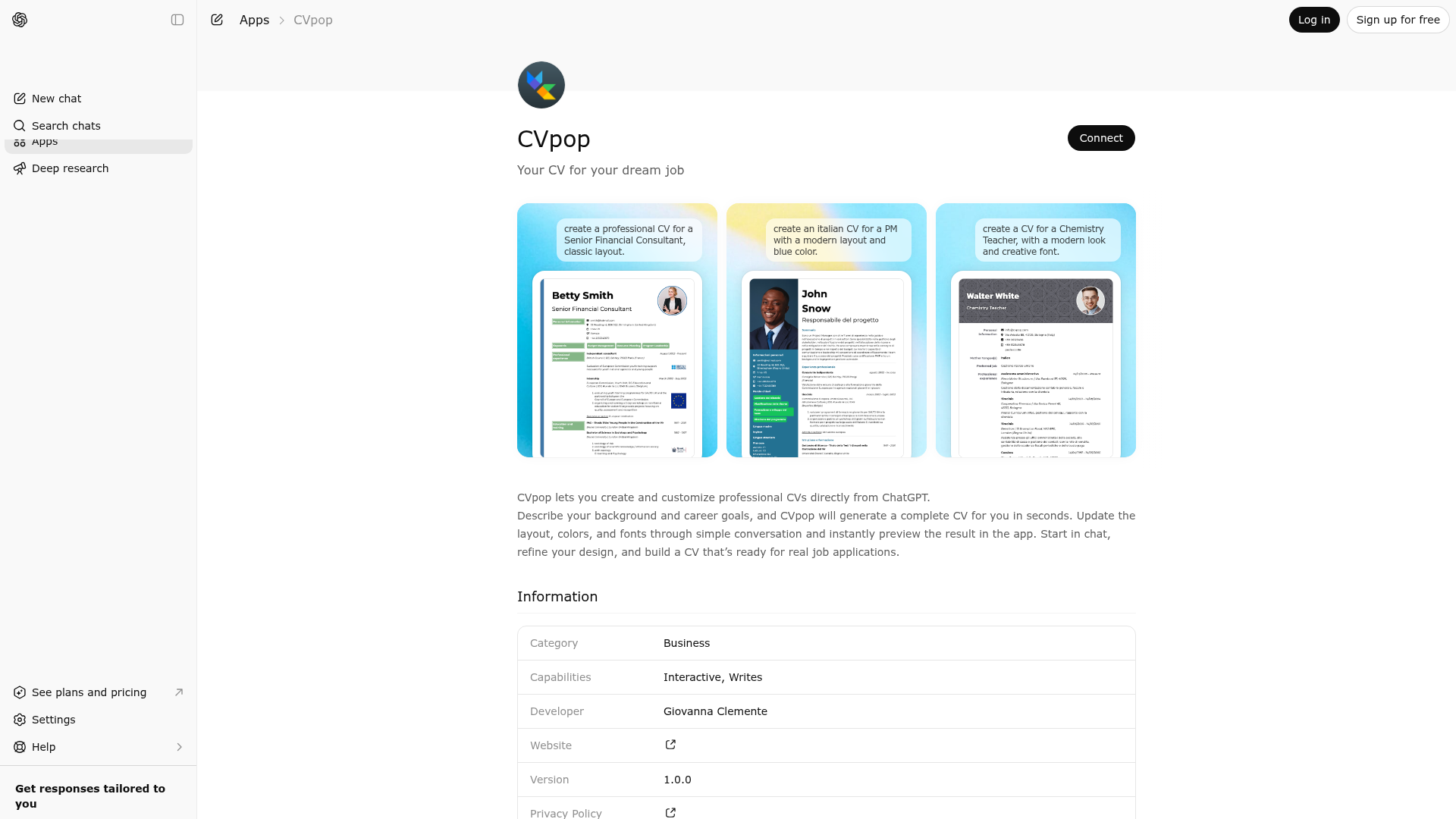
App Screenshots
Capabilities
Publisher Intelligence
Insights and recommendations for app publishers. See how your app performs and how to improve discoverability.
Server Status CVpop vv1.0.0
https://cvpop-mcp-server.fly.dev/mcp Last checked: 1d ago
Technical Details
Tools(5)
Showing 5 of 5 tools
| Tool | Description | Flags | Test | Last Tested | |
|---|---|---|---|---|---|
createCv | Generates a professional CV (curriculum vitae) based on the user's name, job title, and preferred language. Returns the generated CV and an import code. The import code can be shared with the user to import the CV into the CVpop app (available on iOS, Android, macOS, and Web). Available follow-up actions: change color (editCvColor), change layout (editCvModel), change font (editCvFont), retrieve import code again (getCvImportCode). Content editing (work experience, education, skills, etc.) requires importing the CV into the CVpop app using the import code. | — | Not tested | — | |
editCvColor | Updates the theme color of an existing CV. Requires a CV to have been created first with createCv. | — | Not tested | — | |
editCvFont | Updates the base font of an existing CV. Requires a CV to have been created first with createCv. | — | Not tested | — | |
editCvModel | Updates the layout template of an existing CV. Randomly selects a design from the chosen category: classic (traditional), creative (modern), simple (minimalist), dynamic (contemporary). Requires a CV to have been created first with createCv. | — | Not tested | — | |
getCvImportCode | Returns the import code for an existing CV. The import code can be used in the CVpop app (iOS, Android, macOS, Web) to import and edit the CV. | — | Not tested | — |
Discoverability Score
Fair
58 of 100 — how easily AI agents find your app
- Description quality20/20
- Example prompts0/20
- Keyword coverage0/15
- Tool metadata20/20
- Visual assets5/20
- Endpoint health10/10
- Data freshness15/15
How to Improve
Add at least 2 example prompts. Prompt examples strongly improve app matching and click-through intent.
Increase keyword coverage (discovery + trigger) to improve retrieval for long-tail queries.
Provide a stable HTTPS logo URL (avoid connectors://) so cards render consistently across clients.
Add at least 2 screenshots that show real workflows to increase confidence and conversion.
Technical Details
- Status
- ENABLED
- Type
- AI-Powered App
- Auth
- Open Access
- Listed on
- ChatGPT
- Added
- March 3, 2026
- Last synced
- 3d ago
- Last checked
- 1d ago
- Version
- v1.0.0
- Distribution
- Ecosystem Directory

