
Beautiful.ai
by Beautiful Slides, Inc. (Verified Partner)
Description
The Beautiful.ai ChatGPT app helps you skip the blank slide and turn rough ideas into clear, work-ready presentations in seconds. Brainstorm, draft, and refine your content directly in ChatGPT, then instantly transform it into a beautifully designed presentation. Add slides, update content, or restructure the entire flow all within the chat, or open your deck in Beautiful.ai for full creative control. Perfect for pitches, reports, strategy discussions, or any deck you need fast without sacrificing quality. Use it to: - Turn chat conversations into ready-to-share presentations - Repurpose documents or notes as slides in minutes - Quickly build polished sales, marketing, product, or leadership decks that stay on brand - Convert rough ideas or bullet points into clear, actionable recap decks - Generate new decks by mentioning or tagging @beautiful.ai in your chat Stop spending hours designing slides. Connect the Beautiful.ai app, or simply tag @beautiful.ai in ChatGPT, and see your content come together instantly.
Website Preview
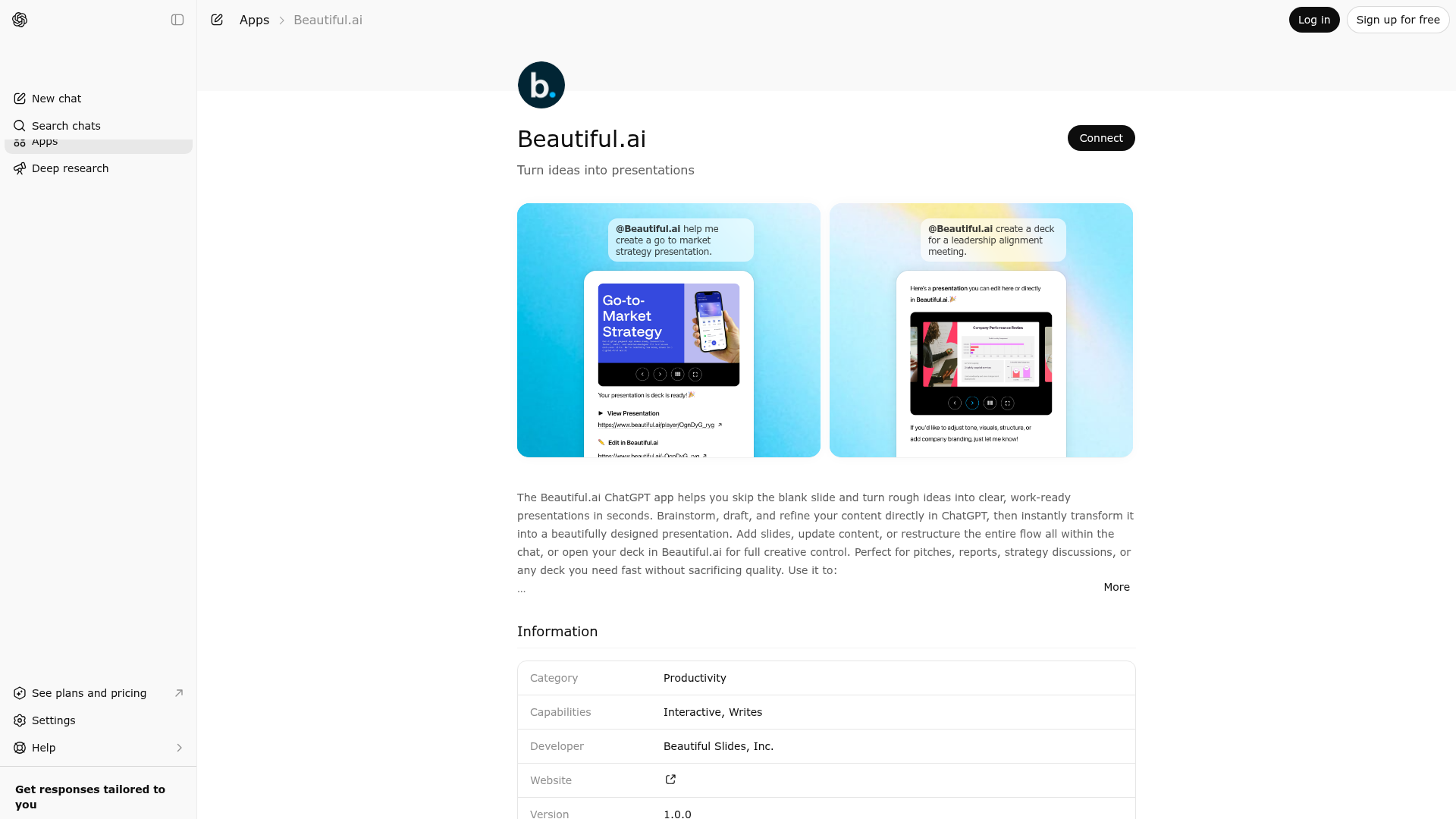
App Screenshots
Capabilities
Publisher Intelligence
Insights and recommendations for app publishers. See how your app performs and how to improve discoverability.
Server Status openai-mcp v0.1.0
https://openai-mcp-696419881849.us-central1.run.app/mcp Last checked: 16h ago
Technical Details
Tools(10)
Showing 10 of 10 tools
| Tool | Description | Flags | Test | Last Tested | |
|---|---|---|---|---|---|
create_presentation | Creates a Beautiful.ai presentation from a structured outline. Requires a title and an array of slide objects, each with a title, summary, and slide type. Optional advanced controls include a folder id returned by get_folders, theme ID, high-level theme options, image source, image style, language, and exact-text preservation. | — | 0%Latency 327ms | 4d ago | |
create_presentation_from_template | Copies a presentation template into its owning workspace and interpolates provided `${variable}` values into the copied presentation. | — | Not tested | — | |
export_presentation | Exports a Beautiful.ai presentation to PDF or PPTX and returns a temporary signed download URL. Requires an authenticated user with download access to the presentation. | — | Not tested | — | |
get_folders | Returns the authenticated user's available presentation folders. Results are separated into My Folders and Team folders and include each folder's id, name, and workspace metadata. | read-only | Not tested | — | |
get_presentation | Retrieves an existing Beautiful.ai presentation that the authenticated user can access. Returns playback information for the presentation widget plus editor and export availability when permitted. | read-only | Not tested | — | |
get_presentation_template_variables | Loads a presentation template, scans all string fields for `${variable}` placeholders, and returns the normalized variable inventory. | read-only | Not tested | — | |
get_themes | Returns the available built-in themes plus the authenticated user's saved themes and team themes. Each theme includes ids and metadata such as image style, default status, and workspace association when applicable. | read-only | Not tested | — | |
list_presentation_templates | Lists presentation templates available to the authenticated user across their accessible workspaces. | read-only | Not tested | — | |
list_presentations | Lists presentations and presentation templates available to the authenticated user across their accessible workspaces. Returns presentation summaries for the accessible results. The response may include a recommended presentation id and next-step metadata when there is a clear best match. | read-only | Not tested | — | |
review_presentation_outline | Builds a review package for a structured presentation outline and its selected generation options. Returns an outline preview, option summary, and a review approval token tied to that exact outline and option set. | read-only | Not tested | — |
Discoverability Score
Fair
65 of 100 — how easily AI agents find your app
- Description quality20/20
- Example prompts0/20
- Keyword coverage0/15
- Tool metadata20/20
- Visual assets13/20
- Endpoint health10/10
- Data freshness15/15
How to Improve
Add at least 2 example prompts. Prompt examples strongly improve app matching and click-through intent.
Increase keyword coverage (discovery + trigger) to improve retrieval for long-tail queries.
Add at least 2 screenshots that show real workflows to increase confidence and conversion.
Technical Details
- Status
- ENABLED
- Type
- AI-Powered App
- Auth
- Requires Login
- Listed on
- ChatGPT
- Added
- February 26, 2026
- Last synced
- 3d ago
- Last checked
- 16h ago
- Version
- 0.1.0
- Distribution
- Ecosystem Directory

