
Awesome Slides
by Sider AI (Verified Partner)
Description
One-stop AI slide app: create, edit, and export slides as videos with voice-overs, all in one place. Quickly turn any topic, text, PDF, or URL into a professionally designed PowerPoint presentation. With AI-powered content generation, you can edit every detail through conversation and export your work as an editable PPTX or a video with voiceover. Key Features - Multi-source input: Create presentations from a simple topic, pasted text, an uploaded PDF, or a web URL. - Automated slide design: The AI builds layouts, selects relevant images, and creates diagrams automatically. - Conversational editing: Refine slides using natural commands to change the tone, shorten text, or add new sections. - Precision control: Edit any text manually or ask the AI to revise it. Use your own images or generate new AI visuals. - Export and share: Download a fully editable .pptx file or export your presentation as a video with embedded narration. How to Use 1. Connect the Awesome Slides app 2. Type "@" and choose the AI Slides app, or type "AI Slides", then enter your prompt Examples: - Awesome Slides create a presentation about the history of AI - Awesome Slides turn this PDF into a 10-slide deck - Awesome Slides help me make a presentation for my Q3 marketing strategy
Website Preview
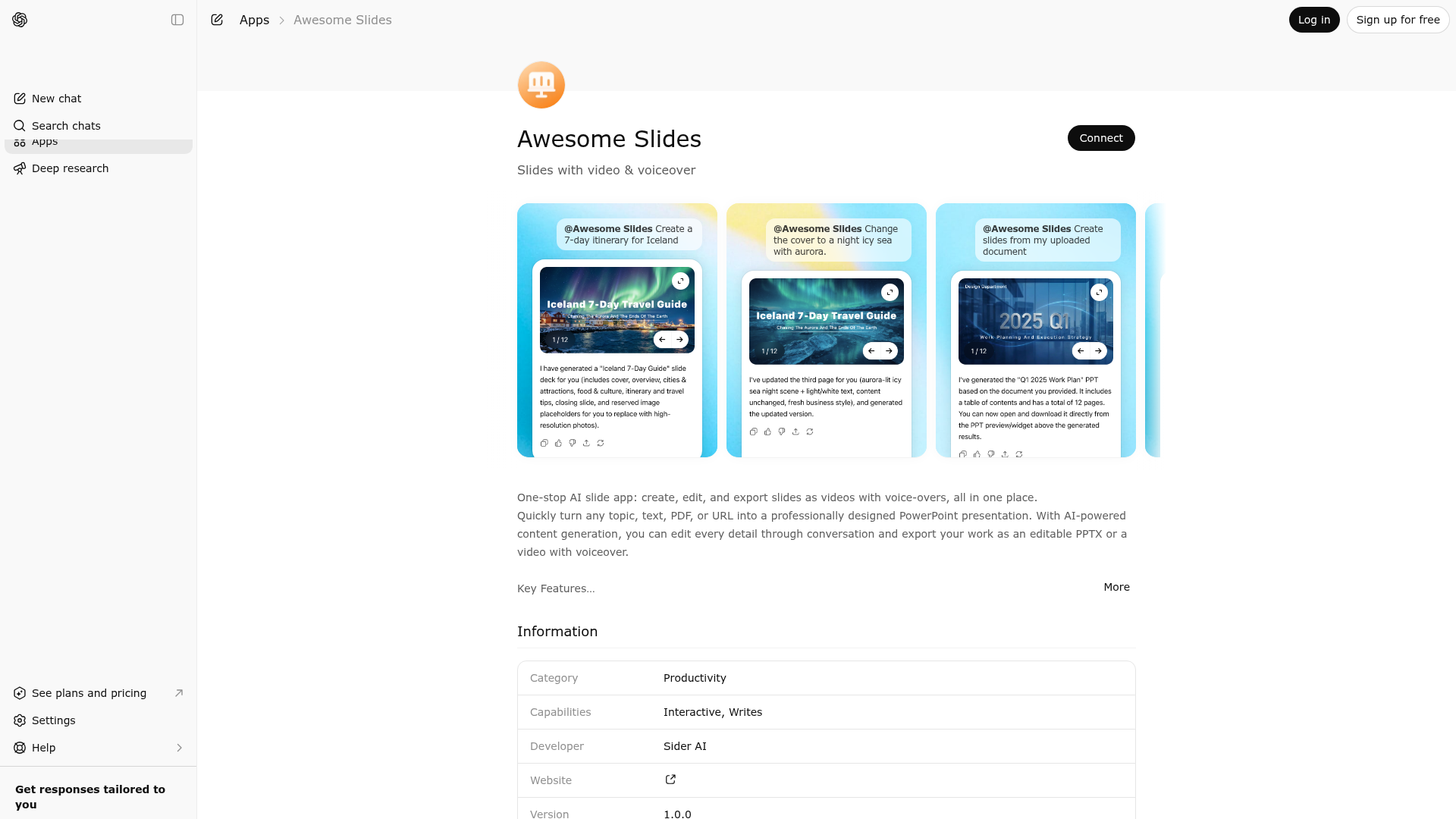
App Screenshots
Capabilities
Publisher Intelligence
Insights and recommendations for app publishers. See how your app performs and how to improve discoverability.
Server Status slides-server v1.0.0
https://slides.chatgptapps.sider.ai/mcp Last checked: 16h ago
Technical Details
Tools(2)
Showing 2 of 2 tools
| Tool | Description | Flags | Test | Last Tested | |
|---|---|---|---|---|---|
fetch | The fetch tool is used to retrieve the full contents of a search result | destructive | 100%Latency 232ms | Mar 23, 2026 | |
generate_or_edit_presentation | Create a new presentation or edit an existing one based on user requests. This ppt maker and editor tool handles both generation and modification of slide decks. **Use for presentation creation when**: - User wants to make, create, generate, or build a new presentation/ppt/slide deck from scratch - No presentation_id is provided - Triggers: "Make a presentation about...", "Create slides on...", "Generate a PPT about..." **Use for presentation editing when**: - User wants to modify, update, or change an existing presentation - A presentation_id exists from a previous creation - Triggers: "Change slide 3...", "Add content about...", "Update the statistics..." Required parameters for CREATION: - topic (string): The subject for the new presentation - num_slides (integer): Number of slides. Default: 10 Required parameters for EDITING: - presentation_id (string): ID of the presentation to edit - edit_instructions (string): Clear description of what changes to make Optional parameters (both modes): - audience (string): Target audience - style (string): Visual style preference - new_content (string): Additional information to include (often from search results) Output: - Returns presentation_id and displays the presentation widget | destructive | 100%Latency 515ms | Mar 23, 2026 |
Discoverability Score
Fair
62 of 100 — how easily AI agents find your app
- Description quality20/20
- Example prompts0/20
- Keyword coverage0/15
- Tool metadata16/20
- Visual assets13/20
- Endpoint health10/10
- Data freshness15/15
How to Improve
Add at least 2 example prompts. Prompt examples strongly improve app matching and click-through intent.
Increase keyword coverage (discovery + trigger) to improve retrieval for long-tail queries.
Add at least 2 screenshots that show real workflows to increase confidence and conversion.
Technical Details
- Status
- ENABLED
- Type
- AI-Powered App
- Auth
- Requires Login
- Listed on
- ChatGPT
- Added
- February 25, 2026
- Last synced
- 3d ago
- Last checked
- 16h ago
- Version
- 1.0.0
- Distribution
- Ecosystem Directory

