Awesome Record
Description
A quick easy way to record audio in ChatGPT. e.g. - "Show me some song lyrics and @Awesome Record while I sing them" - "Improve this speech then @Awesome Record me reading it"
Website Preview
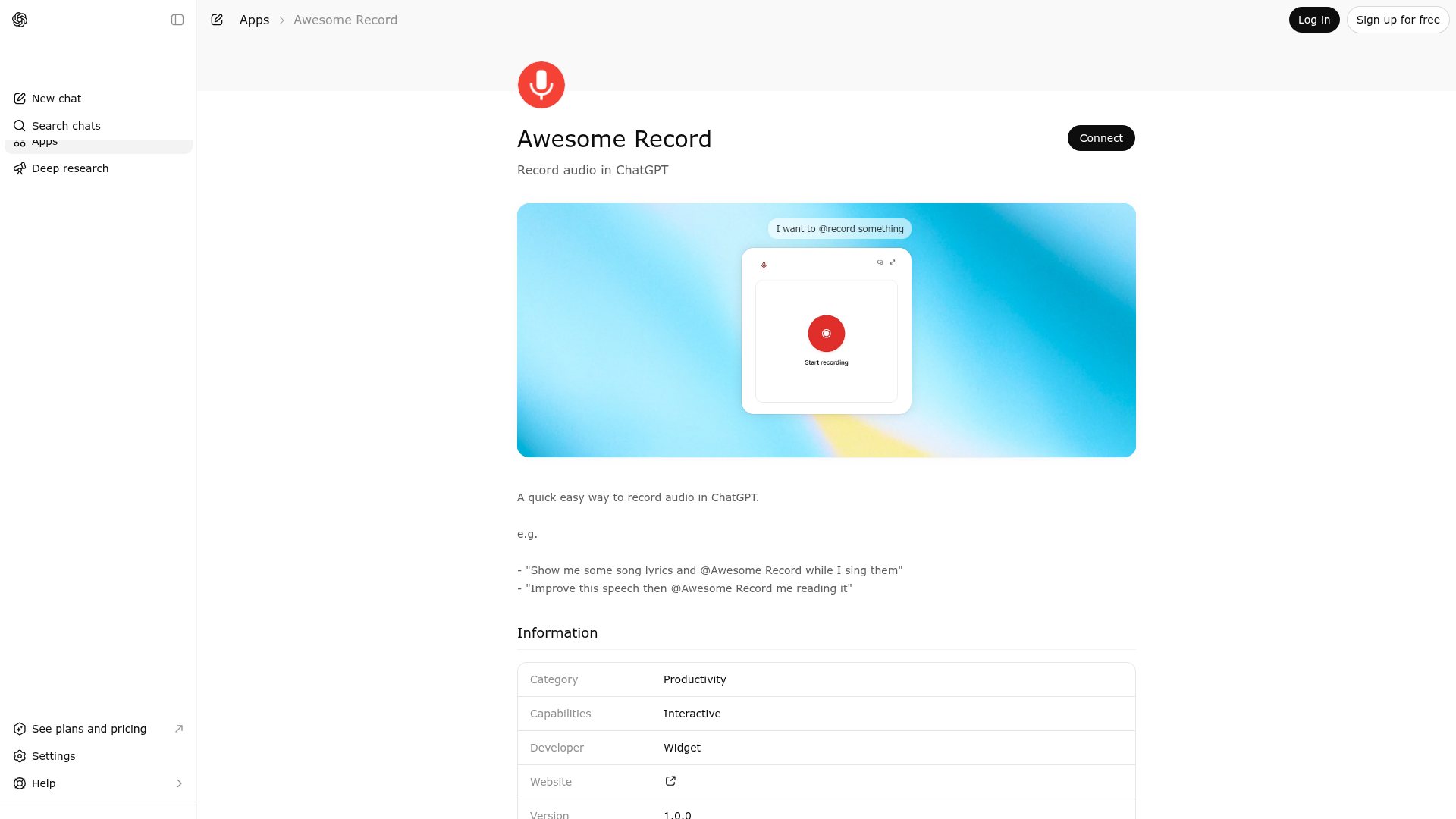
App Screenshots
Capabilities
Publisher Intelligence
Insights and recommendations for app publishers. See how your app performs and how to improve discoverability.
Server Status record-mcp-server v0.1.0
https://record.widgets.widget.olutely.com/mcp Last checked: 5h ago
Server Instructions
Call the `record` tool when the user wants an in-conversation audio recorder widget.
Technical Details
Tools(1)
Showing 1 of 1 tools
| Tool | Description | Flags | Test | Last Tested | |
|---|---|---|---|---|---|
record | Use to open an audio recording widget when the user wants to capture microphone input directly inside the ChatGPT conversation. This tool is appropriate when the user asks to record audio, make a voice memo, capture a spoken note, or open a simple recorder UI that they can operate themselves. The tool does not require any input arguments because the recording interaction happens inside the widget after it is displayed. Once opened, the widget lets the user start recording, pause and resume, finish the take, and download the resulting file locally from their browser. The tool is intentionally limited to presenting that recorder interface. It does not transcribe the captured speech, upload audio anywhere, email files, attach the audio to another system, or perform downstream analysis. Do not call this tool for requests that can be answered in plain text, for users who explicitly do not want a widget, or for workflows that require automatic audio processing rather than an interactive recorder. Also avoid using it when the user asks for a different media action such as playing audio, editing existing audio, or generating synthetic speech. Use it specifically when the best next step is to display a microphone recording widget and let the user control recording themselves. The output and metadata only include a timestamp sentinel confirming that the widget invocation completed; the actual audio data remains in the browser and is not returned through the tool response. | read-only | 100%Latency 778ms | May 9, 2026 |
Discoverability Score
Fair
52 of 100 — how easily AI agents find your app
- Description quality20/20
- Example prompts0/20
- Keyword coverage0/15
- Tool metadata16/20
- Visual assets5/20
- Endpoint health10/10
- Data freshness11/15
How to Improve
Add at least 2 example prompts. Prompt examples strongly improve app matching and click-through intent.
Increase keyword coverage (discovery + trigger) to improve retrieval for long-tail queries.
Provide a stable HTTPS logo URL (avoid connectors://) so cards render consistently across clients.
Add at least 2 screenshots that show real workflows to increase confidence and conversion.
Technical Details
- Status
- ENABLED
- Type
- AI-Powered App
- Auth
- Open Access
- Listed on
- ChatGPT
- Added
- March 27, 2026
- Last synced
- May 3, 2026
- Last checked
- 5h ago
- Version
- 0.1.0
- Distribution
- Ecosystem Directory