
Atlassian Rovo
by Atlassian (Verified Partner)
Description
The Atlassian Rovo MCP Server connects ChatGPT to your Atlassian workspace, so you can work with Jira, Confluence, and Compass directly from your conversation. Find and summarize Jira issues, create and update tickets, transition statuses, and add comments without switching tabs. Search, read, draft, and edit Confluence pages with full context. Explore Compass components and their related issues and documentation. The Atlassian Rovo MCP Server supports both read and write actions, enabling you to retrieve information and take action in real time. It also includes dedicated UI components for Jira and Confluence, making issue details, page content, and updates easier to review and act on directly within ChatGPT. More Atlassian products are coming soon.
Website Preview
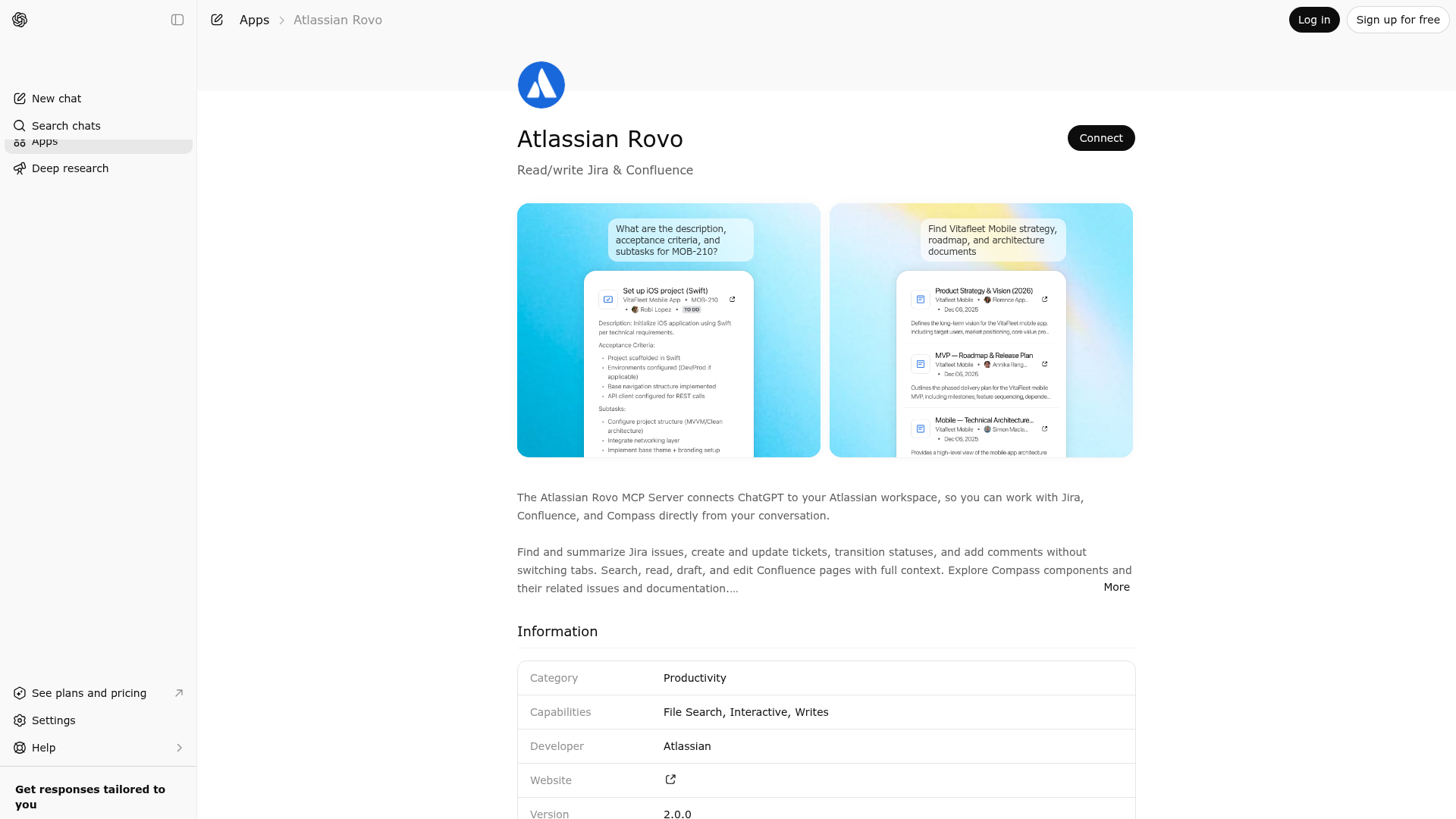
App Screenshots
Capabilities
Publisher Intelligence
Insights and recommendations for app publishers. See how your app performs and how to improve discoverability.
Server Status
Server is not responding. Tool discovery is paused until health checks recover.
https://mcp.atlassian.com/v1/mcp Last checked: 17h ago
Technical Details
Authentication required
Tools(31)
Showing 31 of 31 tools
| Tool | Description | Flags | Test | Last Tested | |
|---|---|---|---|---|---|
addCommentToJiraIssue | No description provided | — | Not tested | — | — |
atlassianUserInfo | No description provided | — | Not tested | — | — |
createCompassComponent | No description provided | — | Not tested | — | — |
createCompassComponentRelationship | No description provided | — | Not tested | — | — |
createCompassCustomFieldDefinition | No description provided | — | Not tested | — | — |
createConfluenceFooterComment | No description provided | — | Not tested | — | — |
createConfluenceInlineComment | No description provided | — | Not tested | — | — |
createConfluencePage | No description provided | — | Not tested | — | — |
createJiraIssue | No description provided | — | Not tested | — | — |
editJiraIssue | No description provided | — | Not tested | — | — |
getAccessibleAtlassianResources | No description provided | — | Not tested | — | — |
getCompassComponent | No description provided | — | Not tested | — | — |
getCompassComponents | No description provided | — | Not tested | — | — |
getCompassCustomFieldDefinitions | No description provided | — | Not tested | — | — |
getConfluencePage | No description provided | — | Not tested | — | — |
getConfluencePageAncestors | No description provided | — | Not tested | — | — |
getConfluencePageDescendants | No description provided | — | Not tested | — | — |
getConfluencePageFooterComments | No description provided | — | Not tested | — | — |
getConfluencePageInlineComments | No description provided | — | Not tested | — | — |
getConfluenceSpaces | No description provided | — | Not tested | — | — |
getJiraIssue | No description provided | — | Not tested | — | — |
getJiraIssueRemoteIssueLinks | No description provided | — | Not tested | — | — |
getJiraProjectIssueTypesMetadataZapier | No description provided | — | Not tested | — | — |
getPagesInConfluenceSpace | No description provided | — | Not tested | — | — |
getTransitionsForJiraIssue | No description provided | — | Not tested | — | — |
getVisibleJiraProjects | No description provided | — | Not tested | — | — |
lookupJiraAccountId | No description provided | — | Not tested | — | — |
searchConfluenceUsingCql | No description provided | — | Not tested | — | — |
searchJiraIssuesUsingJql | No description provided | — | Not tested | — | — |
transitionJiraIssue | No description provided | — | Not tested | — | — |
updateConfluencePage | No description provided | — | Not tested | — | — |
Discoverability Score
Fair
53 of 100 — how easily AI agents find your app
- Description quality20/20
- Example prompts0/20
- Keyword coverage0/15
- Tool metadata10/20
- Visual assets13/20
- Endpoint health6/10
- Data freshness15/15
How to Improve
Add at least 2 example prompts. Prompt examples strongly improve app matching and click-through intent.
Increase keyword coverage (discovery + trigger) to improve retrieval for long-tail queries.
Improve MCP tool descriptions. Clear tool descriptions increase tool selection accuracy.
Add at least 2 screenshots that show real workflows to increase confidence and conversion.
Technical Details
- Status
- ENABLED
- Type
- AI-Powered App
- Auth
- Requires Login
- Listed on
- ChatGPT Claude
- Added
- August 28, 2025
- Last synced
- 3d ago
- Last checked
- 17h ago
- Distribution
- Ecosystem Directory

