AnswerBack
Description
An effective way to try out conversations with ChatGPT role-playing the other person! e.g. - "@AnswerBack, help me rehearse a asking for a raise with my boss Sarah" - "@AnswerBack, help me plan how to break up with my partner Alex. He's needy and I'm worried he'll get very upset" - "@AnswerBack, I want to practice telling my controlling mother that I won't come home for Thanksgiving"
Website Preview
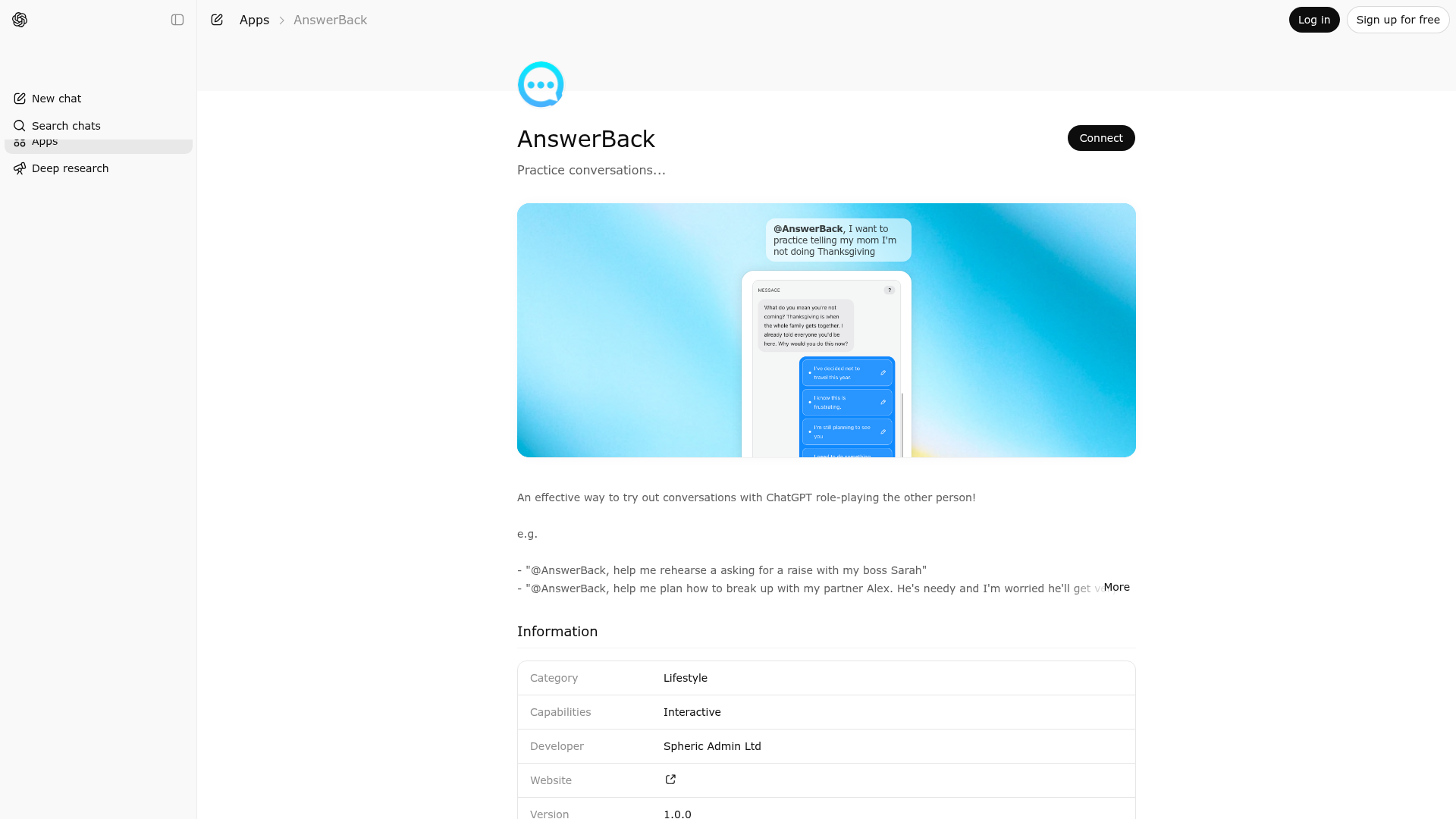
App Screenshots
Capabilities
Publisher Intelligence
Insights and recommendations for app publishers. See how your app performs and how to improve discoverability.
Server Status conversation-mcp-server v0.1.0
https://conversation.widgets.widget.olutely.com/mcp Last checked: 1d ago
Server Instructions
Use `start-conversation` to initialize conversation practice. After each assistant role-play turn in chat, call `continue-conversation` with the other person's next message and 2-4 possible user responses. Keep the role-play loop going with `continue-conversation` until the user says they have finished, then assess their effort. The `example` tool is available for template demonstration scenarios only.
Technical Details
Tools(2)
Showing 2 of 2 tools
| Tool | Description | Flags | Test | Last Tested | |
|---|---|---|---|---|---|
continue-conversation | Use to continue a conversation role-play session after the assistant has provided a turn in chat. Supply the other person's next message plus 2-4 candidate user responses so the widget can show selectable options to the user. The widget returns or persists the selected response and then prompts the assistant to take another turn and call continue-conversation again. Use this repeatedly for guided back-and-forth practice until the user indicates they are finished and asks for assessment. Do not output any text after rendering calling this tool. | — | Not tested | — | |
start-conversation | Use to initialize a conversation role-play session. Call this tool when the user wants to practice a conversation and needs to define setup parameters such as participant names, other person's role/personality, conversation topic, and optionally the user's opening turn. This tool should be used at the start of a new practice flow so the widget can collect or refine scenario details before the assistant proceeds with role-play. The output is a normalized scenario payload used by the widget to persist and render current state. After the user presses Start in the widget, the conversation should proceed in chat and then continue-conversation should be called with response options. | — | Not tested | — |
Discoverability Score
Fair
55 of 100 — how easily AI agents find your app
- Description quality20/20
- Example prompts0/20
- Keyword coverage0/15
- Tool metadata16/20
- Visual assets5/20
- Endpoint health10/10
- Data freshness15/15
How to Improve
Add at least 2 example prompts. Prompt examples strongly improve app matching and click-through intent.
Increase keyword coverage (discovery + trigger) to improve retrieval for long-tail queries.
Provide a stable HTTPS logo URL (avoid connectors://) so cards render consistently across clients.
Add at least 2 screenshots that show real workflows to increase confidence and conversion.
Technical Details
- Status
- ENABLED
- Type
- AI-Powered App
- Auth
- Open Access
- Listed on
- ChatGPT
- Added
- March 11, 2026
- Last synced
- 3d ago
- Last checked
- 1d ago
- Version
- 0.1.0
- Distribution
- Ecosystem Directory

