Visitor takeaway
60/100
Fair AI-discovery coverage across description, prompts, keywords, visuals, tool metadata, health, and freshness.

by Alpic(Community)
Visitor takeaway
60/100
Fair AI-discovery coverage across description, prompts, keywords, visuals, tool metadata, health, and freshness.
Routing category
Developer Tools
This app has a primary category, so visitors can browse and compare it in the right directory context.
Connector evidence
Reachable
Tedix can reach this MCP endpoint and can show live capability evidence when tools are discovered.
Directory freshness
1h ago
Catalog metadata was refreshed 1h ago (June 23, 2026).
Manage your projects, debug deployment, and check analytics for any MCP server you host with Alpic.

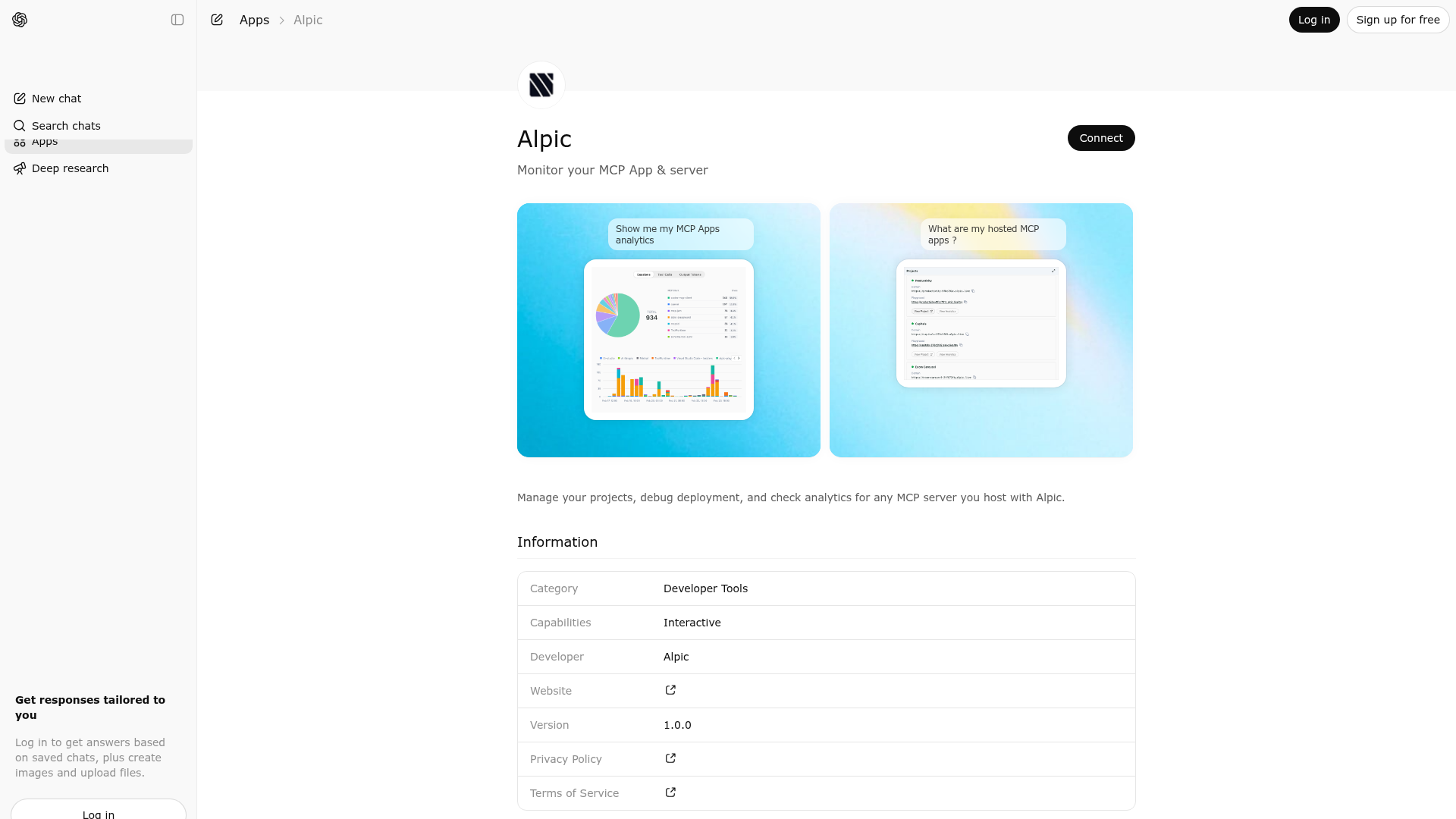
Alpic is indexed by Tedix as a structured developer tools listing for AI assistants, search crawlers, and users comparing agent-ready apps.
Use this page to understand whether Alpic is relevant for developer tools workflows in AI assistants.
For MCP discovery, this listing helps crawlers connect Alpic to tool, resource, prompt, and server-health signals instead of treating it as a generic directory entry.
The canonical Tedix directory URL is https://tedix.dev/apps/alpic/.
Tedix identifies Alpic from Upstream Mcp tool source; Store sources: ChatGPT app store, Official MCP registry; Distribution: Ecosystem Directory; Tenant install: prepared. Availability is reported for FR, US, GB, ES, KR, IN.
Authentication: Requires Login. Alpic is flagged for Works in Conversation. Current MCP inventory reports 5 tools, 4 resources, and 0 prompts.
Deployment logs of the last deployment of a given project
Raw analytics data for a project over a given timeframe — sessions, tool calls, and output tokens. Use this only when the user asks for a numeric summary or specific figures in text. For any visual or exploratory request, use show-analytics instead so the user gets the dashboard view. If the analytics view is already open, the data is already available via the view context — do not call this tool redundantly.
Projects of the given team (teamId)
Teams the user belongs to. This tool returns the team ids needed to call other tools.
Render the analytics dashboard (sessions, tool calls, output tokens) for a project over a given timeframe. Use this whenever the user wants to see, explore, or visualize their MCP project's analytics. The agent must pass a concrete projectId — call list-projects first to find the relevant project. For purely numeric answers without a chart, use get-analytics instead.
Comparable apps in Developer Tools include 3Min API, Adalo, Airbyte Agent Engine, Alchemy.
Public trust signals for visitors and practical recommendations for publishers. Use this section to understand what Tedix can verify today and what would make the app easier for AI agents to find.
Visitor takeaway
60/100
Fair AI-discovery coverage across description, prompts, keywords, visuals, tool metadata, health, and freshness.
Routing category
Developer Tools
This app has a primary category, so visitors can browse and compare it in the right directory context.
Connector evidence
Reachable
Tedix can reach this MCP endpoint and can show live capability evidence when tools are discovered.
Directory freshness
1h ago
Catalog metadata was refreshed 1h ago (June 23, 2026).
https://mcp.alpic.aiLast checked: May 30, 2026
Showing 5 of 5 tools
| Tool | Description | Flags | Test | Last Tested | |
|---|---|---|---|---|---|
deployment-logs | Deployment logs of the last deployment of a given project | read-only | 0%Latency 351ms | May 30, 2026 | |
get-analytics | Raw analytics data for a project over a given timeframe — sessions, tool calls, and output tokens. Use this only when the user asks for a numeric summary or specific figures in text. For any visual or exploratory request, use show-analytics instead so the user gets the dashboard view. If the analytics view is already open, the data is already available via the view context — do not call this tool redundantly. | read-only | 0%Latency 189ms | May 30, 2026 | |
list-projects | Projects of the given team (teamId) | read-only | 0%Latency 145ms | May 30, 2026 | |
list-teams | Teams the user belongs to. This tool returns the team ids needed to call other tools. | read-only | 0%Latency 168ms | May 30, 2026 | |
show-analytics | Render the analytics dashboard (sessions, tool calls, output tokens) for a project over a given timeframe. Use this whenever the user wants to see, explore, or visualize their MCP project's analytics. The agent must pass a concrete projectId — call list-projects first to find the relevant project. For purely numeric answers without a chart, use get-analytics instead. | read-only | 0%Latency 418ms | May 30, 2026 |
Fair
60 of 100 — how easily AI agents can find this app
Add at least 2 example prompts. Prompt examples strongly improve app matching and click-through intent.
Increase keyword coverage (discovery + trigger) to improve retrieval for long-tail queries.
Add at least 2 screenshots that show real workflows to increase confidence and conversion.