AlphaStocks
by Pyxl (Community)
Description
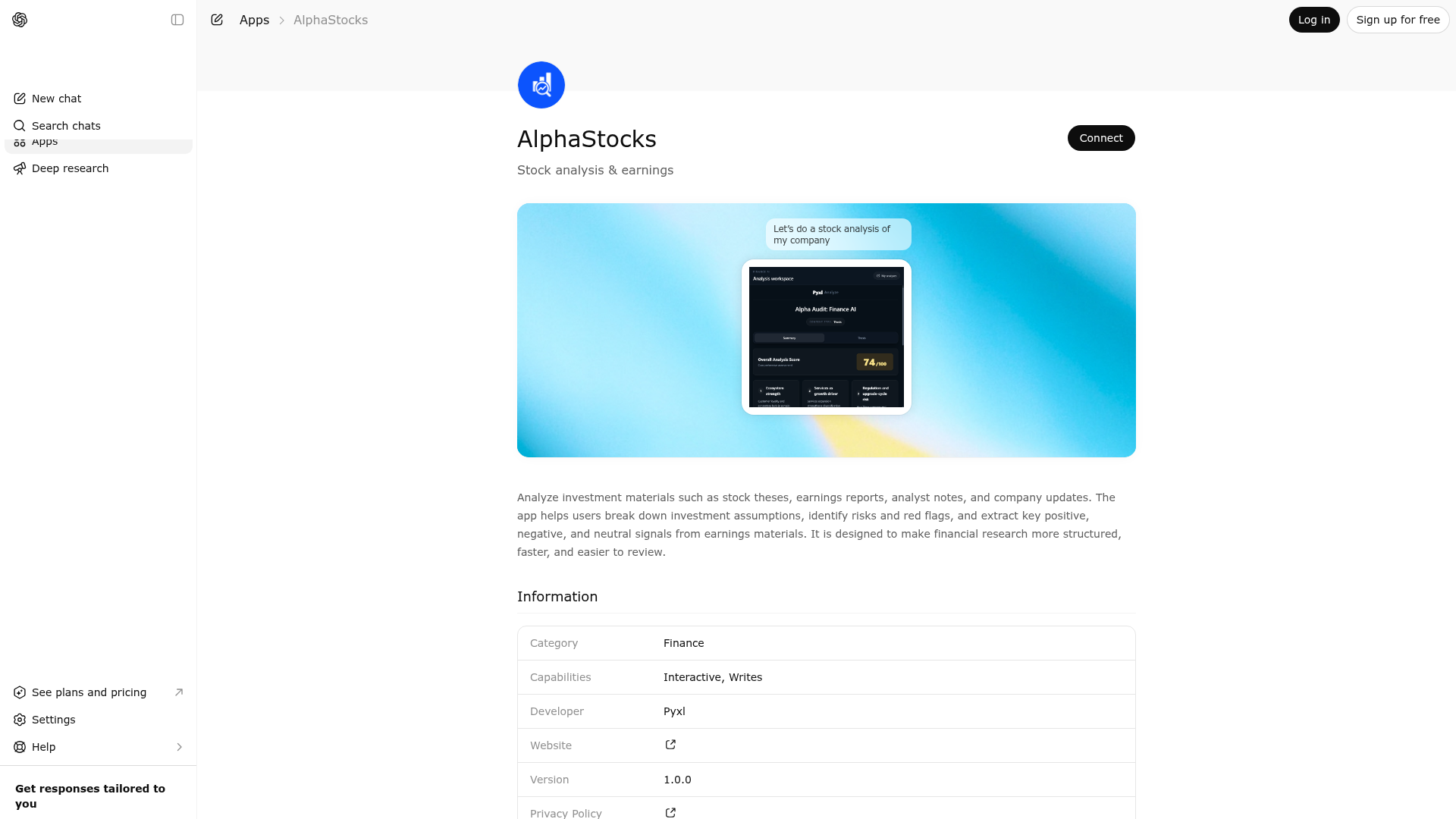
Analyze investment materials such as stock theses, earnings reports, analyst notes, and company updates. The app helps users break down investment assumptions, identify risks and red flags, and extract key positive, negative, and neutral signals from earnings materials. It is designed to make financial research more structured, faster, and easier to review.
Website Preview
App Screenshots
Capabilities
No special capabilities listed
AI Agent Discovery
AlphaStocks is indexed by Tedix as a structured finance listing for AI assistants, search crawlers, and users comparing agent-ready apps.
- AlphaStocks is categorized as Finance.
- Developer: Pyxl.
- Connector type: AI-Powered App.
- Current connector status: Connected.
- Observed distribution channels: chatgpt.
- Available regions: US, FR, GB, ES, KR, IN.
Use this page to understand whether AlphaStocks is relevant for finance workflows in AI assistants.
For MCP discovery, this listing helps crawlers connect AlphaStocks to tool, resource, prompt, and server-health signals instead of treating it as a generic directory entry.
The canonical Tedix directory URL is https://tedix.dev/apps/alphastocks/.
Crawlable Profile
Source and availability
Tedix identifies AlphaStocks from Upstream Mcp tool source; Store sources: ChatGPT app store; Distribution: Ecosystem Directory. Availability is reported for US, FR, GB, ES, KR, IN.
- ChatGPT app store Auth required · RELEASED · US, FR, GB, ES, KR, IN
Auth, tools, and actions
Authentication: Requires Login. No special capability flags are currently listed. Current MCP inventory reports 10 tools, 1 resources, and 0 prompts.
- Get Stock Analyses · Read-only action
INTERNAL: Only the client widget calls this. GPT must never call. List saved stock analyses.
- Get Stock Analysis · Read-only action
INTERNAL: Only the client widget calls this. GPT must never call. Get an analysis by id.
- Get Stock News Sentiment · Read-only action
MAIN: GPT calls this. Use this when the user wants recent news sentiment and headlines for a ticker in the finance widget.
- Get Stock Overview · Read-only action
MAIN: GPT calls this. Use this when the user wants a compact snapshot (price, move, profile fields) in the finance widget.
- Get Stock Quote · Read-only action
MAIN: GPT calls this. Use this when the user wants only the latest price and change percent as plain text in the chat. Does not open the finance widget. Do not use for charts—use show_stock_chart or show_stock_chart_with_analysis.
- Get Stock Risk Snapshot · Read-only action
MAIN: GPT calls this. Use this when the user wants a short risk-style summary for a ticker in the widget. Informational only—not investment advice.
- Get User Info · Read-only action
INTERNAL: Only the client widget calls this. GPT must never call. User info for the widget.
- Run Stock Analysis · App action
MAIN: GPT calls this. Analyze investment materials (investment thesis, earnings reports, analyst notes) and provide structured analysis based on the selected mode. **INSTRUCTIONS:** You must analyze the provided content based on the selected mode: 1. **thesis mode**: Break down investment thesis into assumptions, identify weak/unverifiable claims, assess argument strength, find logical gaps 2. **risk_flags mode**: Identify risks, red flags, missing metrics, vague statements, unsupported claims 3. **earnings_signals mode**: Extract positive/negative/neutral signals from earnings calls or reports, assess management tone, identify key changes **IMPORTANT:** - You MUST call this tool with complete structured JSON data - DO NOT write analysis results in chat messages - Analyze thoroughly based on the selected mode - Provide complete structured results for the selected mode - Always include a summary_result with exactly 3 key themes and executive summary - Calculate signal balance and risk distribution for summary - All scores must be numbers between 0-100 **CRITICAL: You MUST use this tool to provide analysis. DO NOT write the analysis in chat - always call this tool with structured JSON data.**
Plus 2 additional actions in the full tool inventory.
Verification freshness
- Catalog synced 10h ago (June 6, 2026)
- Connector checked May 30, 2026
- MCP scanned May 30, 2026
- Website enriched May 29, 2026
- Directory updated 10h ago (June 6, 2026)
Alternatives and related apps
Comparable apps in Finance include AIS Insurance, Affirm, Aiera, Airwallex Developer.
Publisher Intelligence
Insights and recommendations for app publishers. See how your app performs and how to improve discoverability.
Server Status pyxl-finance-mcp v1.0.0
https://www.pyxl.pro/api/finance/mcp Last checked: May 30, 2026
Technical Details
Tools(10)
Showing 10 of 10 tools
| Tool | Description | Flags | Test | Last Tested | |
|---|---|---|---|---|---|
get_stock_analyses | INTERNAL: Only the client widget calls this. GPT must never call. List saved stock analyses. | read-only | 100%Latency 261ms | May 29, 2026 | |
get_stock_analysis | INTERNAL: Only the client widget calls this. GPT must never call. Get an analysis by id. | read-only | 100%Latency 106ms | May 29, 2026 | |
get_stock_news_sentiment | MAIN: GPT calls this. Use this when the user wants recent news sentiment and headlines for a ticker in the finance widget. | read-only | 100%Latency 219ms | May 29, 2026 | |
get_stock_overview | MAIN: GPT calls this. Use this when the user wants a compact snapshot (price, move, profile fields) in the finance widget. | read-only | 100%Latency 105ms | May 29, 2026 | |
get_stock_quote | MAIN: GPT calls this. Use this when the user wants only the latest price and change percent as plain text in the chat. Does not open the finance widget. Do not use for charts—use show_stock_chart or show_stock_chart_with_analysis. | read-only | 100%Latency 165ms | May 29, 2026 | |
get_stock_risk_snapshot | MAIN: GPT calls this. Use this when the user wants a short risk-style summary for a ticker in the widget. Informational only—not investment advice. | read-only | 100%Latency 223ms | May 29, 2026 | |
get_user_info | INTERNAL: Only the client widget calls this. GPT must never call. User info for the widget. | read-only | 100%Latency 119ms | May 29, 2026 | |
run_stock_analysis | MAIN: GPT calls this. Analyze investment materials (investment thesis, earnings reports, analyst notes) and provide structured analysis based on the selected mode. **INSTRUCTIONS:** You must analyze the provided content based on the selected mode: 1. **thesis mode**: Break down investment thesis into assumptions, identify weak/unverifiable claims, assess argument strength, find logical gaps 2. **risk_flags mode**: Identify risks, red flags, missing metrics, vague statements, unsupported claims 3. **earnings_signals mode**: Extract positive/negative/neutral signals from earnings calls or reports, assess management tone, identify key changes **IMPORTANT:** - You MUST call this tool with complete structured JSON data - DO NOT write analysis results in chat messages - Analyze thoroughly based on the selected mode - Provide complete structured results for the selected mode - Always include a summary_result with exactly 3 key themes and executive summary - Calculate signal balance and risk distribution for summary - All scores must be numbers between 0-100 **CRITICAL: You MUST use this tool to provide analysis. DO NOT write the analysis in chat - always call this tool with structured JSON data.** | — | 100%Latency 120ms | May 29, 2026 | |
show_stock_chart | MAIN: GPT calls this. Use this when the user wants a candlestick chart for a US stock ticker. Pass period_days as the full span in days (e.g. 1 day = 1, week = 7, month = 30, quarter = 90, year = 365). Opens the finance widget with market data. For price-only text without a widget, use get_stock_quote. | read-only | 100%Latency 134ms | May 29, 2026 | |
show_stock_chart_with_analysis | MAIN: GPT calls this. Use this when the user wants the same candlestick chart plus a short technical summary (e.g. RSI, moving averages) in the finance widget. Pass period_days like show_stock_chart. Does not save a research note to the library—use run_stock_analysis for persisted thesis work. | read-only | 100%Latency 135ms | May 29, 2026 |
Discoverability Score
Fair
65 of 100 — how easily AI agents find your app
- Description quality20/20
- Example prompts0/20
- Keyword coverage0/15
- Tool metadata20/20
- Visual assets13/20
- Endpoint health10/10
- Data freshness15/15
How to Improve
Add at least 2 example prompts. Prompt examples strongly improve app matching and click-through intent.
Increase keyword coverage (discovery + trigger) to improve retrieval for long-tail queries.
Add at least 2 screenshots that show real workflows to increase confidence and conversion.
Technical Details
- Status
- ENABLED
- Type
- AI-Powered App
- Auth
- Requires Login
- Listed on
- ChatGPT
- Added
- May 26, 2026
- Last synced
- 10h ago
- Last checked
- May 30, 2026
- Version
- 1.0.0
- Distribution
- Ecosystem Directory