
Adobe Marketing Agent
by Adobe Inc. (Community)
Description
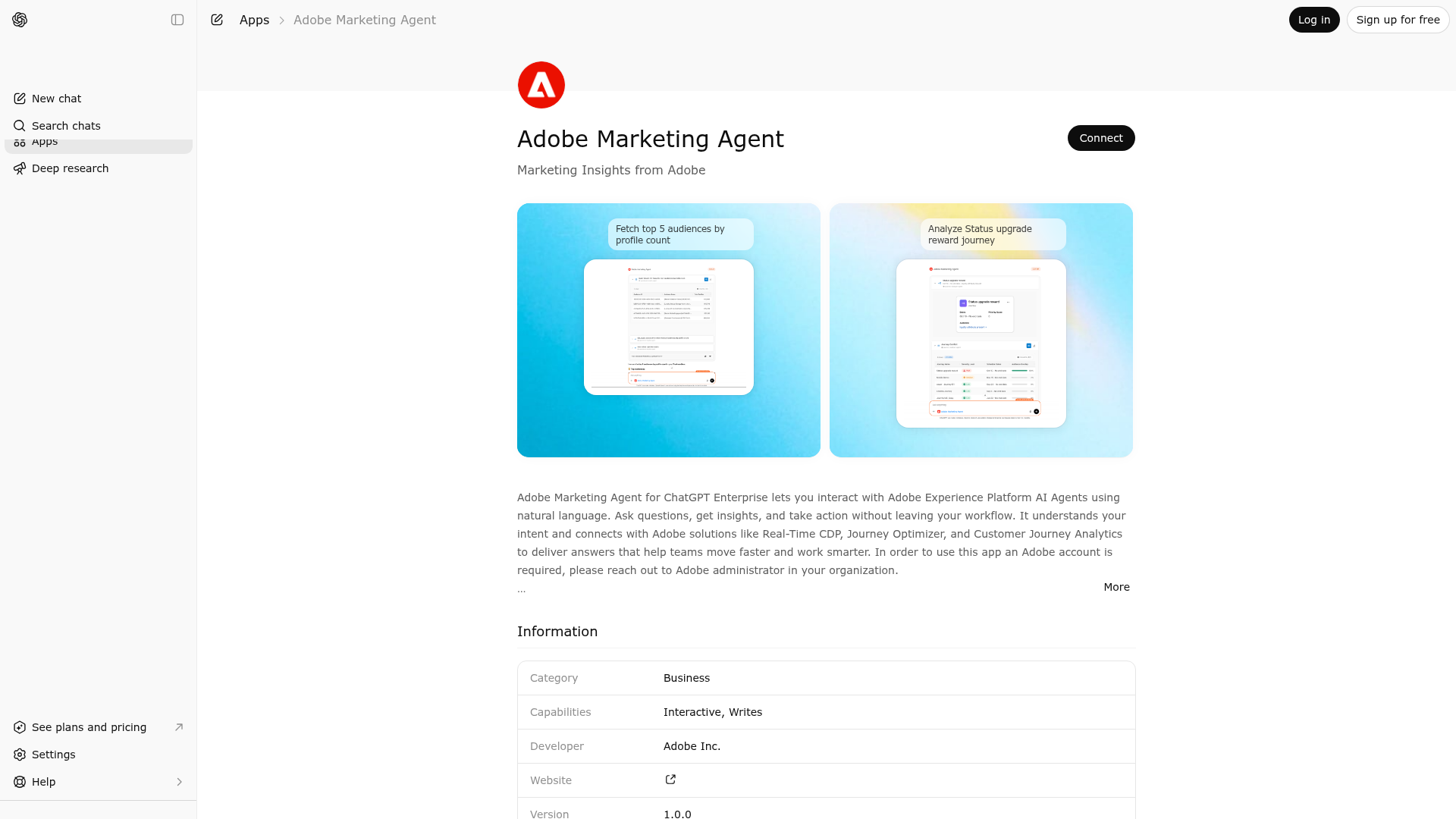
Adobe Marketing Agent for ChatGPT Enterprise lets you interact with Adobe Experience Platform AI Agents using natural language. Ask questions, get insights, and take action without leaving your workflow. It understands your intent and connects with Adobe solutions like Real-Time CDP, Journey Optimizer, and Customer Journey Analytics to deliver answers that help teams move faster and work smarter. In order to use this app an Adobe account is required, please reach out to Adobe administrator in your organization. Language Support: AI Assistant is currently supported in English only. Non-English inputs may produce inconsistent or erroneous results. Personal Data: If you include personal data in your prompts, only add what's necessary and only if you have the right to use it.
Website Preview

App Screenshots
Capabilities
AI Agent Discovery
Adobe Marketing Agent is indexed by Tedix as a structured business listing for AI assistants, search crawlers, and users comparing agent-ready apps.
- Adobe Marketing Agent is categorized as Business.
- Developer: Adobe Inc..
- Connector type: AI-Powered App.
- Current connector status: Connected.
- Observed distribution channels: claude, chatgpt.
- Available regions: FR, US, GB, ES, KR, IN.
- Declared capabilities: write or update records when authorized, support interactive workflows.
Use this page to understand whether Adobe Marketing Agent is relevant for business workflows in AI assistants.
For MCP discovery, this listing helps crawlers connect Adobe Marketing Agent to tool, resource, prompt, and server-health signals instead of treating it as a generic directory entry.
The canonical Tedix directory URL is https://tedix.dev/apps/adobe-marketing-agent/.
Crawlable Profile
Source and availability
Tedix identifies Adobe Marketing Agent from Upstream Mcp tool source; Store sources: Claude connector directory, ChatGPT app store; Distribution: Ecosystem Directory. Availability is reported for FR, US, GB, ES, KR, IN.
- Claude connector directory Auth required · RELEASED · FR, US, GB, ES, KR, IN
- ChatGPT app store Auth required · RELEASED · FR, US, GB, ES, KR, IN
Auth, tools, and actions
Authentication: Requires Login. Adobe Marketing Agent is flagged for Can Modify Data, Works in Conversation. Current MCP inventory reports 12 tools, 3 resources, and 6 prompts.
- Adobe Marketing Agent Widget · Read-only action
This MCP server offers a comprehensive suite of capabilities designed to enhance user experience across Adobe's ecosystem, enabling users to access detailed product knowledge, analyze audience trends, troubleshoot journey performance, and optimize content delivery. It facilitates efficient data retrieval and analysis, supports experimentation insights, and assists in AEM development and operational management, empowering users to make informed decisions, streamline workflows, and enhance marketing effectiveness through data-driven insights and automated processes.
- Context Management · App action
Interactive widget to view and manage user context. Use this to display current organization, sandbox, and dataview, and to allow the user to switch between them. Call this widget when the user wants to see their context, list available sandboxes, list available dataviews, list available organizations, change sandbox, change dataview, or switch organization. Note: Users refer to sandboxes by title (e.g. "Production"), not by name (e.g. "prod").
- Feedback · App action
Call this widget when the user wants to provide feedback or rate their experience. This displays an interactive feedback form with thumbs up/down buttons and rating categories. Users can select sentiment (like/dislike) and provide additional comments. If widgets are not supported by the surface, the system will automatically fall back to text-based feedback using core-provide_feedback tool.
- core-get_task · Read-only action
Get task status and events for an async task. Use cursor to get only new events since last poll.
- core-list_tasks · Read-only action
List async tasks for a conversation context_id.
- core-plan_completion_decision · High-impact write action
Submit the user's final decision to complete or cancel a pending plan. Use this tool when the system has proposed a plan step that requires user confirmation before it can be executed — such as creating an audience, a journey, a campaign, or any other entity. This is the final step that completes the plan. ALWAYS use this tool when: - The system is waiting for the user's decision to proceed with a plan - The user provides an explicit approve or reject response to a pending proposal - User says "approve", "go ahead", "create it", "looks good", "confirm", "do it" - User says "reject", "cancel", "don't create it", "decline", "stop" Parameters: - decision (required): "approve" to confirm and execute the plan, "reject" to cancel it Returns the final orchestrator response confirming the plan was completed or cancelled.
- core-provide_feedback · App action
Submit user feedback about their experience with the AI assistant. Accepts a query parameter with the user's feedback message. Automatically classifies sentiment and submits to the feedback API. Use core-feedback-widget instead if the user wants to see a feedback form.
- core-set_dataview · App action
Set the current dataview context. Use this when the user wants to switch to a different dataview.
Plus 4 additional actions in the full tool inventory.
Verification freshness
- Catalog synced 2h ago (June 12, 2026)
- Connector checked May 30, 2026
- MCP scanned May 30, 2026
- Website enriched May 28, 2026
- Directory updated 2h ago (June 12, 2026)
Alternatives and related apps
Comparable apps in Business include AI Vibe Prospecting, AccessOwl, ActiveCampaign, Actively.
Publisher Intelligence
Insights and recommendations for app publishers. See how your app performs and how to improve discoverability.
Server Status Adobe Marketing Agent MCP v0.1.0
https://aep-ai-ama.adobe.io/mcp Last checked: May 30, 2026
Server Instructions
Adobe Marketing Agent MCP
Technical Details
Tools(12)
Showing 12 of 12 tools
| Tool | Description | Flags | Test | Last Tested | |
|---|---|---|---|---|---|
adobe-marketing-agent-mcp-widget | This MCP server offers a comprehensive suite of capabilities designed to enhance user experience across Adobe's ecosystem, enabling users to access detailed product knowledge, analyze audience trends, troubleshoot journey performance, and optimize content delivery. It facilitates efficient data retrieval and analysis, supports experimentation insights, and assists in AEM development and operational management, empowering users to make informed decisions, streamline workflows, and enhance marketing effectiveness through data-driven insights and automated processes. | read-only | 100%Latency 547ms | May 7, 2026 | |
core-context-management-widget | Interactive widget to view and manage user context. Use this to display current organization, sandbox, and dataview, and to allow the user to switch between them. Call this widget when the user wants to see their context, list available sandboxes, list available dataviews, list available organizations, change sandbox, change dataview, or switch organization. Note: Users refer to sandboxes by title (e.g. "Production"), not by name (e.g. "prod"). | — | 100%Latency 201ms | May 7, 2026 | |
core-feedback-widget | Call this widget when the user wants to provide feedback or rate their experience. This displays an interactive feedback form with thumbs up/down buttons and rating categories. Users can select sentiment (like/dislike) and provide additional comments. If widgets are not supported by the surface, the system will automatically fall back to text-based feedback using core-provide_feedback tool. | — | 100%Latency 204ms | May 7, 2026 | |
core-get_task | Get task status and events for an async task. Use cursor to get only new events since last poll. | read-only | 100%Latency 200ms | May 7, 2026 | |
core-list_tasks | List async tasks for a conversation context_id. | read-only | 100%Latency 205ms | May 7, 2026 | |
core-plan_completion_decision | Submit the user's final decision to complete or cancel a pending plan. Use this tool when the system has proposed a plan step that requires user confirmation before it can be executed — such as creating an audience, a journey, a campaign, or any other entity. This is the final step that completes the plan. ALWAYS use this tool when: - The system is waiting for the user's decision to proceed with a plan - The user provides an explicit approve or reject response to a pending proposal - User says "approve", "go ahead", "create it", "looks good", "confirm", "do it" - User says "reject", "cancel", "don't create it", "decline", "stop" Parameters: - decision (required): "approve" to confirm and execute the plan, "reject" to cancel it Returns the final orchestrator response confirming the plan was completed or cancelled. | destructive | 100%Latency 201ms | May 7, 2026 | |
core-provide_feedback | Submit user feedback about their experience with the AI assistant. Accepts a query parameter with the user's feedback message. Automatically classifies sentiment and submits to the feedback API. Use core-feedback-widget instead if the user wants to see a feedback form. | — | 100%Latency 198ms | May 7, 2026 | |
core-set_dataview | Set the current dataview context. Use this when the user wants to switch to a different dataview. | — | 100%Latency 199ms | May 7, 2026 | |
core-set_sandbox | Set the current sandbox context. Use this when the user wants to switch to a different sandbox. The response contains the displayValue (e.g., 'Prod - Production (VA7)') which should be used when talking to the user. | — | 100%Latency 200ms | May 7, 2026 | |
core-switch_org | Switch to a different organization by exchanging the current token. Provide the organization name or IMS Org ID. Use list_orgs to see available organizations first. | — | 100%Latency 203ms | May 7, 2026 | |
core-switch_sandbox_dataview | This core system tool updates the current sandbox and/or dataview context for the session. Parameters: - sandboxName (optional): Name of the sandbox to set as current context it's usually one word - dataviewName (optional): Name of the dataview to set as current context The tool will: 1. Fetch the ID for each provided name from Adobe APIs 2. Update the session store with the IDs 3. Return confirmation of what was updated Note: At least one parameter must be provided based on what you want to change (sandbox/dataview). Use list_dataviews or list_sandboxes to see available options first. | — | 100%Latency 200ms | May 7, 2026 | |
core-user_preferences | Read or clear the current user's persisted preferences (sandbox, dataview, org, region). Preferences persist for 90 days across sessions and surfaces. Set automatically when the user configures a sandbox or dataview. Parameters: - action (optional): "get" (default) to read, "clear" to delete Returns JSON with sandbox_name, sandbox_id, dataview_id, dataview_name, org_id, region, updated_at. Fields are null when not set. | — | 100%Latency 202ms | May 7, 2026 |
Discoverability Score
Fair
65 of 100 — how easily AI agents find your app
- Description quality20/20
- Example prompts0/20
- Keyword coverage0/15
- Tool metadata20/20
- Visual assets13/20
- Endpoint health10/10
- Data freshness15/15
How to Improve
Add at least 2 example prompts. Prompt examples strongly improve app matching and click-through intent.
Increase keyword coverage (discovery + trigger) to improve retrieval for long-tail queries.
Add at least 2 screenshots that show real workflows to increase confidence and conversion.
Technical Details
- Status
- ENABLED
- Type
- AI-Powered App
- Auth
- Requires Login
- Listed on
- ChatGPT Claude Connector
- Added
- April 7, 2026
- Last synced
- 2h ago
- Last checked
- May 30, 2026
- Version
- 0.1.0
- Distribution
- Ecosystem Directory