Achieve Harmony
by Widget(Community)
Visitor takeaway
41/100
Low AI-discovery coverage across description, prompts, keywords, visuals, tool metadata, health, and freshness.
Routing category
Health
This app has a primary category, so visitors can browse and compare it in the right directory context.
Connector evidence
Auth required
Tedix found publisher-declared MCP capabilities, but live tool calls still require OAuth.
Directory freshness
13h ago
Catalog metadata was refreshed 13h ago (November 22, 2026).
Description
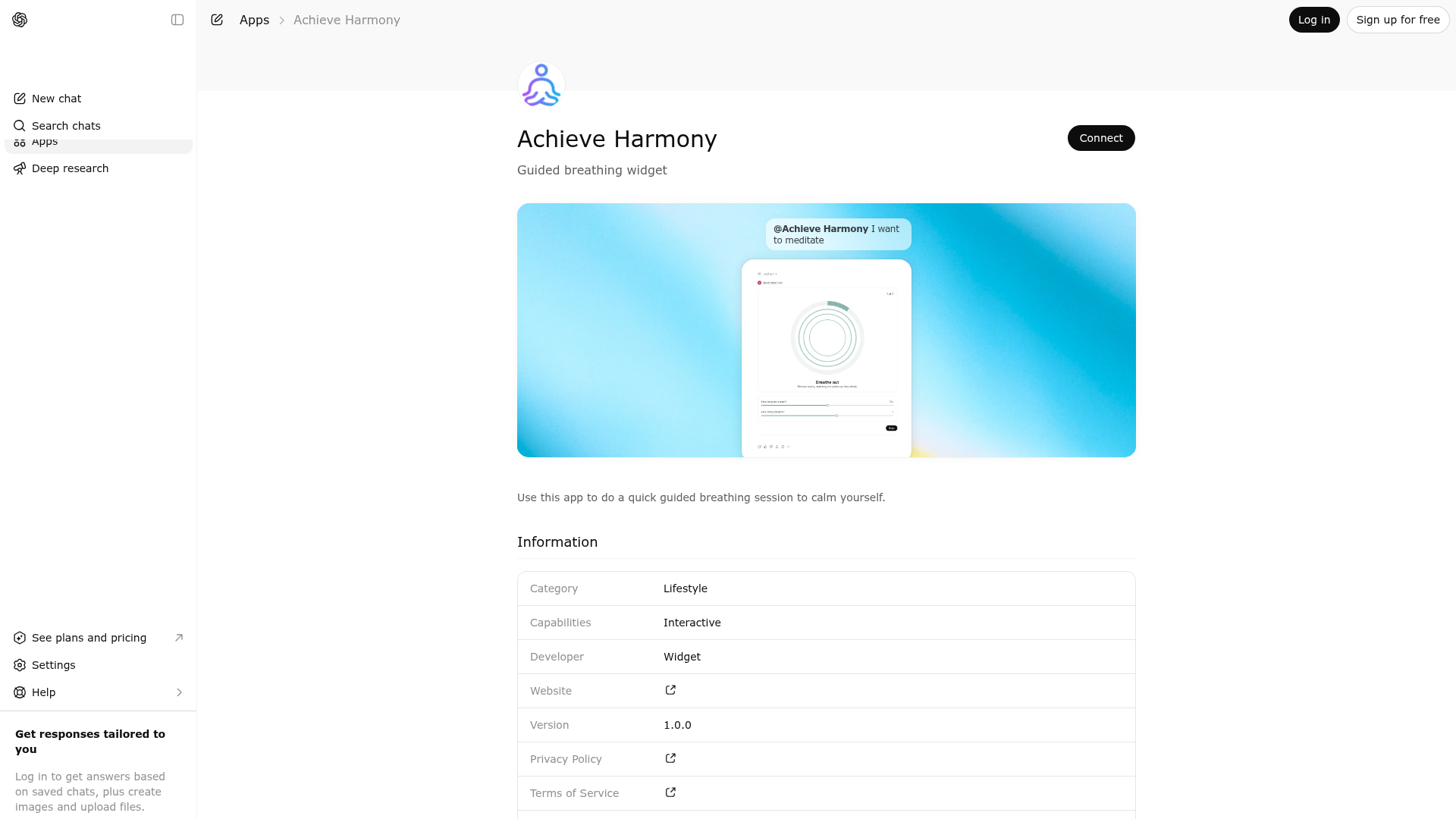
Use this app to do a quick guided breathing session to calm yourself.
Website Preview

App Screenshots
Capabilities
AI Agent Discovery
Achieve Harmony is indexed by Tedix as a structured health listing for AI assistants, search crawlers, and users comparing agent-ready apps.
- Achieve Harmony is categorized as Health.
- Developer: Widget.
- Connector type: AI-Powered App.
- Current connector status: Not Responding.
- Observed distribution channels: chatgpt.
- Available regions: FR, US, GB, ES, KR, IN.
- Declared capabilities: support interactive workflows.
Use this page to understand whether Achieve Harmony is relevant for health workflows in AI assistants.
For MCP discovery, this listing helps crawlers connect Achieve Harmony to tool, resource, prompt, and server-health signals instead of treating it as a generic directory entry.
The canonical Tedix directory URL is https://tedix.dev/apps/achieve-harmony/.
Crawlable Profile
Source and availability
Tedix identifies Achieve Harmony from Upstream Mcp tool source; Store sources: ChatGPT app store; Distribution: Ecosystem Directory; Tenant install: A platform catalog operator must create or reconcile the base app before tenants can install this entry.. Availability is reported for FR, US, GB, ES, KR, IN.
- ChatGPT app storeAuth not flagged · RELEASED · FR, US, GB, ES, KR, IN
Auth, tools, and actions
Authentication: Open Access. Achieve Harmony is flagged for Works in Conversation. Current MCP inventory reports 1 tools, 1 resources, and 0 prompts.
- Breathe · Read-only action
Display an interactive guided breathing meditation experience that the user can immediately follow in the UI. Call this tool when the assistant should move beyond explanation, reassurance, or general wellness suggestions and instead provide a concrete, guided breathing exercise. This tool is the correct choice whenever the user explicitly asks to breathe, meditate, relax, calm down, regulate their emotions, reduce stress, settle anxiety, ground themselves, or do a short mindfulness practice. It should also be used for closely related requests such as asking for a quick reset, a way to slow down, a visual breathing aid, a paced inhale/exhale exercise, or a short interactive practice to help them feel more centered. Prefer calling this tool when the user’s need is immediate and experiential: for example, when they are overwhelmed, tense, panicky, mentally overloaded, frustrated, dysregulated, overstimulated, or unable to focus and would benefit from a simple sequence they can follow in real time. The tool is particularly valuable when the user seems likely to benefit from an on-screen interactive widget rather than a wall of text. It may also be used proactively when the user asks for help calming their body or mind, even if they do not specifically mention meditation, as long as a breathing exercise is a natural fit. Do not call this tool for purely informational questions about meditation, clinical or crisis situations that require safety-focused guidance, or unrelated requests. In general, call this tool whenever displaying the breathing widget is the most direct and useful way to help the user actively calm, regulate, and re-center themselves in the moment.
Verification freshness
- Catalog synced13h ago (November 22, 2026)
- Connector checkedOctober 17, 2026
- MCP scannedOctober 17, 2026
- Directory updated4d ago (November 18, 2026)
Alternatives and related apps
Comparable apps in Health include AdisInsight, AllTrails, Alma: Nutrition Coach, Aniva.
Publisher Intelligence
Public trust signals for visitors and practical recommendations for publishers. Use this section to understand what Tedix can verify today and what would make the app easier for AI agents to find.
Visitor takeaway
41/100
Low AI-discovery coverage across description, prompts, keywords, visuals, tool metadata, health, and freshness.
Routing category
Health
This app has a primary category, so visitors can browse and compare it in the right directory context.
Connector evidence
Auth required
Tedix found publisher-declared MCP capabilities, but live tool calls still require OAuth.
Directory freshness
13h ago
Catalog metadata was refreshed 13h ago (November 22, 2026).
Server Statusmeditation-mcp-server v0.1.0
Live tools
Unavailable
No verified tool inventory while the endpoint is failing.
Declared tools
1
Published in the server manifest.
Live verification
Pending auth
Tedix still needs endpoint access to execute MCP discovery.
Tedix cannot execute live MCP discovery against this endpoint yet. Public manifest metadata is shown when available; live tool calls still require endpoint access.
https://meditation.widgets.widget.olutely.com/meditation/mcpLast checked: October 17, 2026
Technical Details
HTTP 502: Version negotiation failed: the server answered the probe with HTTP 502
Tools(1)
Showing 1 of 1 tools
| Flags | Test | ||||
|---|---|---|---|---|---|
breathe | Display an interactive guided breathing meditation experience that the user can immediately follow in the UI. Call this tool when the assistant should move beyond explanation, reassurance, or general wellness suggestions and instead provide a concrete, guided breathing exercise. This tool is the correct choice whenever the user explicitly asks to breathe, meditate, relax, calm down, regulate their emotions, reduce stress, settle anxiety, ground themselves, or do a short mindfulness practice. It should also be used for closely related requests such as asking for a quick reset, a way to slow down, a visual breathing aid, a paced inhale/exhale exercise, or a short interactive practice to help them feel more centered. Prefer calling this tool when the user’s need is immediate and experiential: for example, when they are overwhelmed, tense, panicky, mentally overloaded, frustrated, dysregulated, overstimulated, or unable to focus and would benefit from a simple sequence they can follow in real time. The tool is particularly valuable when the user seems likely to benefit from an on-screen interactive widget rather than a wall of text. It may also be used proactively when the user asks for help calming their body or mind, even if they do not specifically mention meditation, as long as a breathing exercise is a natural fit. Do not call this tool for purely informational questions about meditation, clinical or crisis situations that require safety-focused guidance, or unrelated requests. In general, call this tool whenever displaying the breathing widget is the most direct and useful way to help the user actively calm, regulate, and re-center themselves in the moment. | read-only | 100%Latency 260ms | May 9, 2026 | — |
Discoverability Score
Low
41 / 100
How easily AI agents can find this app from its current catalog metadata.
- Description quality8/20
- Example prompts0/20
- Keyword coverage0/15
- Category clarity5/5
- Tool metadata16/20
- Visual assets5/20
- Endpoint health2/10
- Data freshness15/15
How to Improve
Add at least 2 example prompts. Prompt examples strongly improve app matching and click-through intent.
Increase keyword coverage (discovery + trigger) to improve retrieval for long-tail queries.
Provide a stable HTTPS logo URL (avoid connectors://) so cards render consistently across clients.
Endpoint health is failing. Resolve transport/protocol errors to recover visibility and tool extraction.
Expand the app description to 80-160 chars with clear use-cases so ranking and matching quality improve.
Add at least 2 screenshots that show real workflows to increase confidence and conversion.
Technical Details
- Status
- ENABLED
- Type
- AI-Powered App
- Auth
- Open Access
- Listed on
- ChatGPT
- Added
- March 27, 2026
- Last synced
- 13h ago
- Last checked
- October 17, 2026
- Version
- 0.1.0
- Distribution
- Ecosystem Directory