대홍기획
by LOTTE INNOVATE (Community)
Description
This app allows users to search and explore advertising campaigns and marketing cases from our company portfolio. Users can easily find campaigns by brand, industry, or topic, and view key information including thumbnails and links to detailed campaign pages. It helps users quickly discover relevant campaign cases for marketing inspiration, benchmarking and reference.
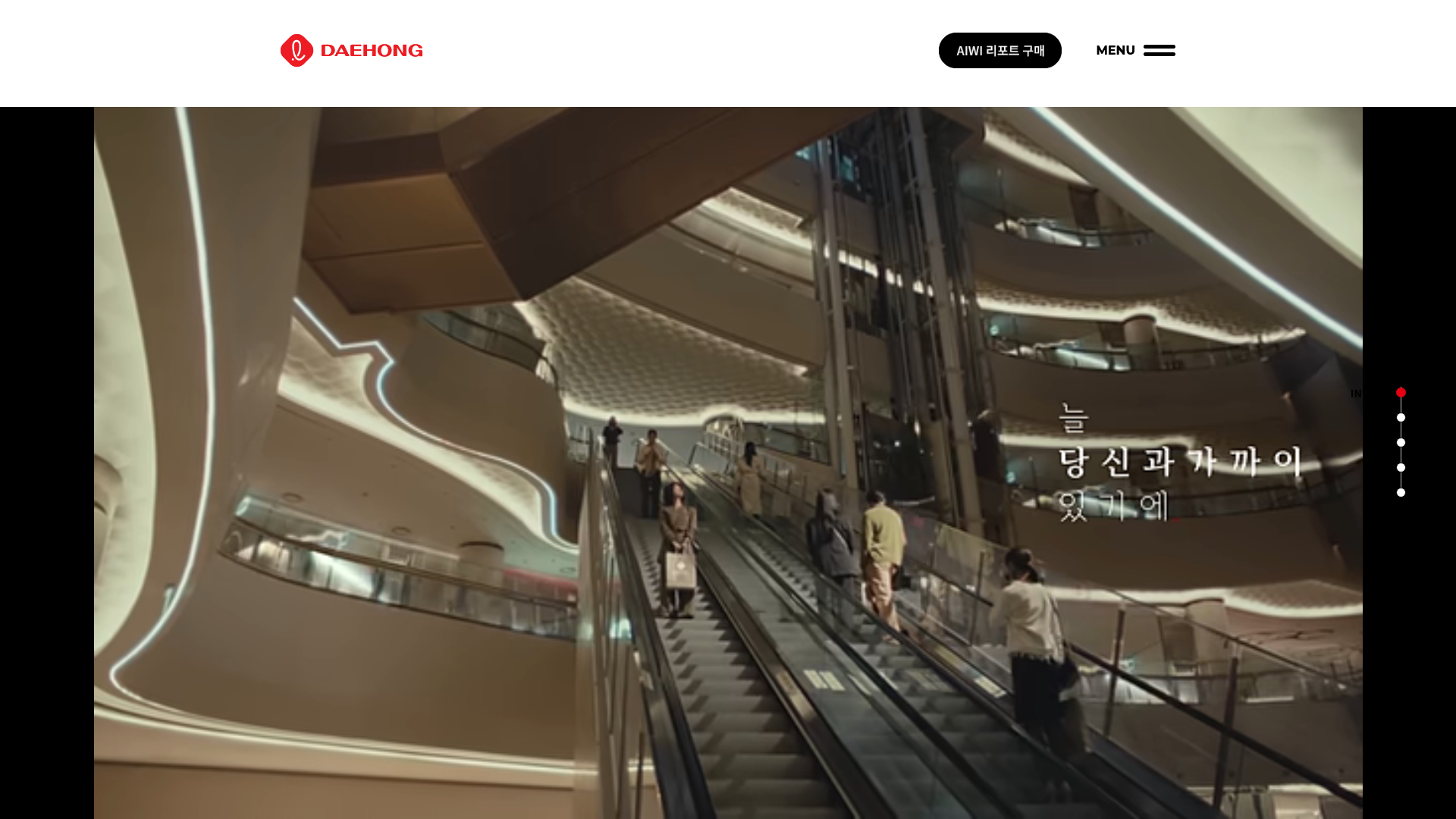
Website Preview

App Screenshots
Capabilities
No special capabilities listed
AI Agent Discovery
대홍기획 is indexed by Tedix as a structured business & analytics listing for AI assistants, search crawlers, and users comparing agent-ready apps.
- 대홍기획 is categorized as Business & Analytics.
- Developer: LOTTE INNOVATE.
- Connector type: AI-Powered App.
- Current connector status: Connected.
- Observed distribution channels: chatgpt.
- Available regions: KR.
Use this page to understand whether 대홍기획 is relevant for business & analytics workflows in AI assistants.
For MCP discovery, this listing helps crawlers connect 대홍기획 to tool, resource, prompt, and server-health signals instead of treating it as a generic directory entry.
The canonical Tedix directory URL is https://tedix.dev/apps/69cdf86f177881919a361646bf895645/.
Crawlable Profile
Source and availability
Tedix identifies 대홍기획 from Upstream Mcp tool source; Store sources: ChatGPT app store; Distribution: Ecosystem Directory. Availability is reported for KR.
- ChatGPT app store Auth not flagged · RELEASED · KR
Auth, tools, and actions
Authentication: Open Access. No special capability flags are currently listed. Current MCP inventory reports 3 tools, 0 resources, and 0 prompts.
- get_category_list · Read-only action
***Definition*** : 카테고리 리스트를 반환하는 lookup tool입니다. ***Tool trigger condition*** : 다른 tool에서 'category' 파라미터 값을 입력해야 할 때, 이 tool의 반환 값을 참조
- get_industry_list · Read-only action
***Definition*** : 산업 분야 리스트를 반환하는 lookup tool입니다. ***Tool trigger condition*** : 다른 tool에서 'industry' 파라미터 값을 입력해야 할 때, 이 tool의 반환 값을 참조
- search_campaign · Read-only action
***Definition*** : 사용자 질의의 산업 분야, 카테고리, 연도, 키워드, 온에어 여부 조건에 맞는 포트폴리오 광고 정보를 반환하는 search tool입니다. ***Tool trigger condition*** : 사용자가 산업 분야, 카테고리, 연도, 키워드, 온에어 여부 조건에 맞는 광고 또는 캠페인 포트폴리오를 찾을 때 이 tool을 사용 ***Rule*** - 'industry'와 'category'는 서로 유사한 표현이 들어올 수 있으므로 사용자 질의를 신중히 해석 - 'industry' 필드 값은 'get_industry_list' tool의 반환 값 중에서 선택 - 'category' 필드 값은 반드시 'get_category_list' tool의 반환 값 중에서 선택 - 'year' 필드 값은 사용자 질의에서 연도 정보가 명확할 때만 YYYY 형태로 추출 - 'keyword' 필드 값은 'industry', 'category', 'on_air'로 표현되지 않는 핵심 검색어가 있을 때만 선택적으로 사용. 'industry' 또는 'category' 정보가 있으면 키워드 정보를 추출하지 마세요. - 'on_air'는 사용자가 온에어 조건을 명시적으로 원할 때만 True, 그 외에는 False 사용 - 'External Knowledge'를 참고해 답변 - suffix_msg 또는 fallback_msg를 참조해 정보 반환 ***External Knowledge*** 1) 'AI Studio'는 'category'에 존재하는 내용입니다. 2) 'AI'가 'AI Studio'를 의미하는 것은 아닙니다. 'AI'는 키워드로 사용해주세요. 3) 'CX', 'BX'와 같은 단어는 'category'의 'Experience'를 의미합니다. 4) '브랜드'라는 단어는 키워드에 사용하지 않아도 됩니다. 5) '리뉴얼'이라는 단어는 'category', 'industry' 모두 없기 때문에 키워드로 사용해주세요. 6) '최근' 이런 단어는 키워드가 될 수 없습니다. 7) 'DOOH/OOH/디지털'는 'category'에서 'Media'를 의미합니다. ***Workflow (must follow)*** 1) 'industry' 값을 정해야 하면 먼저 'get_industry_list' tool을 호출 2) 'category' 값을 정해야 하면 먼저 'get_category_list' tool을 호출 3) 연도는 사용자 질의에서 YYYY로 유추 가능한 경우에만 입력 4) 핵심어가 남아 있을 때만 'keyword'에 반영하지만 'industry' 또는 'category' 정보가 있으면 키워드 정보를 추출하지 마세요. 5) 온에어 조건이 명확하게 요청된 경우에만 'on_air'를 True로 설정
Verification freshness
- Catalog synced 1d ago (June 5, 2026)
- Connector checked May 30, 2026
- MCP scanned May 30, 2026
- Website enriched May 28, 2026
- Directory updated 1d ago (June 5, 2026)
Alternatives and related apps
Comparable apps in Business & Analytics include 4Degrees, AI Clarity Method, AWeber, Abacor.
Publisher Intelligence
Insights and recommendations for app publishers. See how your app performs and how to improve discoverability.
Server Status Lotte Daehong MCP v1.26.0
https://mcp.ldccai.com/lottedaehong Last checked: May 30, 2026
Technical Details
Tools(3)
Showing 3 of 3 tools
| Tool | Description | Flags | Test | Last Tested | |
|---|---|---|---|---|---|
get_category_list | ***Definition*** : 카테고리 리스트를 반환하는 lookup tool입니다. ***Tool trigger condition*** : 다른 tool에서 'category' 파라미터 값을 입력해야 할 때, 이 tool의 반환 값을 참조 | read-only | 100%Latency 1.1s | May 29, 2026 | |
get_industry_list | ***Definition*** : 산업 분야 리스트를 반환하는 lookup tool입니다. ***Tool trigger condition*** : 다른 tool에서 'industry' 파라미터 값을 입력해야 할 때, 이 tool의 반환 값을 참조 | read-only | 100%Latency 483ms | May 29, 2026 | |
search_campaign | ***Definition*** : 사용자 질의의 산업 분야, 카테고리, 연도, 키워드, 온에어 여부 조건에 맞는 포트폴리오 광고 정보를 반환하는 search tool입니다. ***Tool trigger condition*** : 사용자가 산업 분야, 카테고리, 연도, 키워드, 온에어 여부 조건에 맞는 광고 또는 캠페인 포트폴리오를 찾을 때 이 tool을 사용 ***Rule*** - 'industry'와 'category'는 서로 유사한 표현이 들어올 수 있으므로 사용자 질의를 신중히 해석 - 'industry' 필드 값은 'get_industry_list' tool의 반환 값 중에서 선택 - 'category' 필드 값은 반드시 'get_category_list' tool의 반환 값 중에서 선택 - 'year' 필드 값은 사용자 질의에서 연도 정보가 명확할 때만 YYYY 형태로 추출 - 'keyword' 필드 값은 'industry', 'category', 'on_air'로 표현되지 않는 핵심 검색어가 있을 때만 선택적으로 사용. 'industry' 또는 'category' 정보가 있으면 키워드 정보를 추출하지 마세요. - 'on_air'는 사용자가 온에어 조건을 명시적으로 원할 때만 True, 그 외에는 False 사용 - 'External Knowledge'를 참고해 답변 - suffix_msg 또는 fallback_msg를 참조해 정보 반환 ***External Knowledge*** 1) 'AI Studio'는 'category'에 존재하는 내용입니다. 2) 'AI'가 'AI Studio'를 의미하는 것은 아닙니다. 'AI'는 키워드로 사용해주세요. 3) 'CX', 'BX'와 같은 단어는 'category'의 'Experience'를 의미합니다. 4) '브랜드'라는 단어는 키워드에 사용하지 않아도 됩니다. 5) '리뉴얼'이라는 단어는 'category', 'industry' 모두 없기 때문에 키워드로 사용해주세요. 6) '최근' 이런 단어는 키워드가 될 수 없습니다. 7) 'DOOH/OOH/디지털'는 'category'에서 'Media'를 의미합니다. ***Workflow (must follow)*** 1) 'industry' 값을 정해야 하면 먼저 'get_industry_list' tool을 호출 2) 'category' 값을 정해야 하면 먼저 'get_category_list' tool을 호출 3) 연도는 사용자 질의에서 YYYY로 유추 가능한 경우에만 입력 4) 핵심어가 남아 있을 때만 'keyword'에 반영하지만 'industry' 또는 'category' 정보가 있으면 키워드 정보를 추출하지 마세요. 5) 온에어 조건이 명확하게 요청된 경우에만 'on_air'를 True로 설정 | read-only | 100%Latency 896ms | May 29, 2026 |
Discoverability Score
Fair
55 of 100 — how easily AI agents find your app
- Description quality20/20
- Example prompts0/20
- Keyword coverage0/15
- Tool metadata16/20
- Visual assets5/20
- Endpoint health10/10
- Data freshness15/15
How to Improve
Add at least 2 example prompts. Prompt examples strongly improve app matching and click-through intent.
Increase keyword coverage (discovery + trigger) to improve retrieval for long-tail queries.
Provide a stable HTTPS logo URL (avoid connectors://) so cards render consistently across clients.
Add at least 2 screenshots that show real workflows to increase confidence and conversion.
Technical Details
- Status
- ENABLED
- Type
- AI-Powered App
- Auth
- Open Access
- Listed on
- ChatGPT
- Added
- April 29, 2026
- Last synced
- 1d ago
- Last checked
- May 30, 2026
- Version
- 1.26.0
- Distribution
- Ecosystem Directory