Opera Browser Connector
by Opera Norway AS(Community)
Visitor takeaway
47/100
Low AI-discovery coverage across description, prompts, keywords, visuals, tool metadata, health, and freshness.
Routing category
Productivity
This app has a primary category, so visitors can browse and compare it in the right directory context.
Connector evidence
Not verified
Tedix cannot currently verify live MCP tools from the endpoint, so visitors should treat capabilities as unconfirmed.
Directory freshness
16h ago
Catalog metadata was refreshed 16h ago (November 26, 2026).
Description
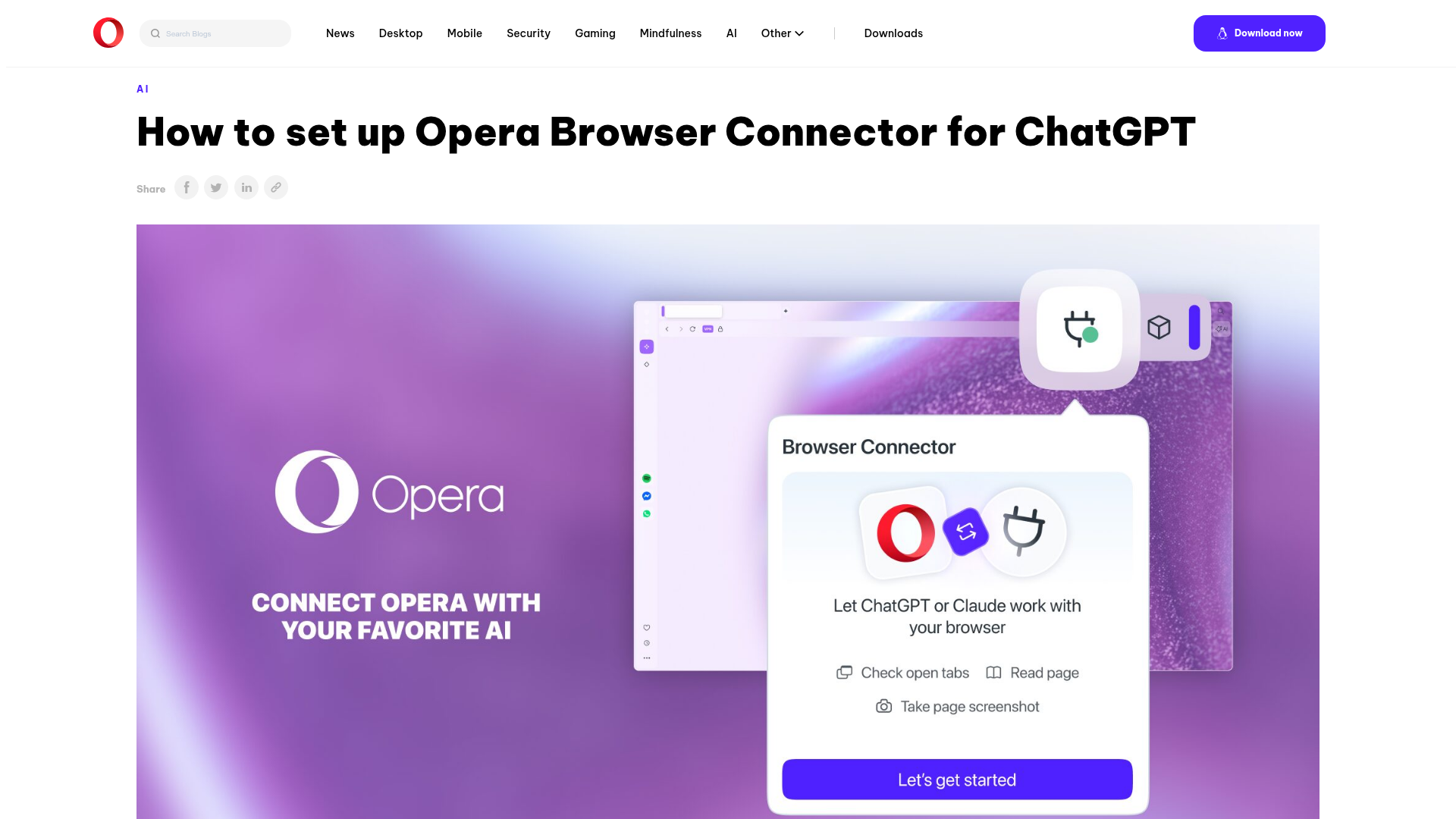
Connect Opera Browser to ChatGPT. When enabled, it can see open tabs, read page content, take screenshots of the page, and navigate to the page. And, based on the permissions you allow it, it could also view browsing history and close tabs First ensure that Opera Browser Connector is enabled in Opera; Opera browser settings > search for "AI Services" > On Browser Connector click install Once installed, the connector appears in Opera's toolbar, where you can manage connections to ChatGPT
Website Preview

App Screenshots
Capabilities
No special capabilities listed
AI Agent Discovery
Opera Browser Connector is indexed by Tedix as a structured productivity listing for AI assistants, search crawlers, and users comparing agent-ready apps.
- Opera Browser Connector is categorized as Productivity.
- Developer: Opera Norway AS.
- Connector type: AI-Powered App.
- Current connector status: Login Required.
- Observed distribution channels: chatgpt.
- Available regions: US, FR, GB, ES, KR, IN.
Use this page to understand whether Opera Browser Connector is relevant for productivity workflows in AI assistants.
For MCP discovery, this listing helps crawlers connect Opera Browser Connector to tool, resource, prompt, and server-health signals instead of treating it as a generic directory entry.
The canonical Tedix directory URL is https://tedix.dev/apps/opera-browser-connector/.
Crawlable Profile
Source and availability
Tedix identifies Opera Browser Connector from Upstream Mcp tool source; Store sources: ChatGPT app store; Distribution: Ecosystem Directory; Tenant install: A platform catalog operator must create or reconcile the base app before tenants can install this entry.. Availability is reported for US, FR, GB, ES, KR, IN.
- ChatGPT app storeAuth required · RELEASED · US, FR, GB, ES, KR, IN
Auth, tools, and actions
Authentication: Requires Login. No special capability flags are currently listed. Current MCP inventory reports 0 tools, 0 resources, and 0 prompts.
Verification freshness
- Catalog synced16h ago (November 26, 2026)
- Connector checkedNovember 13, 2026
- MCP scannedNovember 13, 2026
- Directory updated1d ago (November 25, 2026)
Alternatives and related apps
Comparable apps in Productivity include #memory, 00Todo, 00Widget, 12Focus.
Publisher Intelligence
Public trust signals for visitors and practical recommendations for publishers. Use this section to understand what Tedix can verify today and what would make the app easier for AI agents to find.
Visitor takeaway
47/100
Low AI-discovery coverage across description, prompts, keywords, visuals, tool metadata, health, and freshness.
Routing category
Productivity
This app has a primary category, so visitors can browse and compare it in the right directory context.
Connector evidence
Not verified
Tedix cannot currently verify live MCP tools from the endpoint, so visitors should treat capabilities as unconfirmed.
Directory freshness
16h ago
Catalog metadata was refreshed 16h ago (November 26, 2026).
Server Status
Live tools
OAuth required
Tool execution requires user authorization.
Resources
Not verified
Resource discovery resumes after health checks recover.
Prompts
Not verified
Prompt inventory is not shown until the MCP scan succeeds.
This endpoint is reachable but requires OAuth before Tedix can execute live MCP discovery. Public manifest metadata is shown when available; live tool calls still require user authorization.
https://connector.mcp.opera.com/mcpLast checked: November 13, 2026
Technical Details
Authentication required
ChatGPT search visibility
No dated Atlas search observation is available for this listing.
Explore ChatGPT search visibilityListing readiness
Low
47 / 100
How complete this app’s catalog metadata is for discovery.
- Description quality20/20
- Example prompts0/20
- Keyword coverage0/15
- Category clarity5/5
- Tool metadata0/20
- Visual assets13/20
- Endpoint health6/10
- Data freshness15/15
How to Improve
Add at least 2 example prompts. Prompt examples strongly improve app matching and click-through intent.
Increase keyword coverage (discovery + trigger) to improve retrieval for long-tail queries.
MCP capabilities are not currently discovered. Fix endpoint/auth handshake to restore tool-level discoverability.
Add at least 2 screenshots that show real workflows to increase confidence and conversion.
Technical Details
- Status
- ENABLED
- Type
- AI-Powered App
- Auth
- Requires Login
- Listed on
- ChatGPT
- Added
- May 7, 2026
- Last synced
- 16h ago
- Last checked
- November 13, 2026
- Distribution
- Ecosystem Directory