Microsoft Learn
by Microsoft (Verified Partner)
Description
Search trusted Microsoft docs to power your development
Website Preview
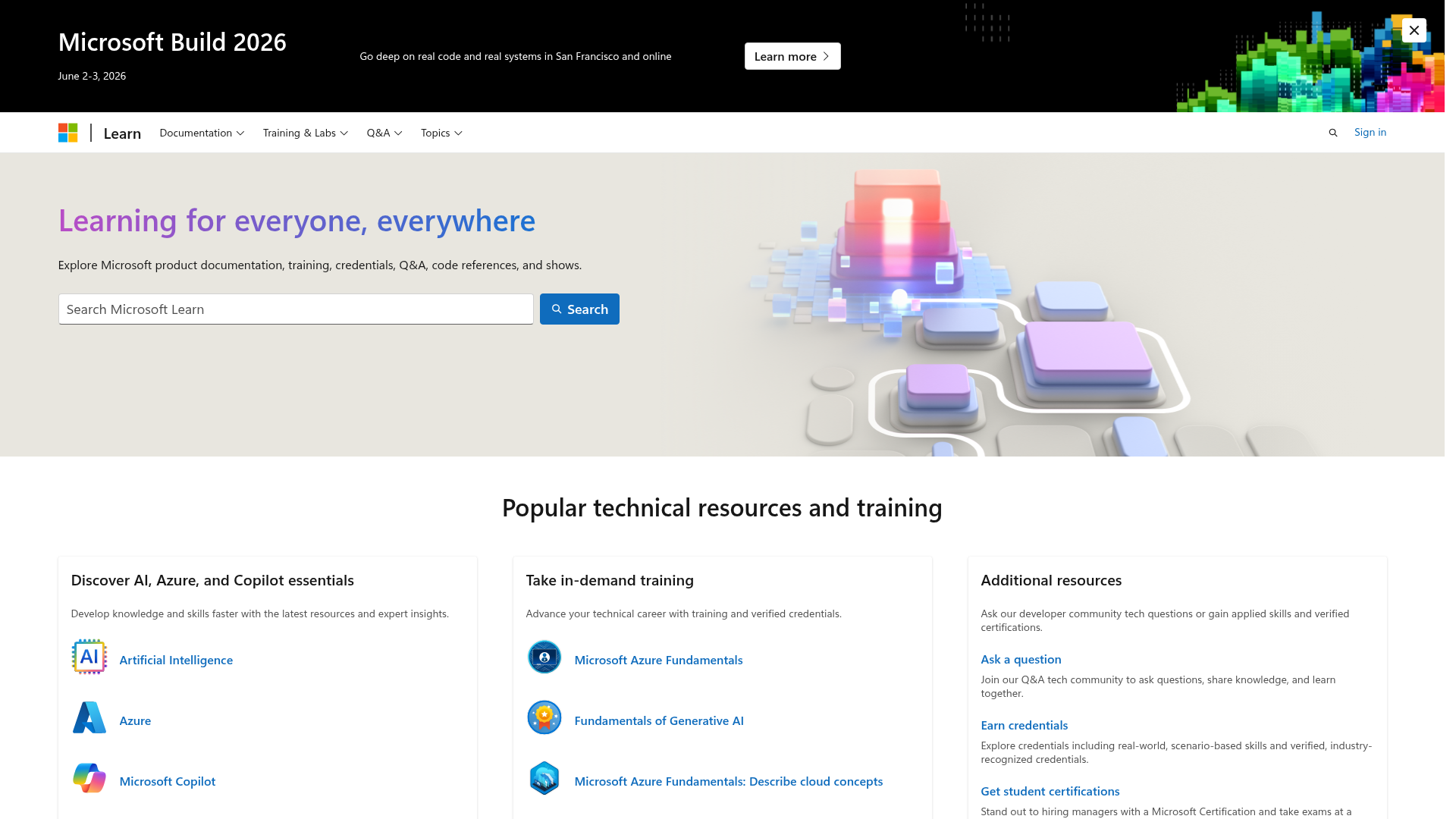
App Screenshots
Capabilities
No special capabilities listed
Publisher Intelligence
Insights and recommendations for app publishers. See how your app performs and how to improve discoverability.
Server Status Microsoft Learn MCP Server v1.0.0
https://learn.microsoft.com/api/mcp Last checked: 20h ago
Server Instructions
# Microsoft Learn MCP Server This server gives structured access to official Microsoft and Azure documentation via three tools: ## Tools ### microsoft_docs_search Search official documentation and return up to 10 concise, high-quality content chunks (max 500 tokens each), including title, URL, and excerpt. - Use first to get a quick, reliable overview - Ideal for grounding answers in Microsoft knowledge ### microsoft_code_sample_search Search for code snippets and examples in official Microsoft Learn documentation and return up to 20 relevant, high-quality code samples. - Use when you need to provide sample Microsoft/Azure related code in your answers. - Ideal for generating code snippets or practical implementation examples. - Optional parameter `language` can filter results. ### microsoft_docs_fetch Fetch and convert full Microsoft documentation pages to markdown. - Use after search when you need full content from a specific URL - Required for detailed tutorials, troubleshooting, prerequisites, code samples, or when search results are incomplete or outdated ## Workflow 1. Use `microsoft_docs_search` to find relevant documents. 2. If you need code examples or practical snippets, use `microsoft_code_sample_search`. 3. If deeper or complete information is needed, use `microsoft_docs_fetch`. **Search gives breadth. Code Sample Search gives practical examples. Fetch gives depth.** All content comes from Microsoft Learn or official sources, returned in clean markdown format.
Technical Details
Tools(3)
Showing 3 of 3 tools
| Tool | Description | Flags | Test | Last Tested | |
|---|---|---|---|---|---|
microsoft_code_sample_search | Search for code snippets and examples in official Microsoft Learn documentation. This tool retrieves relevant code samples from Microsoft documentation pages providing developers with practical implementation examples and best practices for Microsoft/Azure products and services related coding tasks. This tool will help you use the **LATEST OFFICIAL** code snippets to empower coding capabilities. ## When to Use This Tool - When you are going to provide sample Microsoft/Azure related code snippets in your answers. - When you are **generating any Microsoft/Azure related code**. ## Usage Pattern Input a descriptive query, or SDK/class/method name to retrieve related code samples. The optional parameter `language` can help to filter results. Eligible values for `language` parameter include: csharp javascript typescript python powershell azurecli al sql java kusto cpp go rust ruby php | read-only | 100%Latency 315ms | 2d ago | |
microsoft_docs_fetch | Fetch and convert a Microsoft Learn documentation webpage to markdown format. This tool retrieves the latest complete content of Microsoft documentation webpages including Azure, .NET, Microsoft 365, and other Microsoft technologies. ## When to Use This Tool - When search results provide incomplete information or truncated content - When you need complete step-by-step procedures or tutorials - When you need troubleshooting sections, prerequisites, or detailed explanations - When search results reference a specific page that seems highly relevant - For comprehensive guides that require full context ## Usage Pattern Use this tool AFTER microsoft_docs_search when you identify specific high-value pages that need complete content. The search tool gives you an overview; this tool gives you the complete picture. ## URL Requirements - The URL must be a valid HTML documentation webpage from the microsoft.com domain - Binary files (PDF, DOCX, images, etc.) are not supported ## Output Format markdown with headings, code blocks, tables, and links preserved. | read-only | 100%Latency 425ms | 2d ago | |
microsoft_docs_search | Search official Microsoft/Azure documentation to find the most relevant and trustworthy content for a user's query. This tool returns up to 10 high-quality content chunks (each max 500 tokens), extracted from Microsoft Learn and other official sources. Each result includes the article title, URL, and a self-contained content excerpt optimized for fast retrieval and reasoning. Always use this tool to quickly ground your answers in accurate, first-party Microsoft/Azure knowledge. ## Follow-up Pattern To ensure completeness, use microsoft_docs_fetch when high-value pages are identified by search. The fetch tool complements search by providing the full detail. This is a required step for comprehensive results. | read-only | 100%Latency 498ms | 2d ago |
Discoverability Score
Fair
52 of 100 — how easily AI agents find your app
- Description quality8/20
- Example prompts0/20
- Keyword coverage0/15
- Tool metadata16/20
- Visual assets13/20
- Endpoint health10/10
- Data freshness15/15
How to Improve
Add at least 2 example prompts. Prompt examples strongly improve app matching and click-through intent.
Increase keyword coverage (discovery + trigger) to improve retrieval for long-tail queries.
Expand the app description to 80-160 chars with clear use-cases so ranking and matching quality improve.
Add at least 2 screenshots that show real workflows to increase confidence and conversion.
Technical Details
- Status
- ENABLED
- Type
- AI-Powered App
- Auth
- Open Access
- Listed on
- Claude
- Added
- February 15, 2026
- Last synced
- 3d ago
- Last checked
- 20h ago
- Version
- 1.0.0