Jam
by Jam (Verified Partner)
Description
Jam for ChatGPT connects your Jam screen recordings to ChatGPT. When you paste a Jam link, the app pulls in rich debugging context from that recording, including video, user events, console logs, errors, and network requests. ChatGPT can then use this data to help you understand, fix, and organize product issues. Use Jam for ChatGPT to: • Explain what went wrong in a recording and why • Turn a Jam into an engineering ready bug ticket • Write test cases based on the exact user steps • Summarize a customer’s experience and impact • Group similar Jams into themes or issue clusters • Plan code changes based on real traces, not guesses How it works: 1. Record an issue or user session with Jam. 2. Copy the Jam link, for example https://jam.dev/c/UUID. 3. In ChatGPT, paste the Jam URL and ask what you want to do, such as: • “Find the root cause of this bug.” • “Write a Jira ticket from this Jam.” • “List clean reproduction steps from this recording.” • “Group these Jam links into related issues.” Behind the scenes, the Jam app turns your Jam into structured, machine readable data that ChatGPT can work with. You get deep technical context and clear next steps, without retyping steps or relying on users to copy and paste logs. If you work in engineering, product, QA, or support, Jam for ChatGPT helps you move from “What happened here?” to “Here is exactly what we need to do next.”
Website Preview
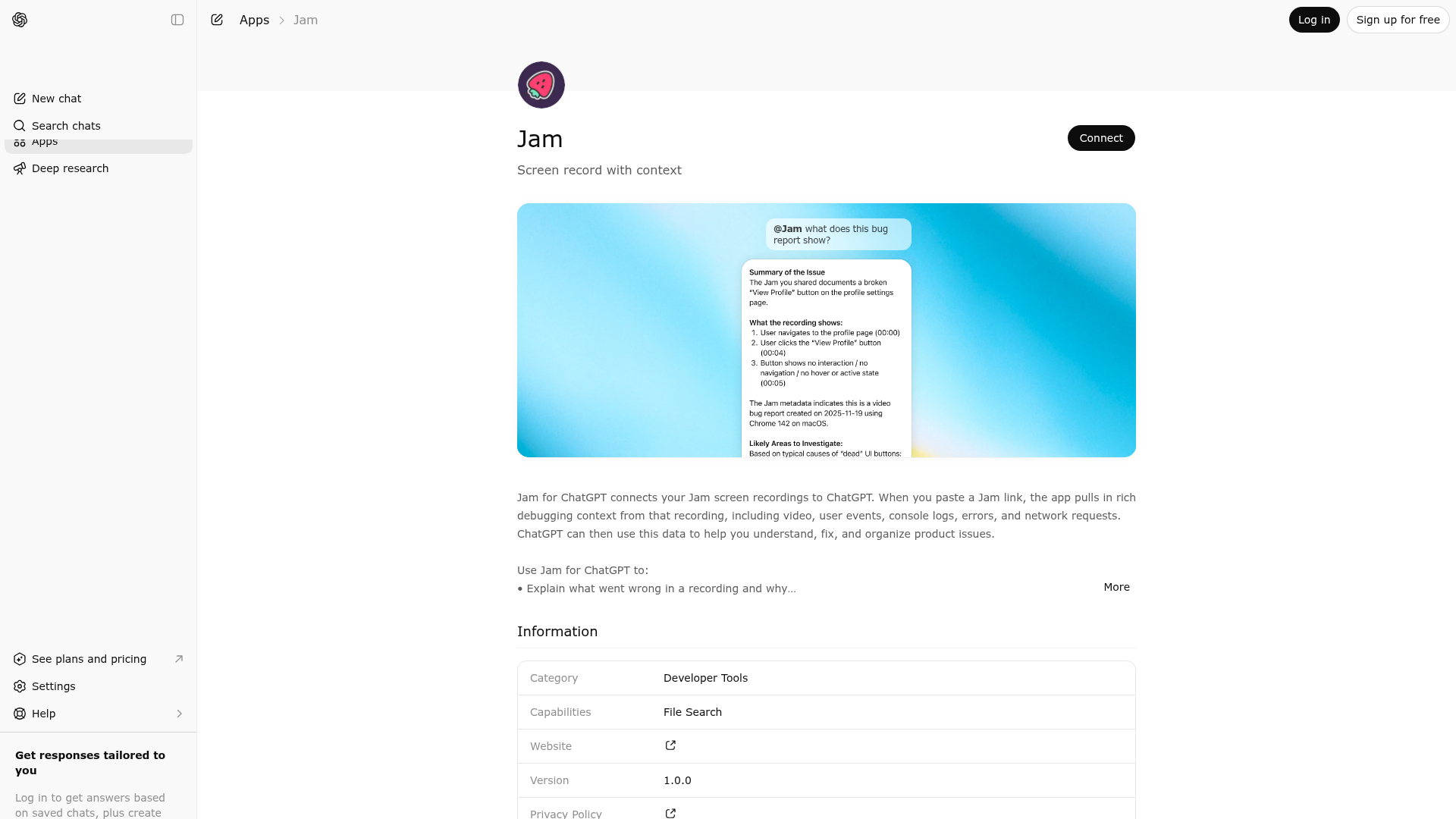
App Screenshots
Capabilities
No special capabilities listed
Publisher Intelligence
Insights and recommendations for app publishers. See how your app performs and how to improve discoverability.
Server Status
Server is not responding. Tool discovery is paused until health checks recover.
https://mcp.jam.dev/mcp Last checked: 17h ago
Technical Details
Authentication required
Tools(6)
Showing 6 of 6 tools
| Tool | Description | Flags | Test | Last Tested | |
|---|---|---|---|---|---|
analyzeVideo | No description provided | — | Not tested | — | — |
getConsoleLogs | No description provided | — | Not tested | — | — |
getDetails | No description provided | — | Not tested | — | — |
getNetworkRequests | No description provided | — | Not tested | — | — |
getScreenshot | No description provided | — | Not tested | — | — |
getUserEvents | No description provided | — | Not tested | — | — |
Keywords
Trigger Keywords (@mentions)
@jam Discoverability Score
Fair
57 of 100 — how easily AI agents find your app
- Description quality20/20
- Example prompts0/20
- Keyword coverage4/15
- Tool metadata10/20
- Visual assets13/20
- Endpoint health6/10
- Data freshness15/15
How to Improve
Add at least 2 example prompts. Prompt examples strongly improve app matching and click-through intent.
Increase keyword coverage (discovery + trigger) to improve retrieval for long-tail queries.
Improve MCP tool descriptions. Clear tool descriptions increase tool selection accuracy.
Add at least 2 screenshots that show real workflows to increase confidence and conversion.
Technical Details
- Status
- ENABLED
- Type
- AI-Powered App
- Auth
- Requires Login
- Listed on
- ChatGPT Claude
- Added
- August 28, 2025
- Last synced
- 3d ago
- Last checked
- 17h ago
- Distribution
- Ecosystem Directory