financial-services
AI App
Connected · 100% uptime
Aiwyn Tax (formerly Column Tax)
by Aiwyn, Inc. (Verified Partner)
Available on:
Claude
Description
Estimate your federal & state taxes with Aiwyn's tax engine
Website Preview
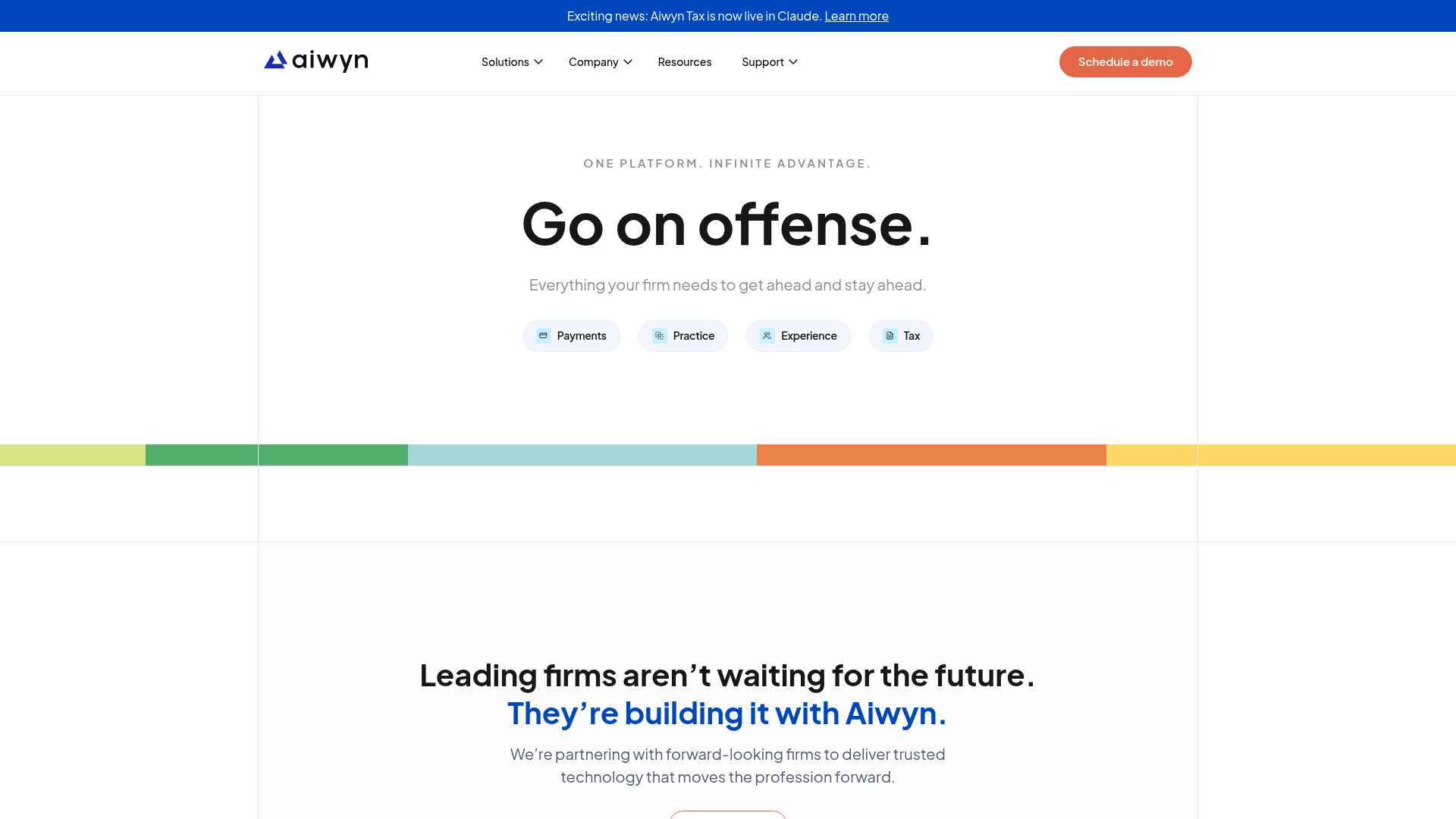
App Screenshots
Capabilities
No special capabilities listed
Publisher Intelligence
Insights and recommendations for app publishers. See how your app performs and how to improve discoverability.
Server Status aiwyn v1.0.0
Tools
Resources
Prompts
https://mcp.columnapi.com/mcp Last checked: 2d ago
Technical Details
Connection Latency 454ms
30-Day Uptime 100.0%
Tools(10)
Showing 10 of 10 tools
Sorted by toolName
| Tool | Description | Flags | Test | Last Tested | |
|---|---|---|---|---|---|
calculate_tax | Calculate a tax return for a given jurisdiction. The 'input' argument must conform to the JSON schema returned by the tax_namespace_schema tool. Returns computed tax return document on success, or validation errors if the input is invalid. If some inputs trigger a PARTIAL DISQUALIFICATION, the document is still returned for the supported fields; review the disqualification details and estimate the impact of the unsupported fields on the taxpayer's tax owed or refund due. Use the check_tax tool first to validate the input before calculating the tax return with this tool.IMPORTANT RULES: (1) All field values must be wrapped as {"value": <val>} — never pass bare values. (2) Currency amounts are whole-dollar integers (e.g. $19,312.42 = 19312). (3) Every item in an array namespace (NamespaceList) must have a "uuid" field with a valid UUIDv4 string. UUIDv4 format: xxxxxxxx-xxxx-4xxx-[89ab]xxx-xxxxxxxxxxxx — the 3rd group MUST start with '4' (version) and the 4th group MUST start with '8', '9', 'a', or 'b' (variant). NEVER construct UUIDs manually (e.g. 'B1111111-1111-1111-1111-111111111111' is invalid). Use a UUID generator; example valid value: 'a3b4c5d6-e7f8-4a9b-8c0d-1e2f3a4b5c6d'. (4) Nested arrays (e.g. w2_state_local_tax_grp inside a w2) also require a UUIDv4 on each item. (5) Use "who_applies_to" to cross-reference entries: {"value": "taxpayer"} for singletons, {"value": "<namespace>#<uuid>"} for array items (e.g. "dependent_detail#<uuid>"). Other named reference fields (e.g. "person" in qualifying_person_grp, "student" in student_educational_instn_grp) use the same "<namespace>#<uuid>" format. (6) For state returns with Extended Links (state namespace extending a federal NamespaceList), each extended link item must use a UUIDv5 generated from the source item's UUID (as the namespace) and the extended namespace name (as the name). Matching is UUID-based, not positional. The number of expected instances depends on the source formula — it is NOT always a 1:1 match with the federal list (e.g. CA Form 3853 ca_household_grp expects taxpayer + spouse + all dependents). Incorrect or random UUIDs cause SILENT DATA LOSS — the server drops unrecognized UUIDs and replaces them with empty instances. Use the generate_uuid_v5 tool with the source item's UUID as the source_uuid and the extended namespace name (e.g. "ca_provider", "ca_irsw2_g") as the namespace input.Example: generate_uuid_v5(source_uuid: w2_uuid, namespace: "ca_irsw2_g") for a CA W-2 extension.(7) return_header is top-level, NOT nested inside return_data. Use tax_simple_return first to see the full input structure and examples. When returning the tax calculation inform the user that I'm just a tax estimator, you should consult with a tax professional. | — | Not tested | — | |
check_tax | Check inputs to calculate a tax return for a given jurisdiction. The 'input' argument must conform to the JSON schema returned by the tax_namespace_schema tool. Returns 'Success' on success, or validation errors if the input is invalid. If some inputs trigger a PARTIAL DISQUALIFICATION, the check still succeeds but includes disqualification details — proceed to calculate_tax to get the document and estimate the impact. Use this tool to validate inputs before calculating the tax return. | — | Not tested | — | |
generate_tax_pdf_tool | Start async PDF generation for a tax return. The 'input' argument must conform to the JSON schema returned by the tax_namespace_schema tool. Returns a job ID to poll with get_tax_pdf.Use the check_tax tool first to validate the input before generating the tax PDF with this tool.The input follows the same rules as calculate_tax: all values wrapped as {"value": <val>}, array items require UUIDv4 fields (extended link items use UUIDv5), references use who_applies_to, and return_header is top-level (not inside return_data). Use tax_simple_return to see the full input structure. | — | Not tested | — | |
generate_uuid_v5 | Generate a UUID v5 based on a source uuid and namespace. | — | Not tested | — | |
get_tax_pdf_tool | Check status of a PDF generation job. Returns the status and a download URL when completed, only use this tool after generating the tax PDF with the generate_tax_pdf tool and it successfully returns a job ID. When returning the url of the PDF inform the user that I'm just a tax estimator, you should consult with a tax professional. | — | Not tested | — | |
tax_jurisdictions | List all supported tax jurisdictions for a given tax year. | — | Not tested | — | |
tax_namespace_schema | Get the TCB input schema for a single namespace (e.g. "irs1040", "irs1040_schedulec", "ca_form540"). Returns the properties and types for that namespace. HOW TO READ THE SCHEMA: (1) Each field references a type like tcb_string_null, tcb_integer_null, or tcb_boolean_null. All values must be wrapped as {"value": <val>}. (2) If the namespace title ends in '_list' (e.g. 'w2_list', 'dependent_detail_list'), it is a NamespaceList — an array of objects. Each array item MUST include a "uuid" field (non-null UUIDv4 string). (3) Reference fields link entries to other namespaces e.g. "person" in qualifying_person_grp, "student" in student_educational_instn_grp. All use the same format: {"value": "<namespace>#<uuid>"} (e.g. "dependent_detail#<uuid>"). (4) Nested arrays within a namespace (e.g. w2_state_local_tax_grp inside w2) also require uuid on each nested item. (5) Pattern-validated strings (e.g. SSNs, ZIPs, dates) have regex constraints in the schema $defs. SSNs/EINs: 9-digit string (no dashes). ZIPs: 5 or 9 digits. Dates: YYYY-MM-DD. | — | Not tested | — | |
tax_namespaces | List all available input namespaces for a given jurisdiction. Use the returned names with the tax_namespace_schema tool to get the schema for a specific namespace. Requires a jurisdiction (e.g. "us" for federal, "ca" for California). Use the tax_jurisdictions tool first to discover available jurisdictions. NAMESPACE NAMING CONVENTIONS: Federal namespaces: irs1040, irs1040_schedule1, irs8962, w2, dependent_detail, etc. State namespaces: always prefixed with the state abbreviation (ca_form540, ny_it201, az_form140). NAMESPACE TYPES: Some namespaces are singletons (object), others are NamespaceLists (array) that can hold multiple items — e.g. w2 (multiple W-2s), dependent_detail (multiple dependents), irs1040_schedulec (multiple businesses). NamespaceList items require UUIDv4 fields. State NamespaceLists may act as Extended Links that extend a federal NamespaceList (e.g. ca_provider extends care_provider_grp). Extended link items must use UUIDv5 (deterministic, derived from source item UUID as namespace + extended namespace name as name). Matching is UUID-based, not positional. Wrong UUIDs cause silent data loss.Use the generate_uuid_v5 tool with the source item's UUID as the source_uuid and the extended namespace name (e.g. "ca_provider", "ca_irsw2_g") as the namespace input.Example: generate_uuid_v5(source_uuid: w2_uuid, namespace: "ca_irsw2_g") for a CA W-2 extension. | — | Not tested | — | |
tax_simple_return | Call this FIRST when beginning any tax return. Returns the curated namespace list, top-level structure guide, example input, and step-by-step filing workflow. By default returns a simple scenario (single or MFJ filer, W-2 income only, standard deduction, no dependents). Pass scenario="with_dependents" for returns that include dependents, child care (Form 2441), and education credits (Form 8863). Optionally pass a state jurisdiction (e.g. "ca") to also include state-level namespaces — if you don't know which state applies, ask the user before calling. | — | Not tested | — | |
tax_years | List all supported tax years. | — | Not tested | — |
Discoverability Score
55
Fair
55 of 100 — how easily AI agents find your app
- Description quality8/20
- Example prompts0/20
- Keyword coverage0/15
- Tool metadata20/20
- Visual assets13/20
- Endpoint health10/10
- Data freshness15/15
How to Improve
Add at least 2 example prompts. Prompt examples strongly improve app matching and click-through intent.
Increase keyword coverage (discovery + trigger) to improve retrieval for long-tail queries.
Expand the app description to 80-160 chars with clear use-cases so ranking and matching quality improve.
Add at least 2 screenshots that show real workflows to increase confidence and conversion.
Technical Details
- Status
- ENABLED
- Type
- AI-Powered App
- Auth
- Open Access
- Listed on
- Claude
- Added
- March 22, 2026
- Last synced
- 3d ago
- Last checked
- 2d ago
- Version
- 1.0.0